 English
 Español
 Tiếng Việt
 Deutsch
 Français
 Português
 Polski
 Nederlands
 Italiano
 Svenska
 Norsk
 Dansk
 Suomi
 Čeština
 हिन्दी
 العربية
Dashboard
1 min di lettura
Come trovare i tuoi report
La pagina Reports ha quattro schede: Timesheet Report, Time Spent Outside Geofence Report, Missing Checkins Report e Tardy Report.
Passaggi
- 1
Apri il Menu a sinistra e clicca Reports.
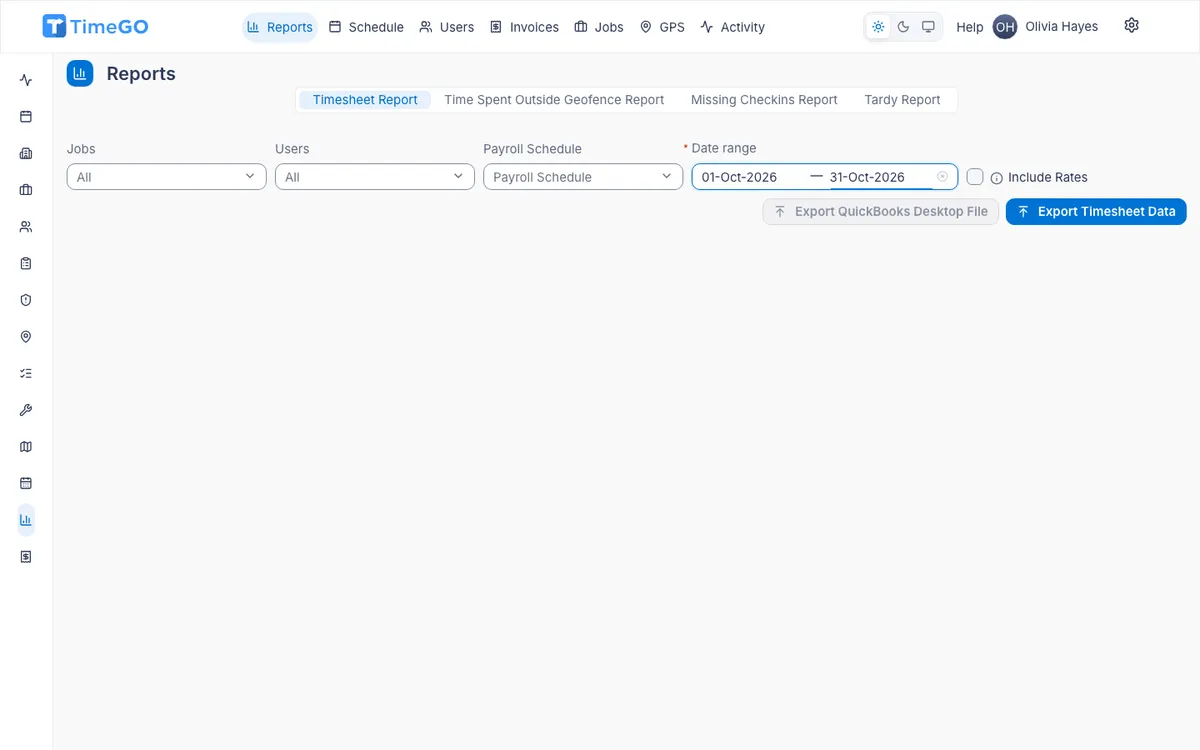
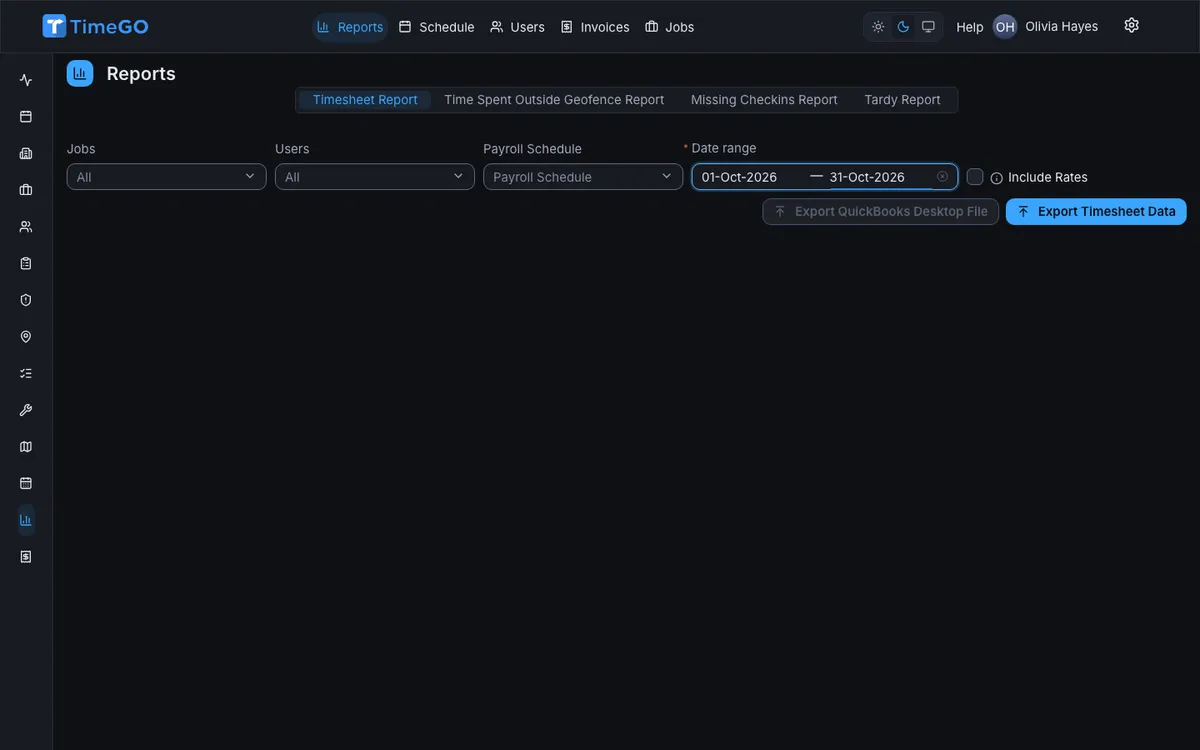
- 2
Clicca la scheda che ti serve: Timesheet Report per le ore, Time Spent Outside Geofence Report per il tempo fuori dal luogo di lavoro, Missing Checkins Report per le timbrature mancate, oppure Tardy Report per gli inizi in ritardo.
- 3
Imposta il Date range e gli altri filtri di quella scheda.

Da sapere
- Il Timesheet Report non ha una tabella nella pagina. Le sue ore escono da TimeGO con Export Timesheet Data (Excel) o Export QuickBooks Desktop File.
- I manager vedono solo gli utenti e i lavori che consentono i loro Manager Permissions.
Sulla funzione: Altro su Fogli ore e paghe