 English
 Español
 Tiếng Việt
 Deutsch
 Français
 Português
 Polski
 Nederlands
 Italiano
 Svenska
 Norsk
 Dansk
 Suomi
 Čeština
 हिन्दी
 العربية
Dashboard
1 min read
How to find your reports
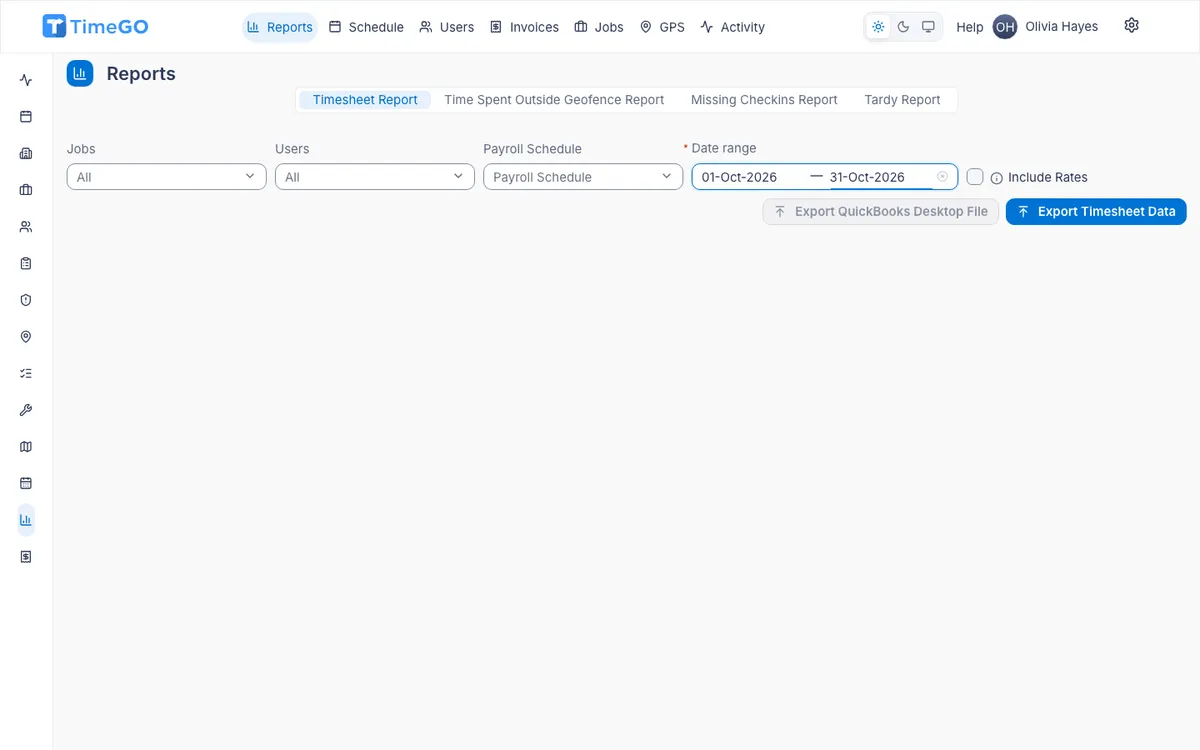
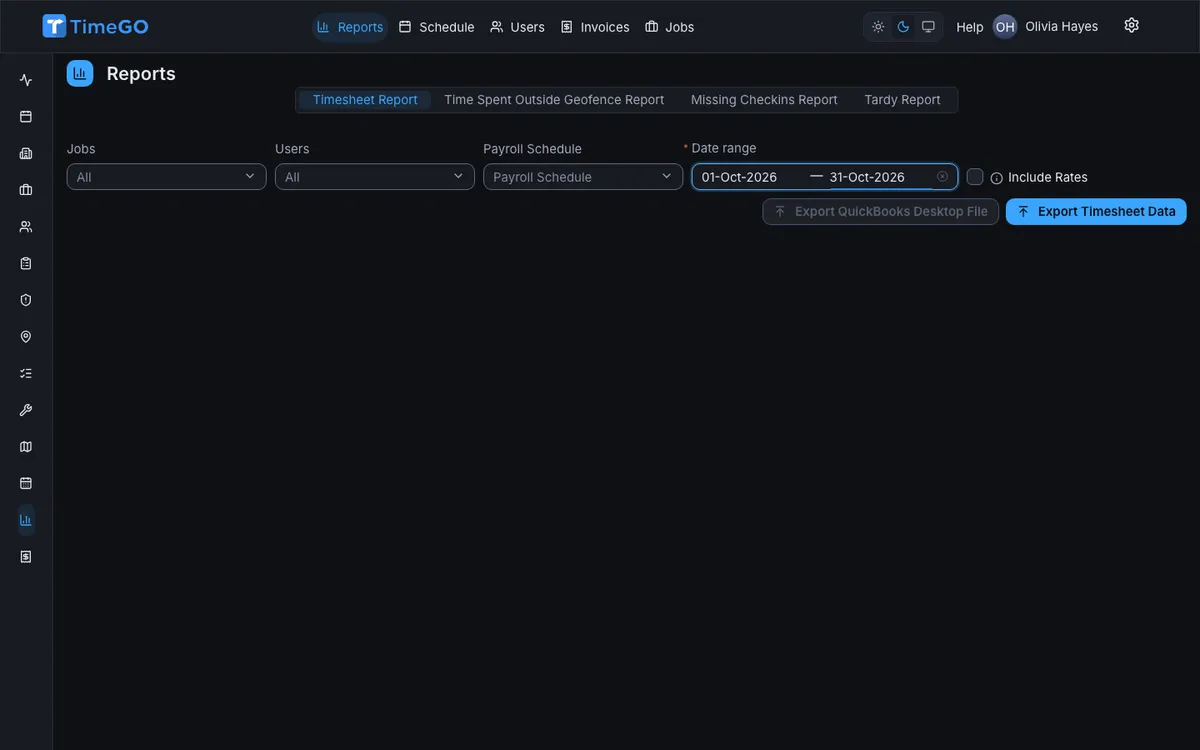
The Reports page has four tabs: Timesheet Report, Time Spent Outside Geofence Report, Missing Checkins Report and Tardy Report.
Steps
- 1
Open the Menu on the left and click Reports.
- 2
Click the tab you need: Timesheet Report for hours, Time Spent Outside Geofence Report for time away from the job site, Missing Checkins Report for missed check-ins, or Tardy Report for late starts.
- 3
Set the Date range and the other filters on that tab.

Good to know
- The Timesheet Report has no table on the page. Its hours leave TimeGO with Export Timesheet Data (Excel) or Export QuickBooks Desktop File.
- Managers see only the users and jobs their Manager Permissions allow.
About the feature: More about Timesheets and payroll