 English
 Español
 Tiếng Việt
 Deutsch
 Français
 Português
 Polski
 Nederlands
 Italiano
 Svenska
 Norsk
 Dansk
 Suomi
 Čeština
 हिन्दी
 العربية
2 min read
How to set job bill rates
On the Jobs page, open the Rates tab, click Add Rate, choose the job and the dates, enter the client billing rates and click Add.
Steps
- 1
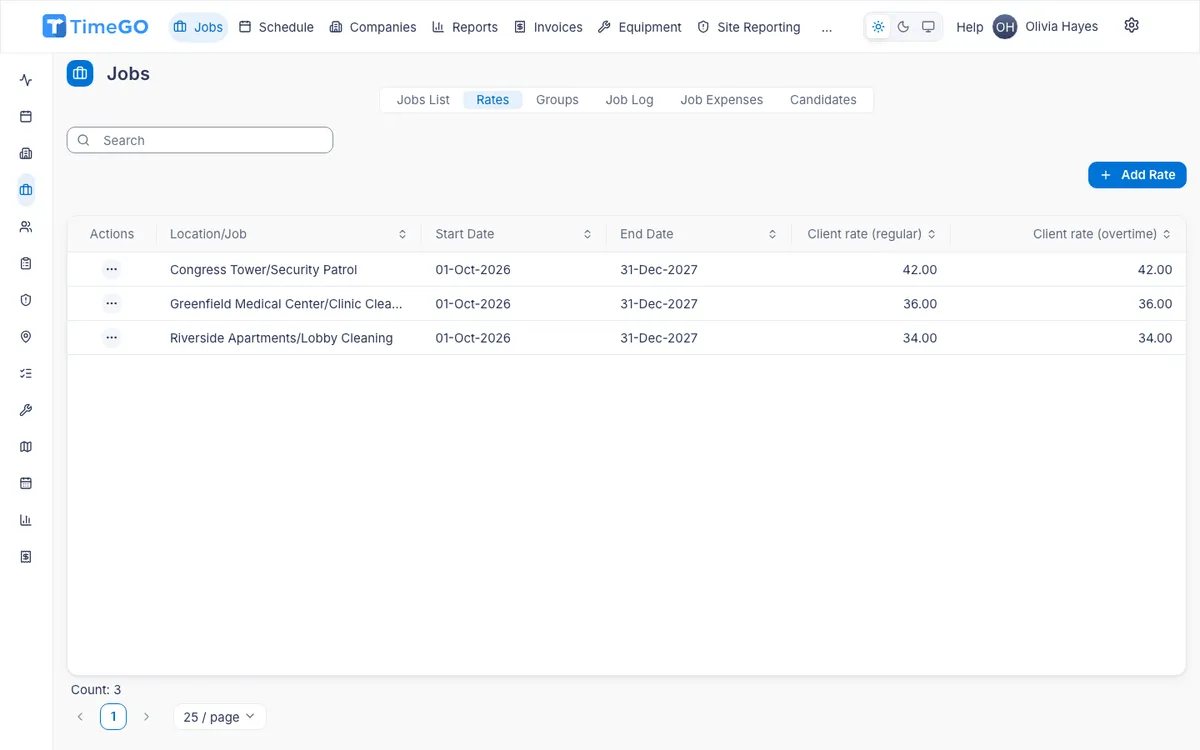
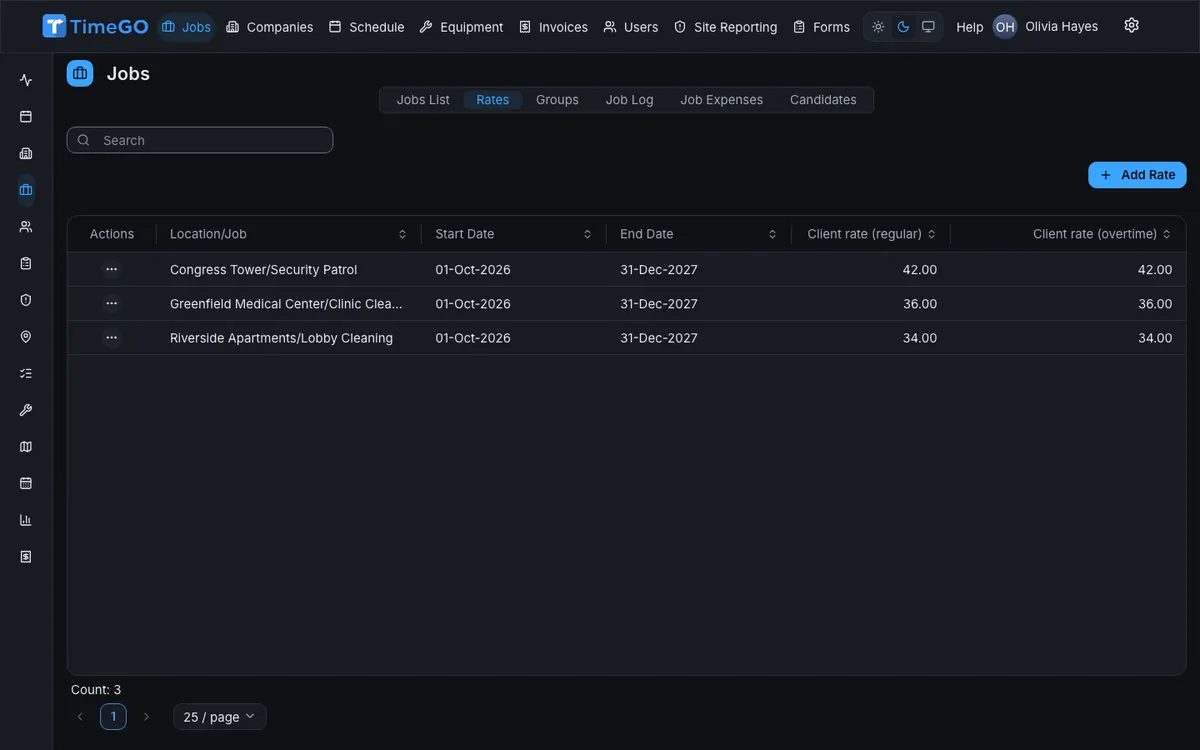
Open the Menu on the left and click Jobs, then open the Rates tab.
- 2
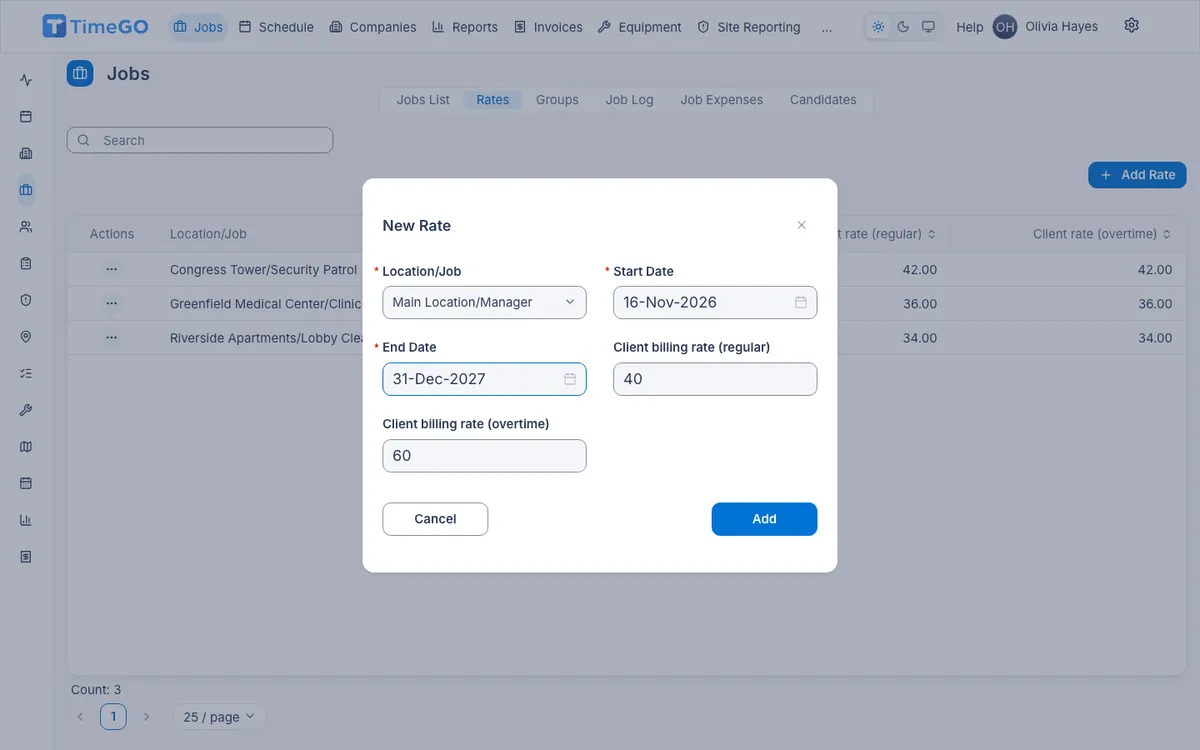
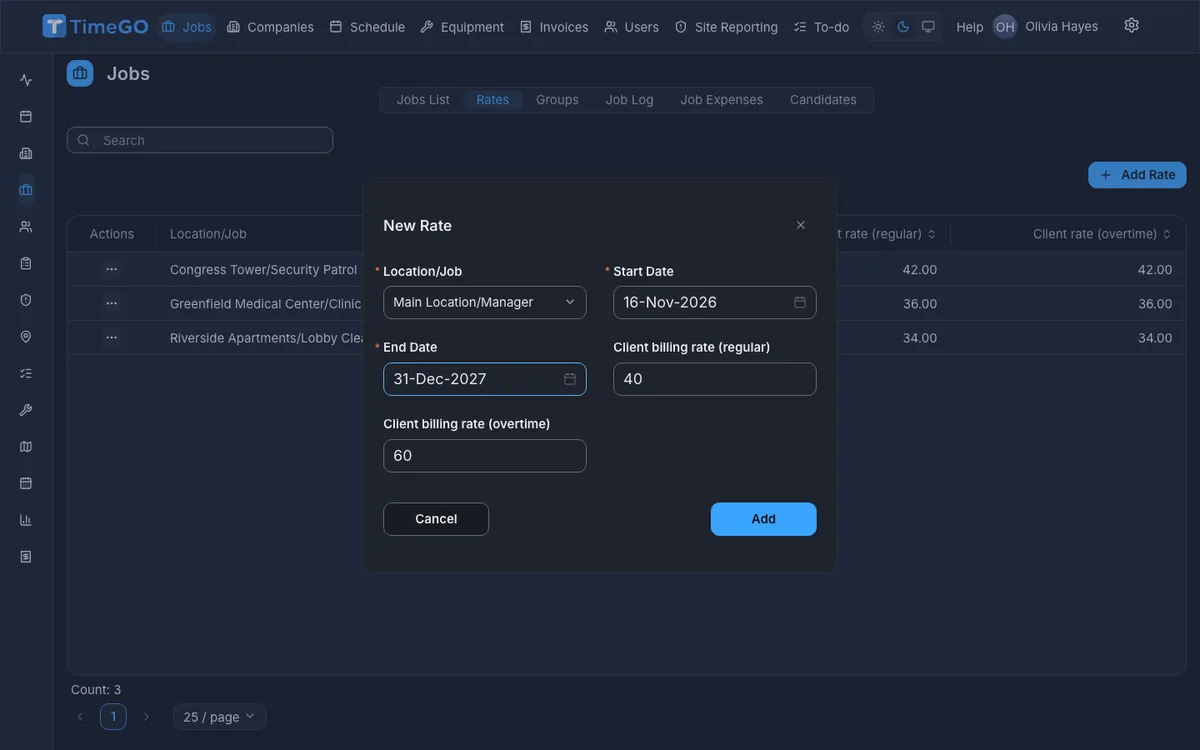
Click Add Rate, choose the Location/Job, then pick the Start Date and End Date. Both are required.
- 3
Enter the Client billing rate (regular). Enter the Client billing rate (overtime) too if your company tracks overtime.
- 4
Click Add.
- 5
To change or remove a rate later, open the menu in the Actions column of its row and click Edit Rate or Delete Rate.

If it does not work
These dates are already taken or dates overlapping
The new rate starts on or before the Start Date of the job's latest rate. Edited dates cannot overlap another rate of the job.
Date gap exists between new rate and previous rate
Rates for one job cannot leave days uncovered. Start the new rate the day after the previous rate ends.
Good to know
- The client billing rate does not change what employees are paid. A new rate that starts while the latest one is running ends it the day before.
- Invoice lines from tracked hours, and the Unbilled Revenue columns, use hours times the rate for the shift’s date, rounded to cents. A shift with no rate for its date is billed at 0.
- The overtime rate is used for a shift set to Bill Client at overtime rate for this shift, for holiday hours, and, with the job’s Bill client at overtime rate? on, for hours above the weekly overtime limit. With that setting off, those hours are billed at the regular rate.
About the feature: More about Invoices