How do I make sure cleaners clock in at the building?
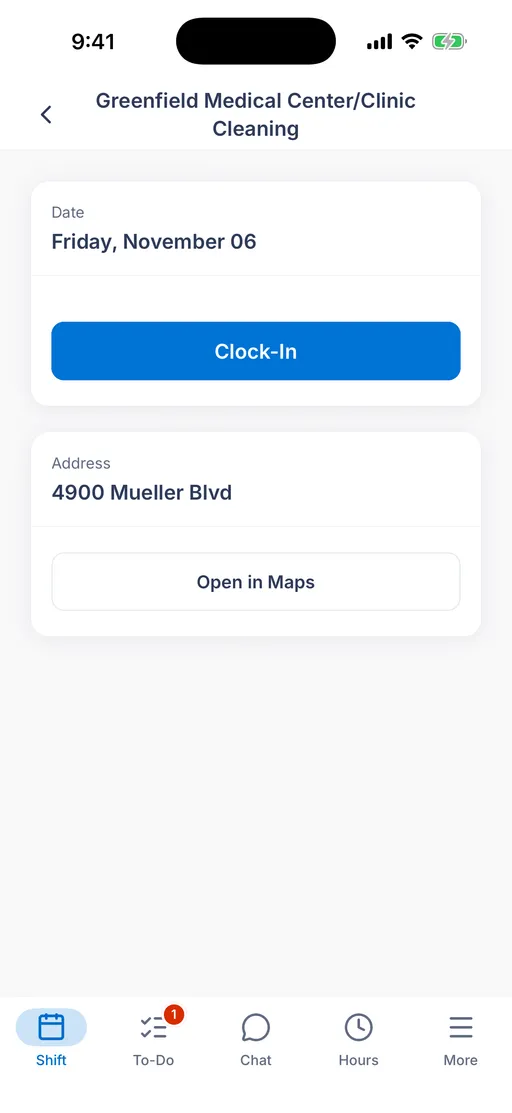
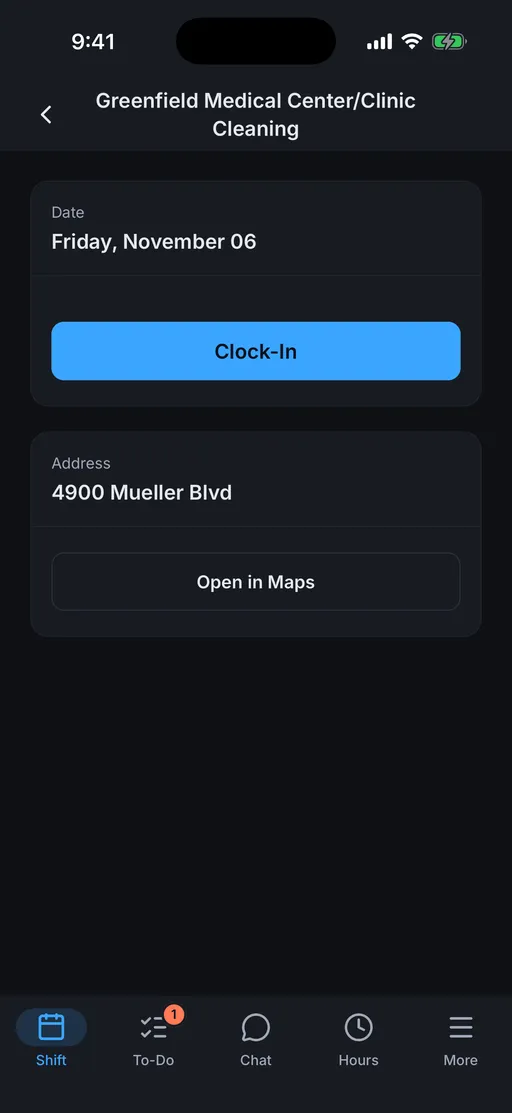
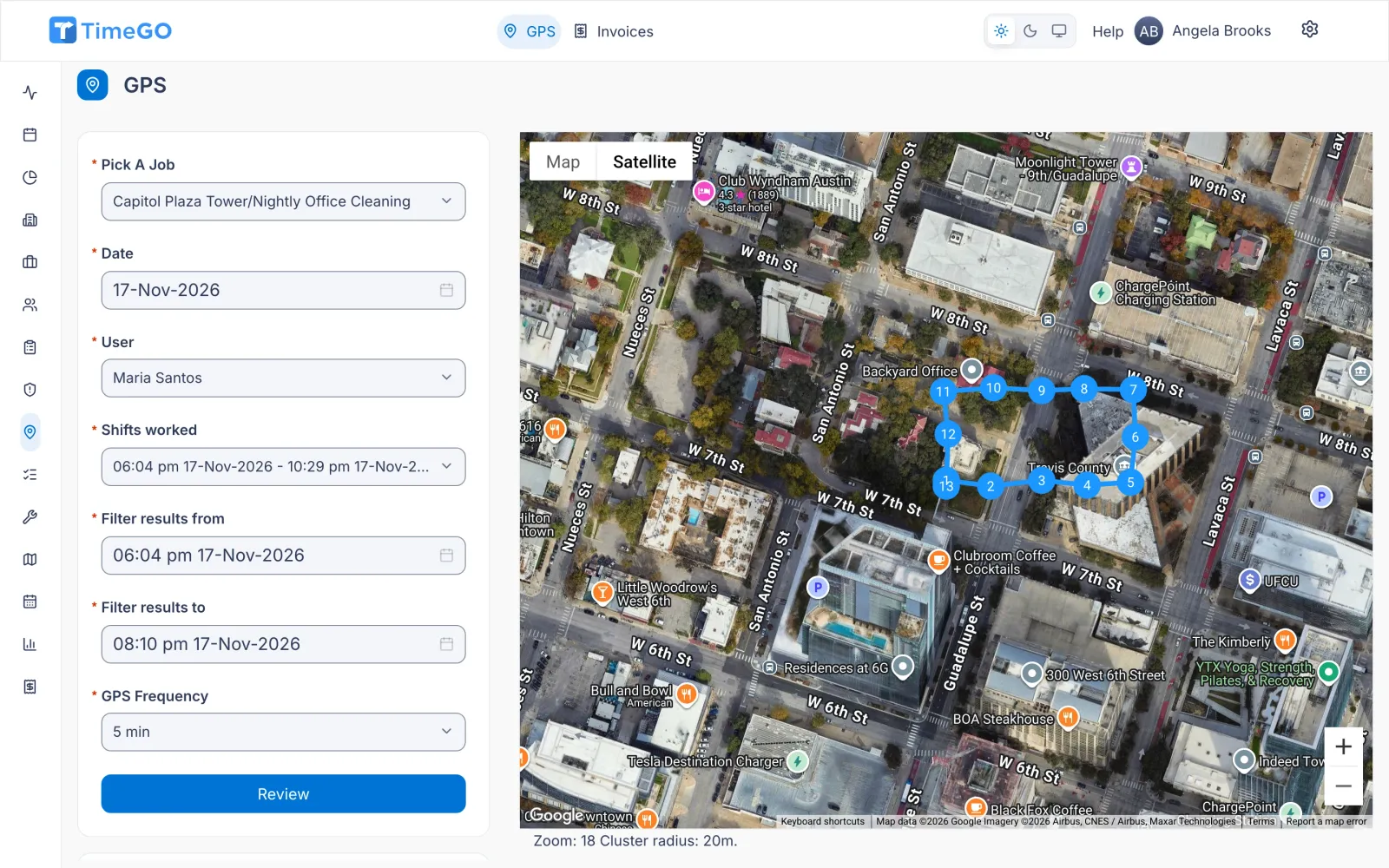
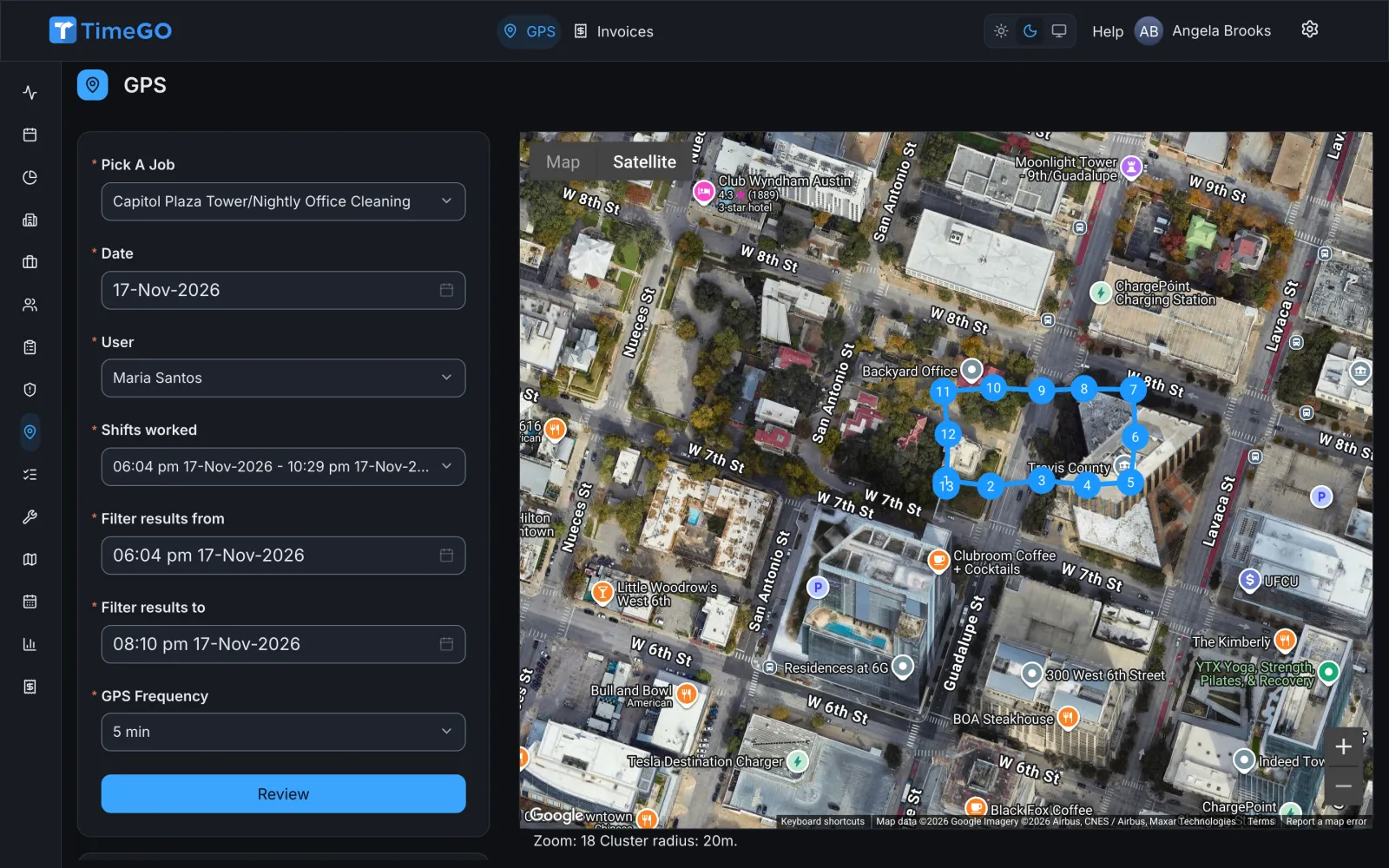
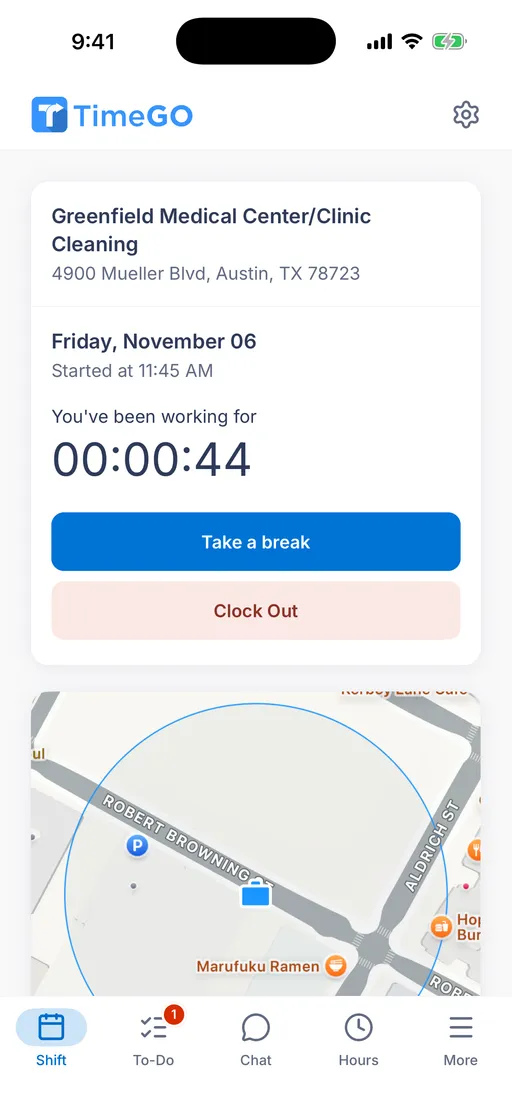
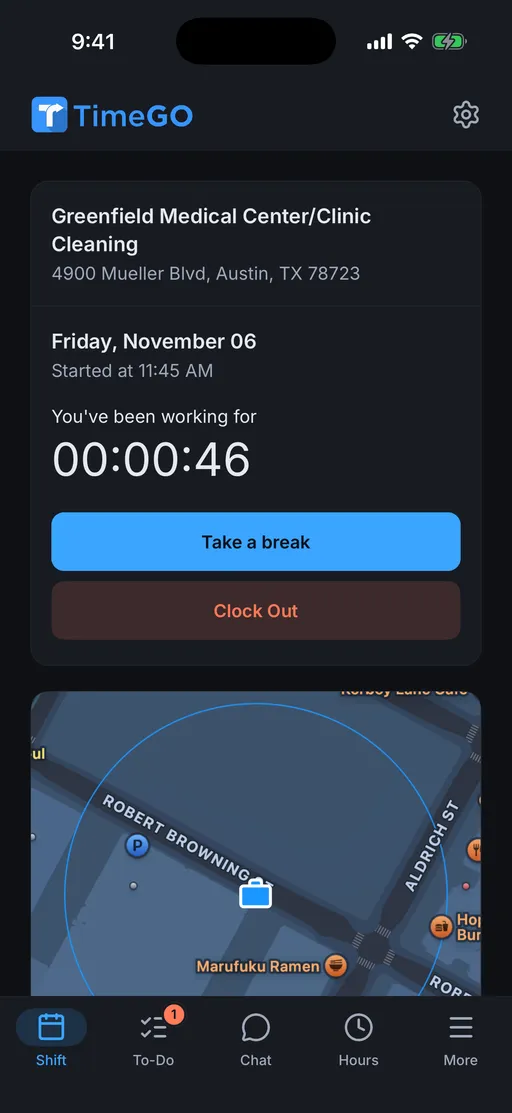
Set up each account as a job and draw a geofence around the building. With Prevent clocking in while outside Geofence on for that job, a cleaner standing outside the building cannot clock in. If no cleaner has clocked in one minute after the shift start, the Activity page shows a missed clock-in alert. The Time Spent Outside Geofence Report then shows how much time cleaners spent beyond the building's circle.
Can I schedule many accounts in one place?
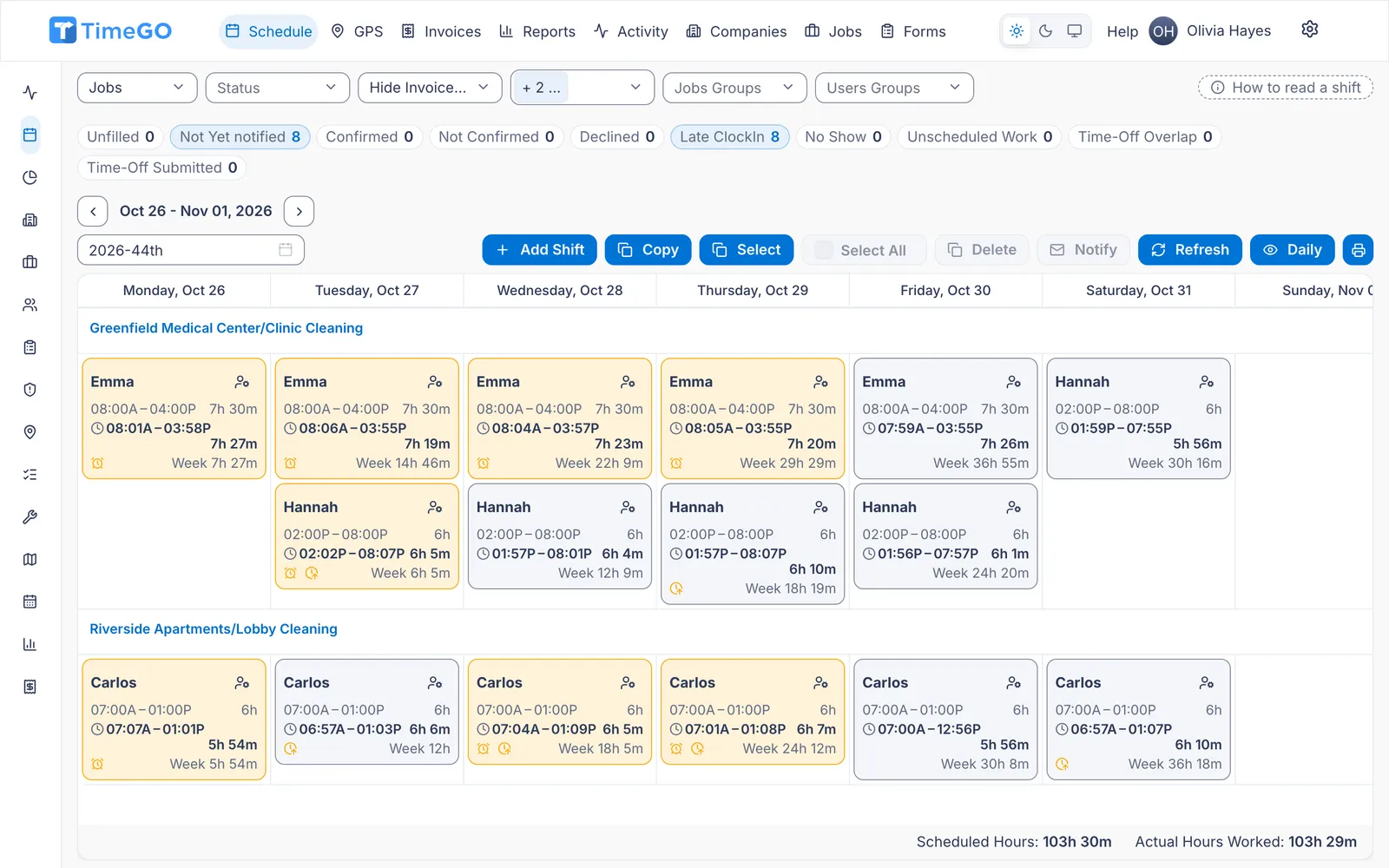
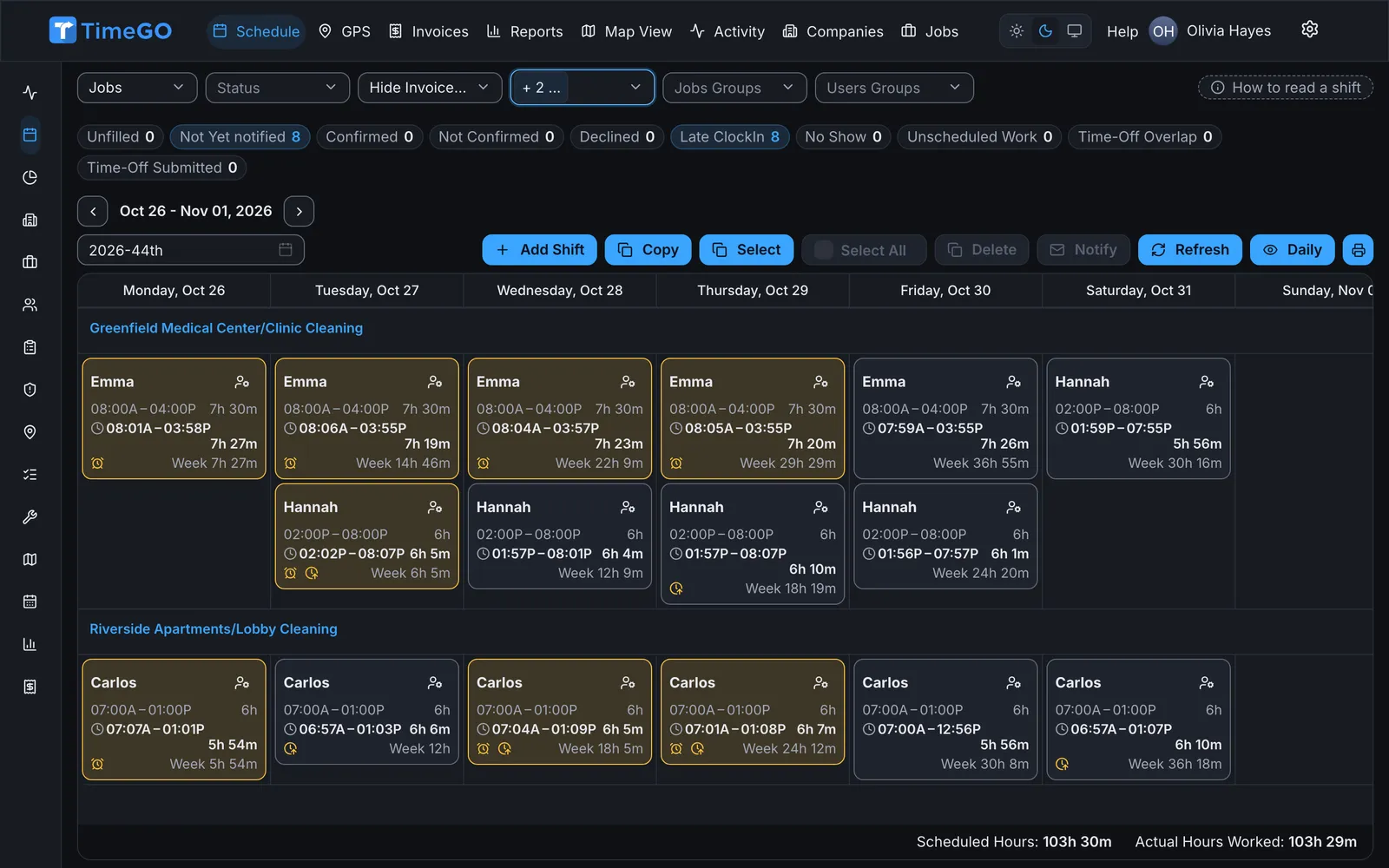
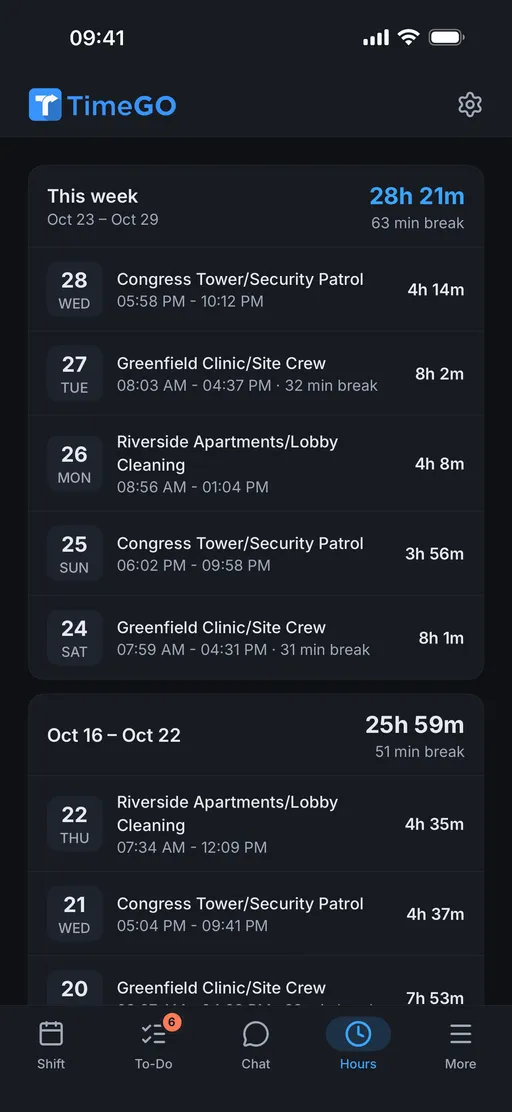
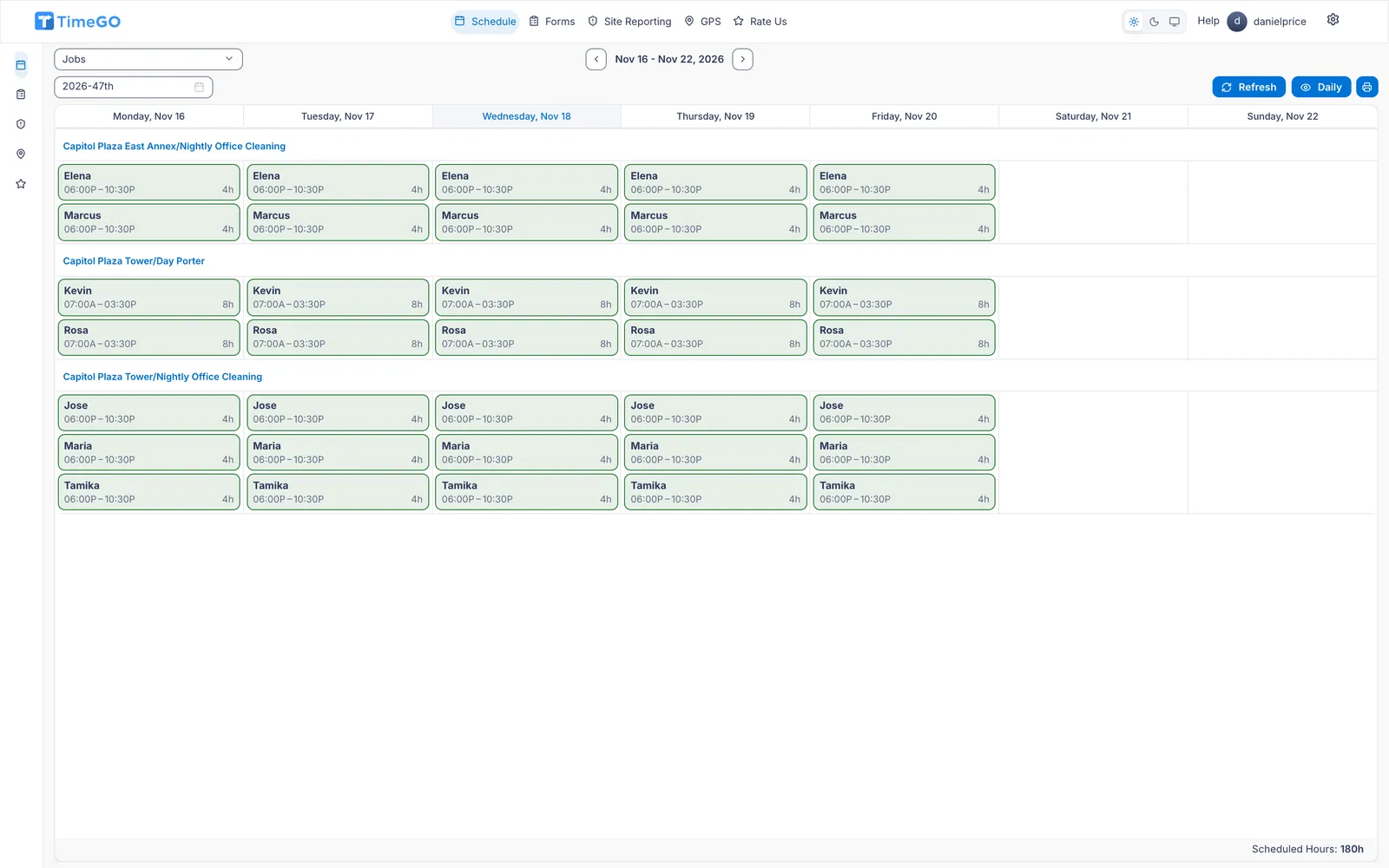
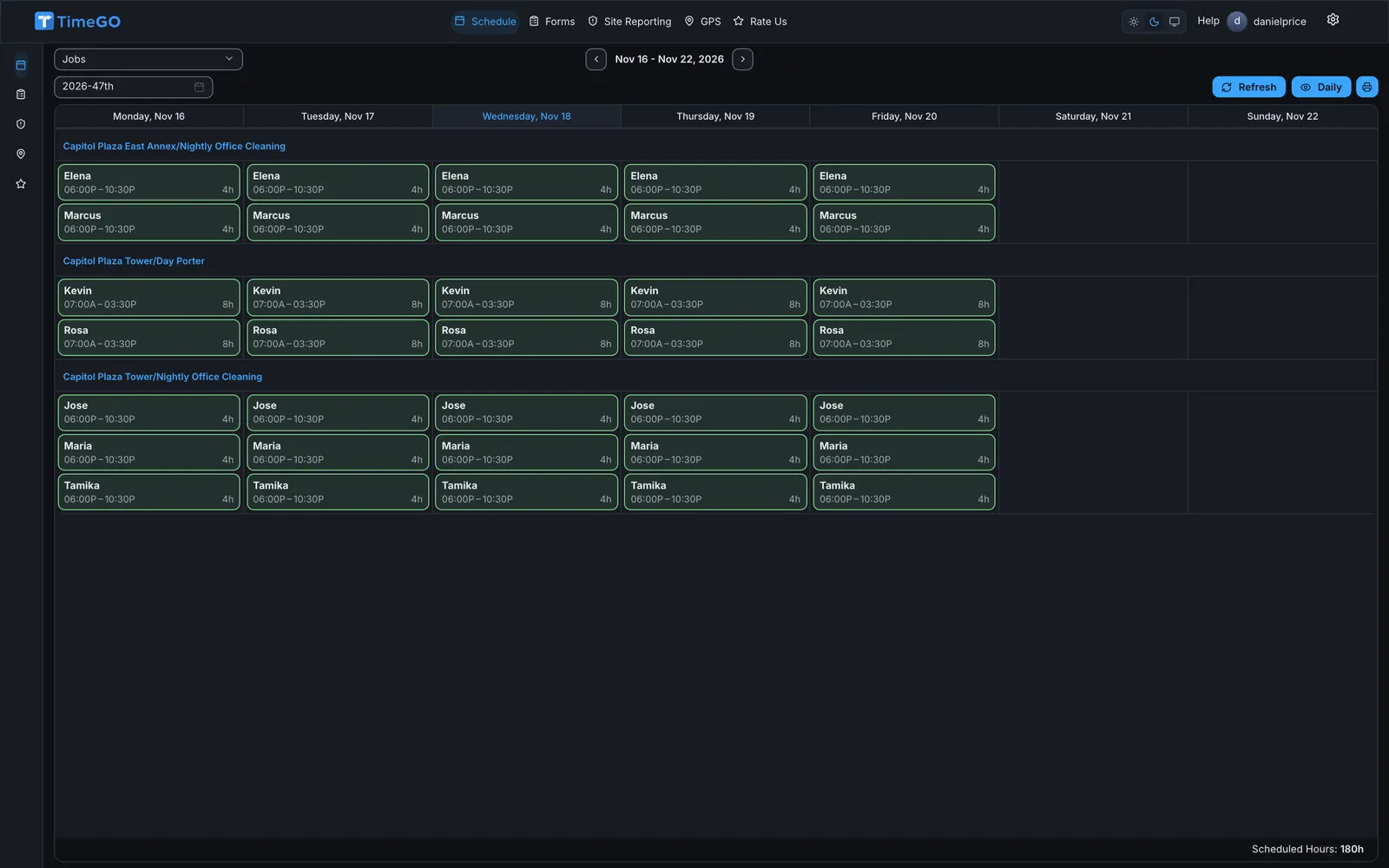
Yes. Every shift for every account goes on one schedule in the dashboard, with the hours worked next to the planned hours. A cleaner sees a shift in the app after you send it with Notify, then confirms or declines changes. A supervisor's view can be cut down by location, position or group.
How do I show the client the work was done?
Put a QR code or an NFC tag on each floor or restroom. The cleaner scans it with the phone, and every scan keeps its time. The crew lead then sends your inspection form with photos. You can give the client a login to see the scans and the form results, and you choose which of them it sees.
Can supervisors run inspections with photos on the phone?
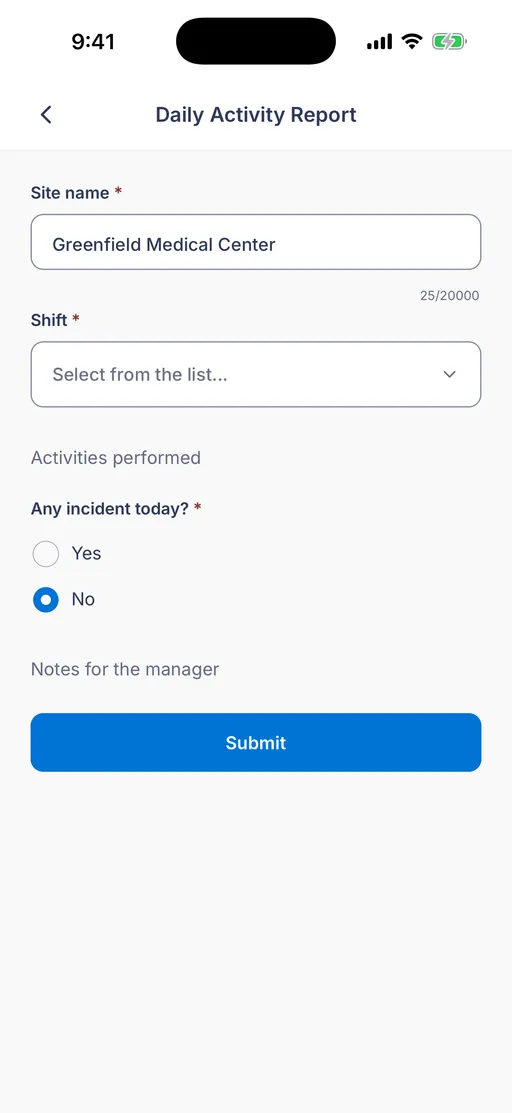
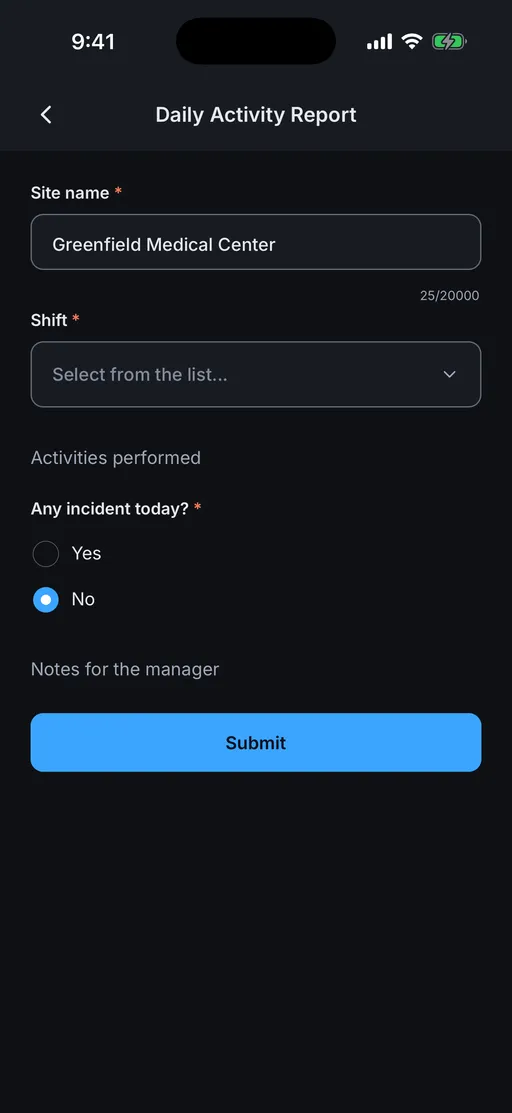
Yes. Build the inspection form once in the form builder, with photo uploads and a signature. A crew lead or supervisor fills it in on the phone, and you read every result in the dashboard. Submissions are not capped.
Can I send cleaner hours to QuickBooks?
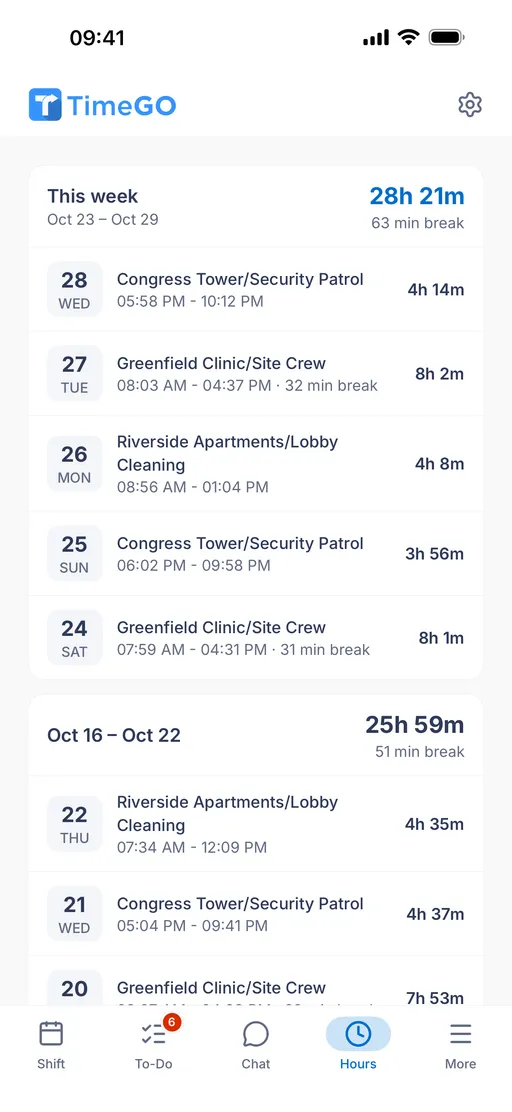
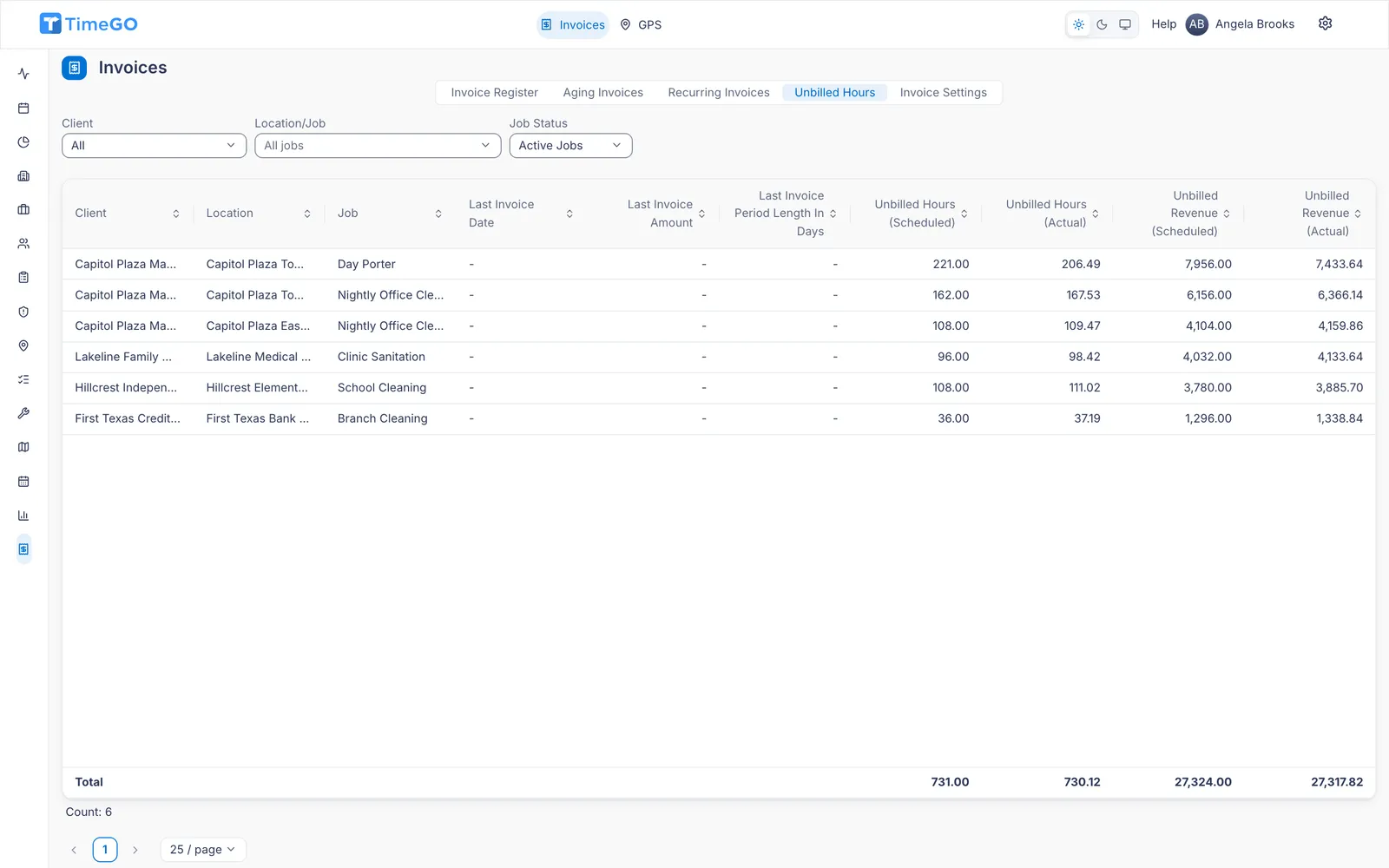
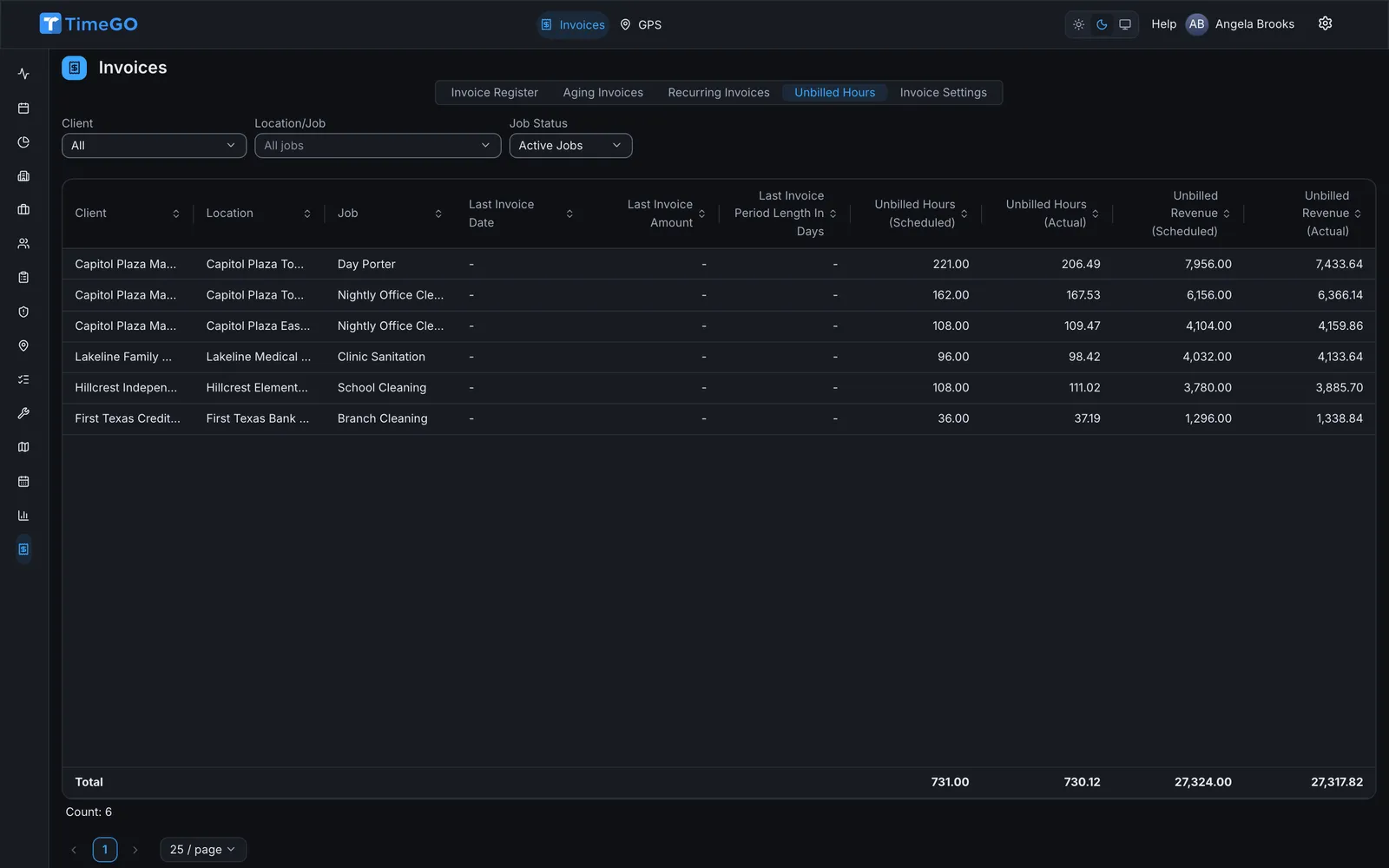
Yes. Pick Excel or a QuickBooks Desktop (IIF) file when you export a pay period. On the Pro plan you can also connect QuickBooks Online or Xero on the Integrations page and sync employees and hours. Invoices draw on the same tracked hours. Email each one to the client as a PDF.
Can cleaners who speak Spanish use the app?
Yes. Cleaners who read Spanish can run the app in Spanish, and a supervisor can use the dashboard in Spanish too. Vietnamese and English are available as well. More languages arrive in the next app release.
Can a cleaner clock in and scan in a basement or garage?
Yes. With no signal the phone keeps the clock-ins, clock-outs, GPS points and scans, and sends them once it is online again.
Can one client's login open another client's buildings?
No. A client login shows only that client's locations, and you pick which locations each login may see. For each login you pick which of form results, checkpoint scans and GPS tracking it shows. The login has no access to invoices, reports, to-dos or time-off requests.
What do my cleaners need?
Each cleaner needs an iPhone or Android phone with the TimeGO app. For floor scans you print QR codes from the dashboard or put NFC tags on the floors. Owners and supervisors work in the web dashboard.
Who sets it up?
We help set up TimeGO and load your data. Send us your list of clients and buildings and we start from there.
Does TimeGO replace my bidding or inspection scoring software?
No. TimeGO does not bid jobs or score inspections. It covers the schedule, GPS clock-in, floor scans, forms, timesheets and invoices.
Is TimeGO for residential maid services?
TimeGO is built for crews who work shifts at client sites, such as offices, clinics and schools. A maid service with a team of cleaners can use the schedule, GPS clock-in, forms and timesheets. If most of your work is one-time home bookings, ask us on a call whether it fits.
 English
 Español
 Tiếng Việt
 Deutsch
 Français
 Português
 Polski
 Nederlands
 Italiano
 Svenska
 Norsk
 Dansk
 Suomi
 Čeština
 हिन्दी
 العربية