Do my cooks and servers need their own phone?
Yes. Everyone needs the TimeGO app on an iPhone or Android phone of their own. Clock-in, the lists, the schedule and their hours are all in that app. Owners and managers log in to the web dashboard in the office.
Can I make a closing list that repeats every day?
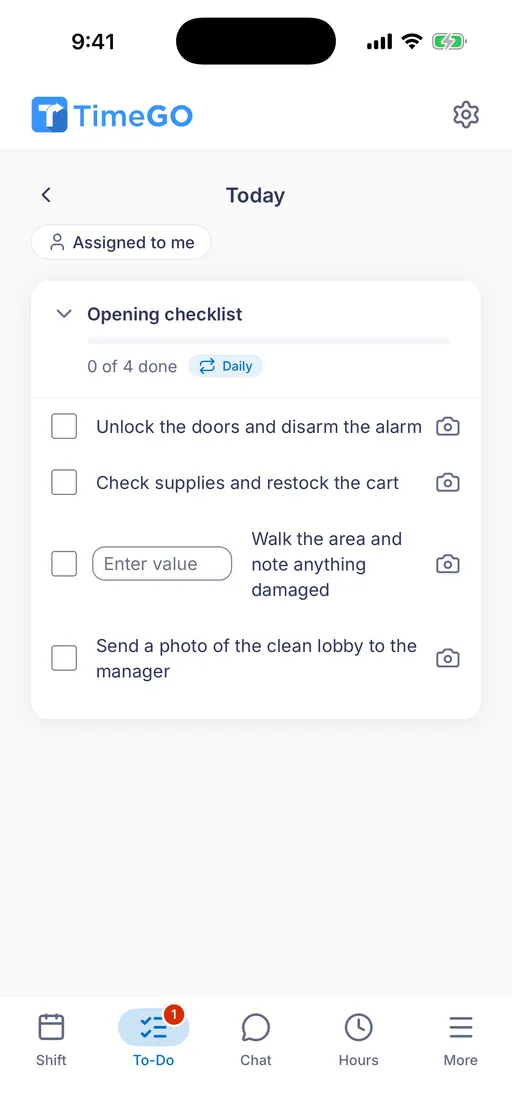
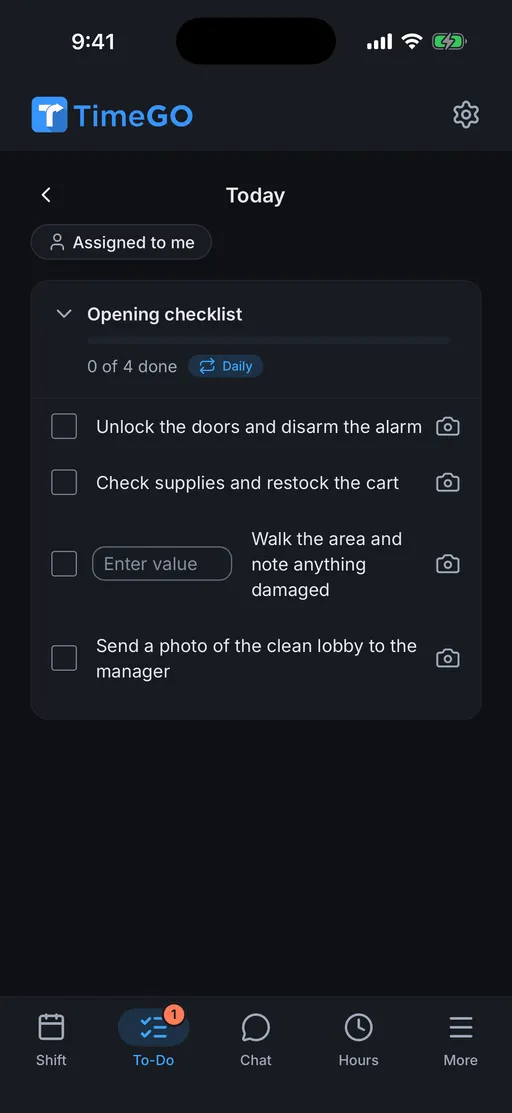
Yes. A list can repeat daily, weekly on a chosen day or monthly on a chosen date. At midnight in your company's time zone the ticks clear and the tasks stay. You can send it to a kitchen or floor group, or give each person a copy.
Can I see who ticked a task and when?
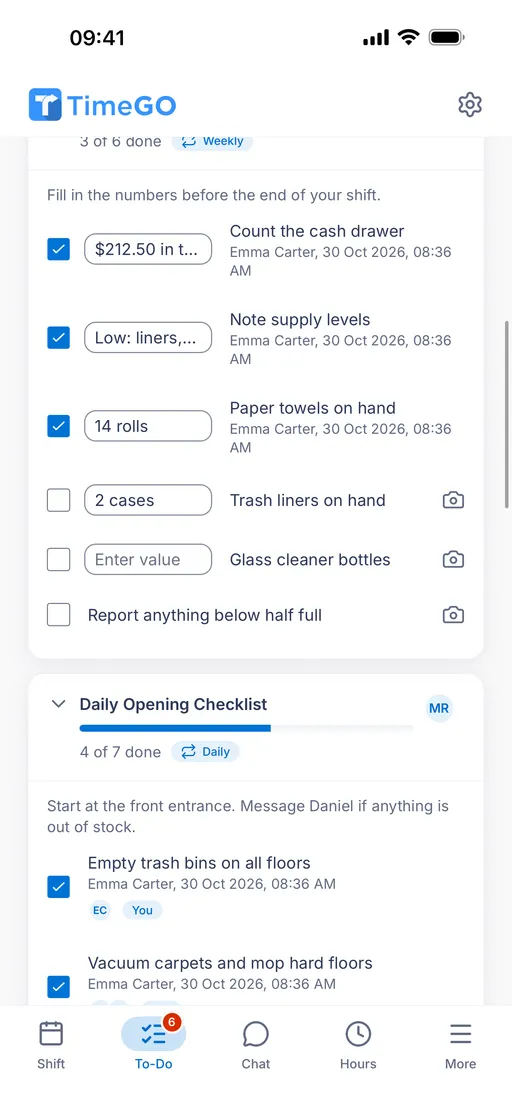
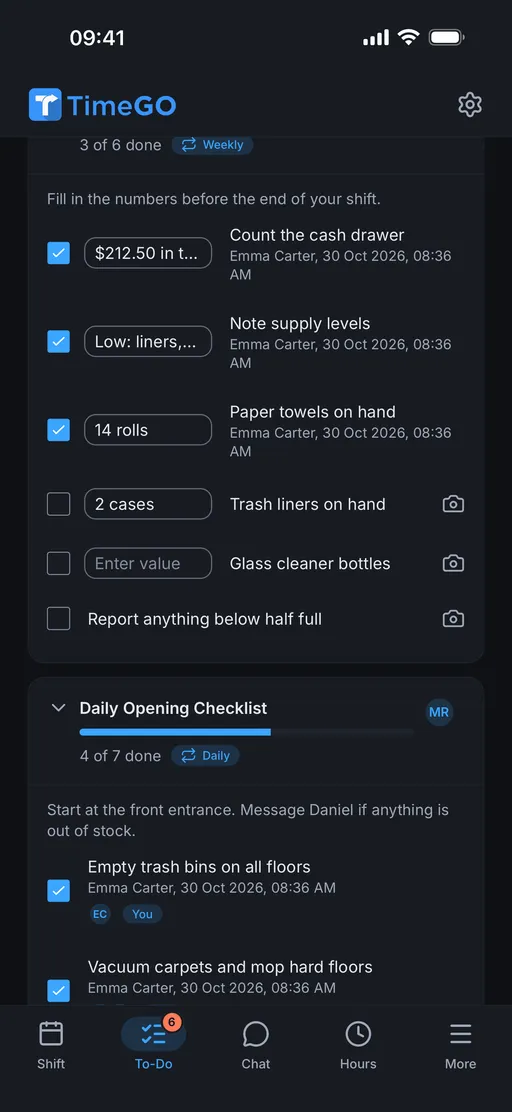
Yes. A ticked task keeps the name of the person and the time. Staff can add a short note or a photo when they tick.
Can the opener see yesterday's close?
Yes. Earlier days stay in the app, read-only, and you move between them with the arrows next to the date. A manager can correct a past tick in the dashboard with a reason that is recorded.
Can I log fridge temperatures?
Yes, as a value on a task. Turn on Textbox for the task and the person types the reading, up to 30 characters. TimeGO does not read sensors and does not alert on a reading.
How can I tell my staff are at the restaurant when they clock in?
Give the restaurant a geofence, and cooks clock in with their phone's GPS. Turn on Prevent clocking in while outside Geofence for the job, and anyone trying to clock in away from the restaurant is turned away. After the shift, open the Time Spent Outside Geofence Report to see time staff spent outside it.
What if a cook has no signal in the prep kitchen?
The clock-in stays on the phone with the time it happened and is sent once the phone is online. Clock-out and GPS points work the same way.
Can I send hours to payroll?
Yes. Each shift lands in the timesheet, grouped by payroll period, and you export the hours to Excel or a QuickBooks Desktop file. To sync hours with QuickBooks Online or Xero you need the Pro plan.
Can my Spanish-speaking staff use the app in Spanish?
Yes. Cooks and servers can set the app to Spanish, and the dashboard can be used in Spanish too. The app also runs in English and Vietnamese, and the next release adds more languages.
Does TimeGO replace my POS?
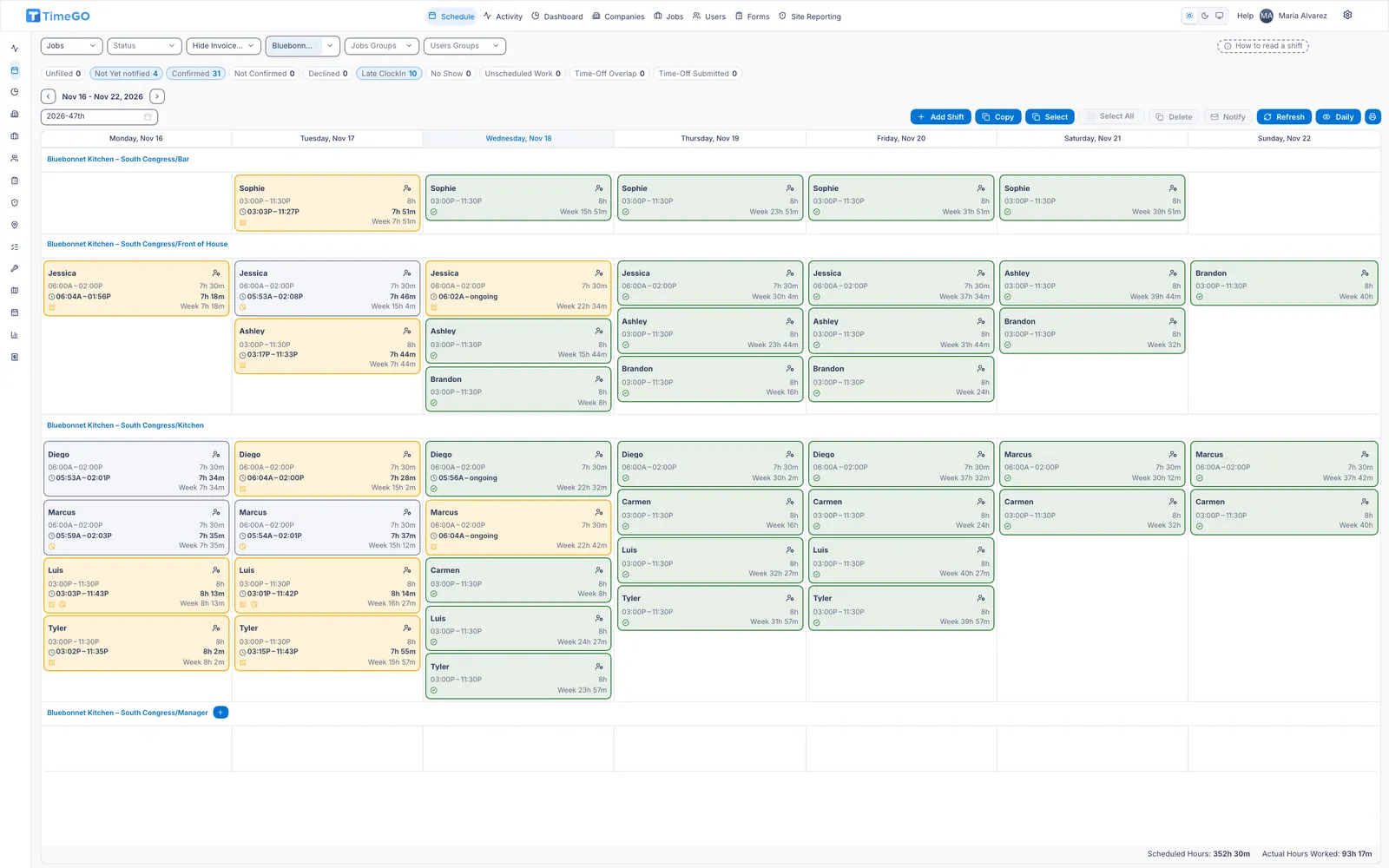
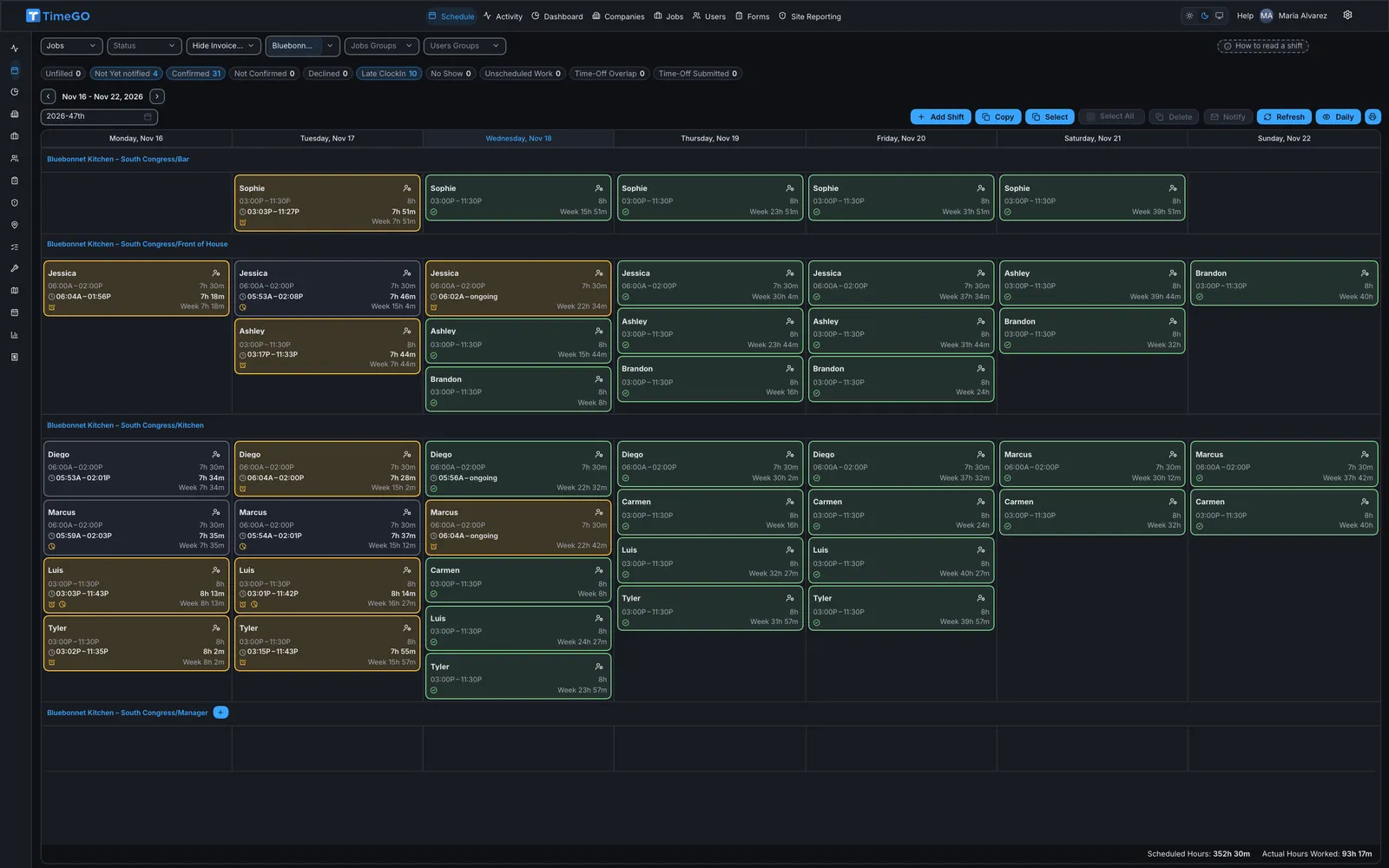
No. TimeGO does not replace your POS and has no sales, tips or forecasts. It covers the opening and closing lists, the time clock, a weekly schedule that staff confirm in the app, and the timesheets.
Can I run more than one restaurant?
Yes. Add each restaurant as a location with its own geofence. Each manager sees only the locations, positions or groups you permit, and Map View shows who is clocked in across them.
Can I keep a daily manager log in the app?
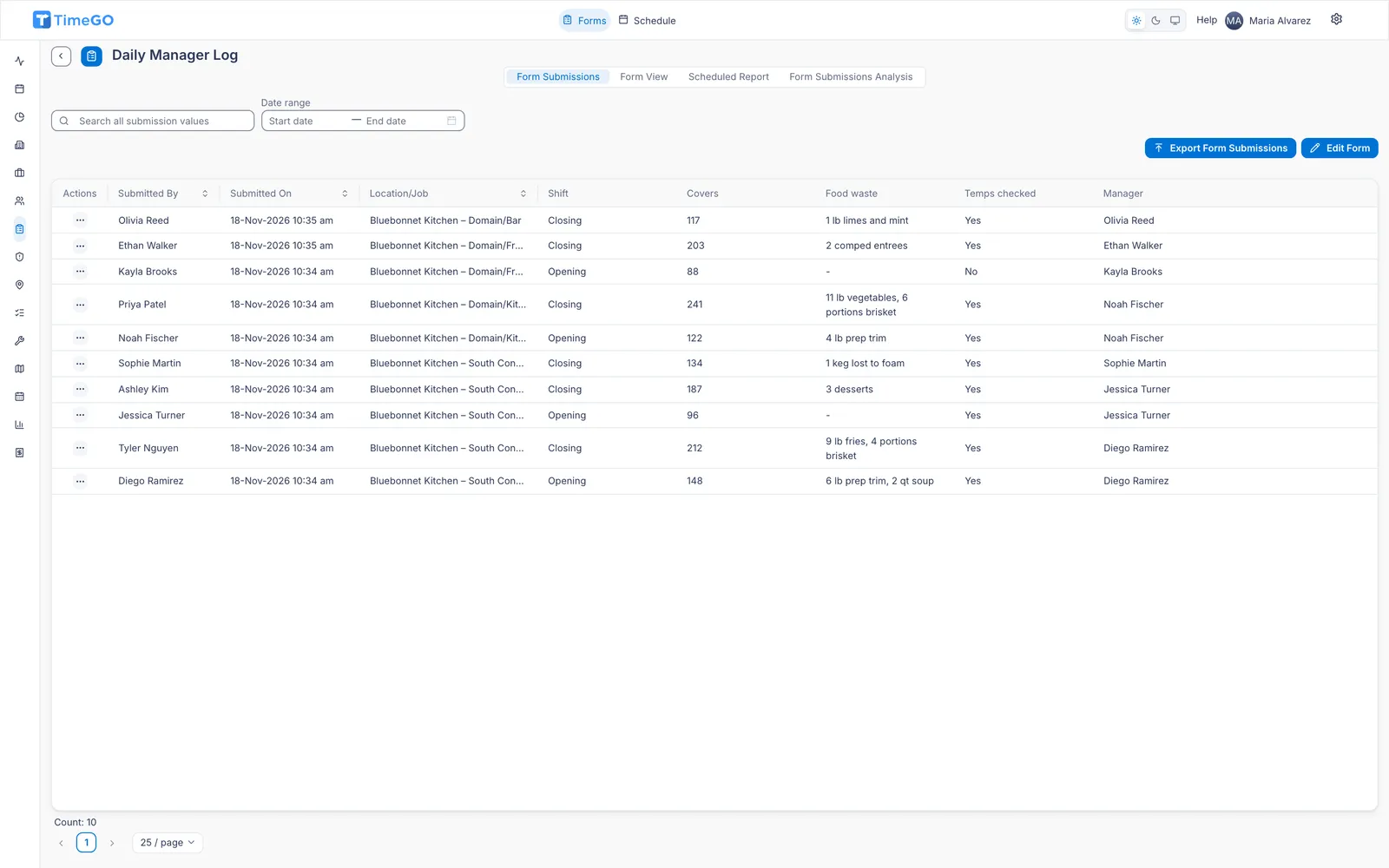
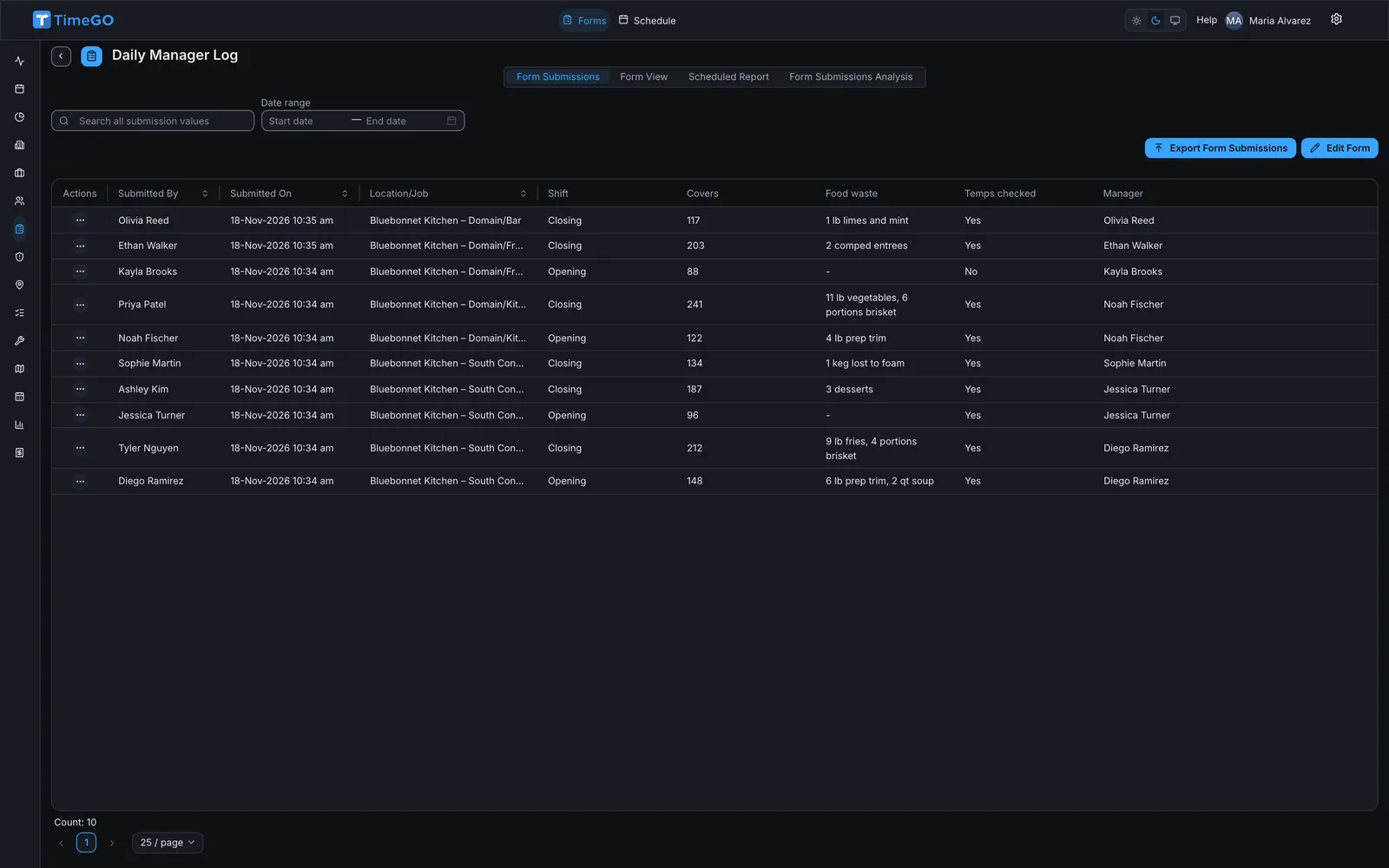
Yes. Build the log as a form with your own fields, and the manager fills it in on the phone at close, with photos or a signature if you want. You read each log in the dashboard, and the number of submissions has no cap.
 English
 Español
 Tiếng Việt
 Deutsch
 Français
 Português
 Polski
 Nederlands
 Italiano
 Svenska
 Norsk
 Dansk
 Suomi
 Čeština
 हिन्दी
 العربية