 English
 Español
 Tiếng Việt
 Deutsch
 Français
 Português
 Polski
 Nederlands
 Italiano
 Svenska
 Norsk
 Dansk
 Suomi
 Čeština
 हिन्दी
 العربية
Employee records, documents and expiry reminders
Keep each employee's records and documents in TimeGO, with an expiry date on each license and certificate.

What it does
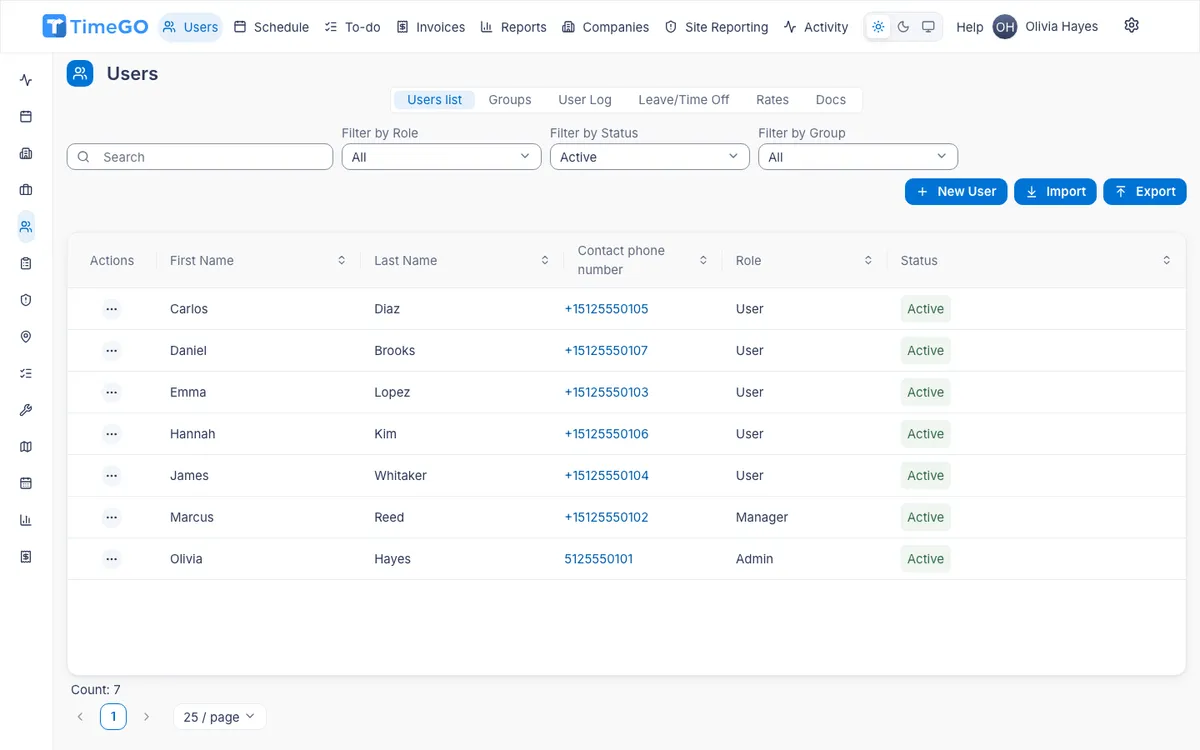
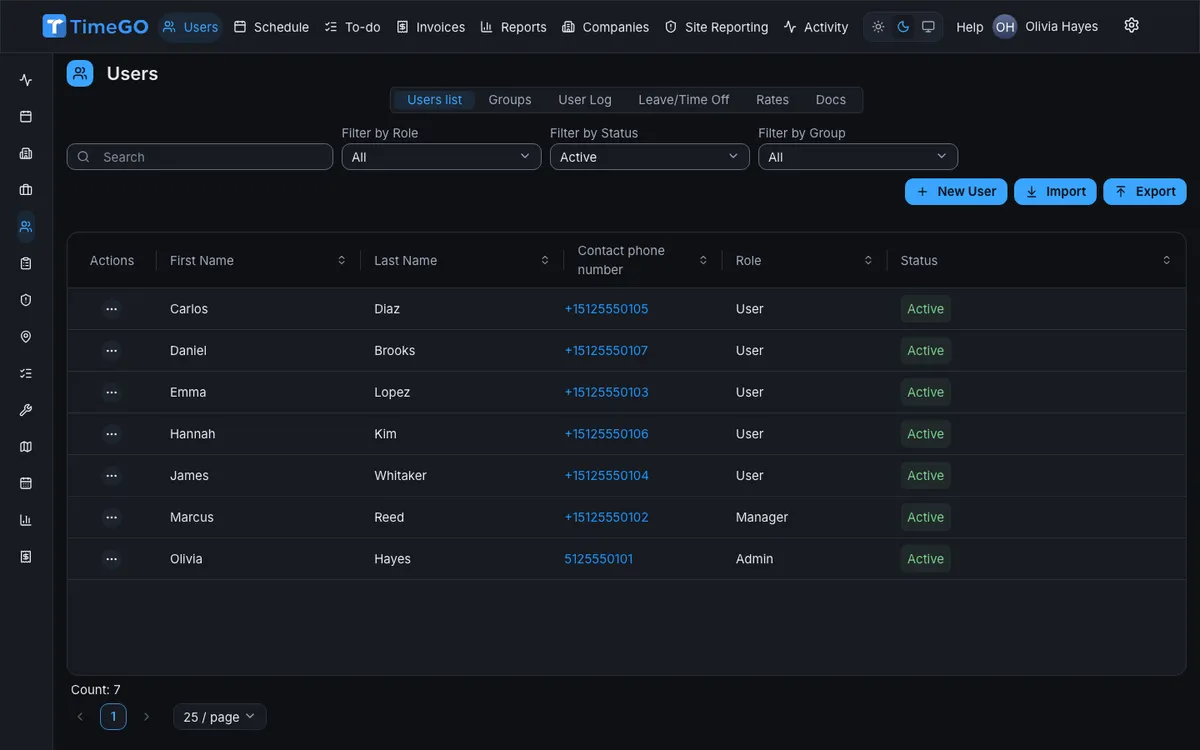
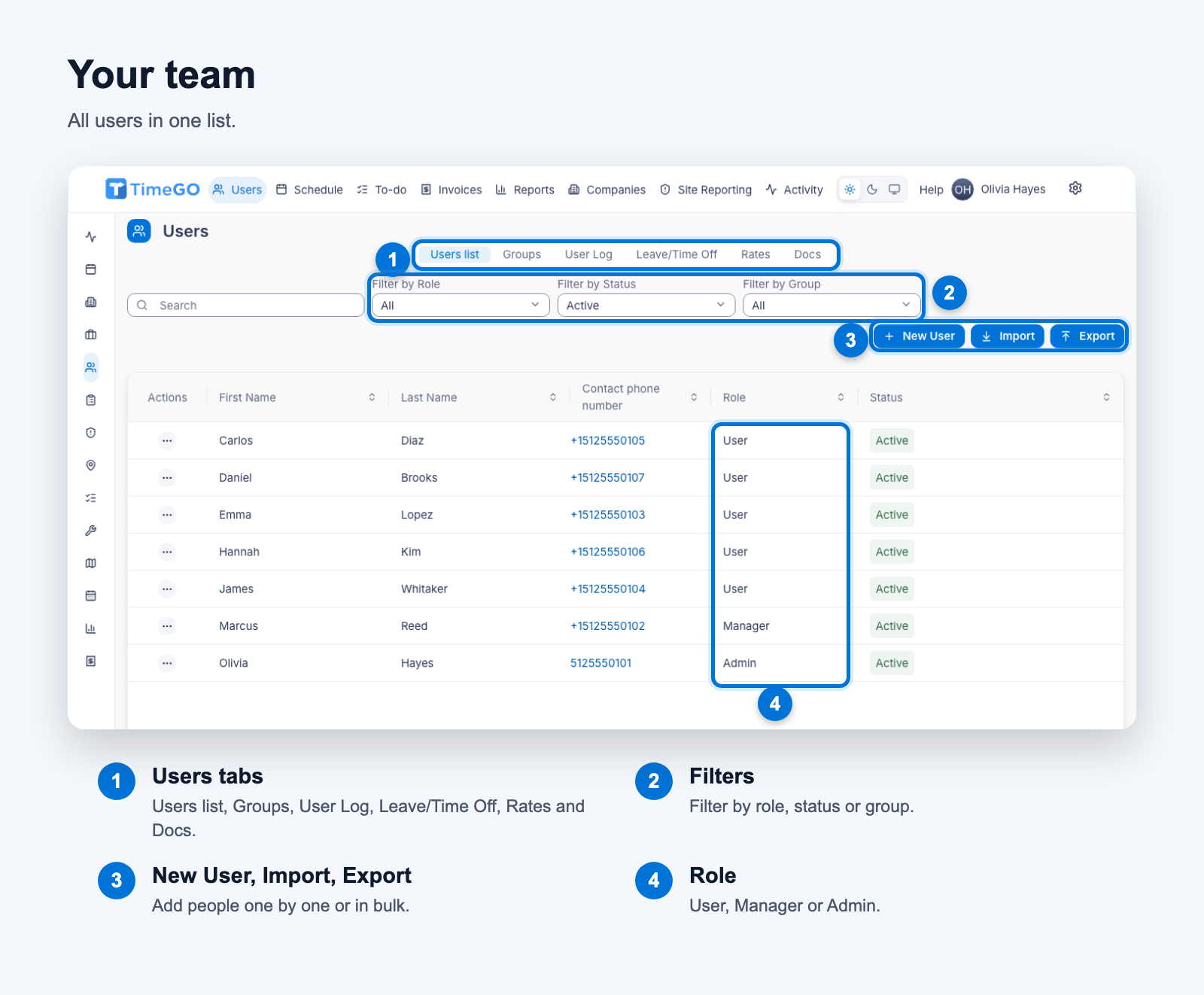
TimeGO keeps employee records and documents for your team. Give a license or certificate an expiry date and TimeGO reminds the employee, not the manager, around 12:00 in the employee's time zone.
How it works
Add the employee
In the dashboard, add the employee and open their record.
Add the documents
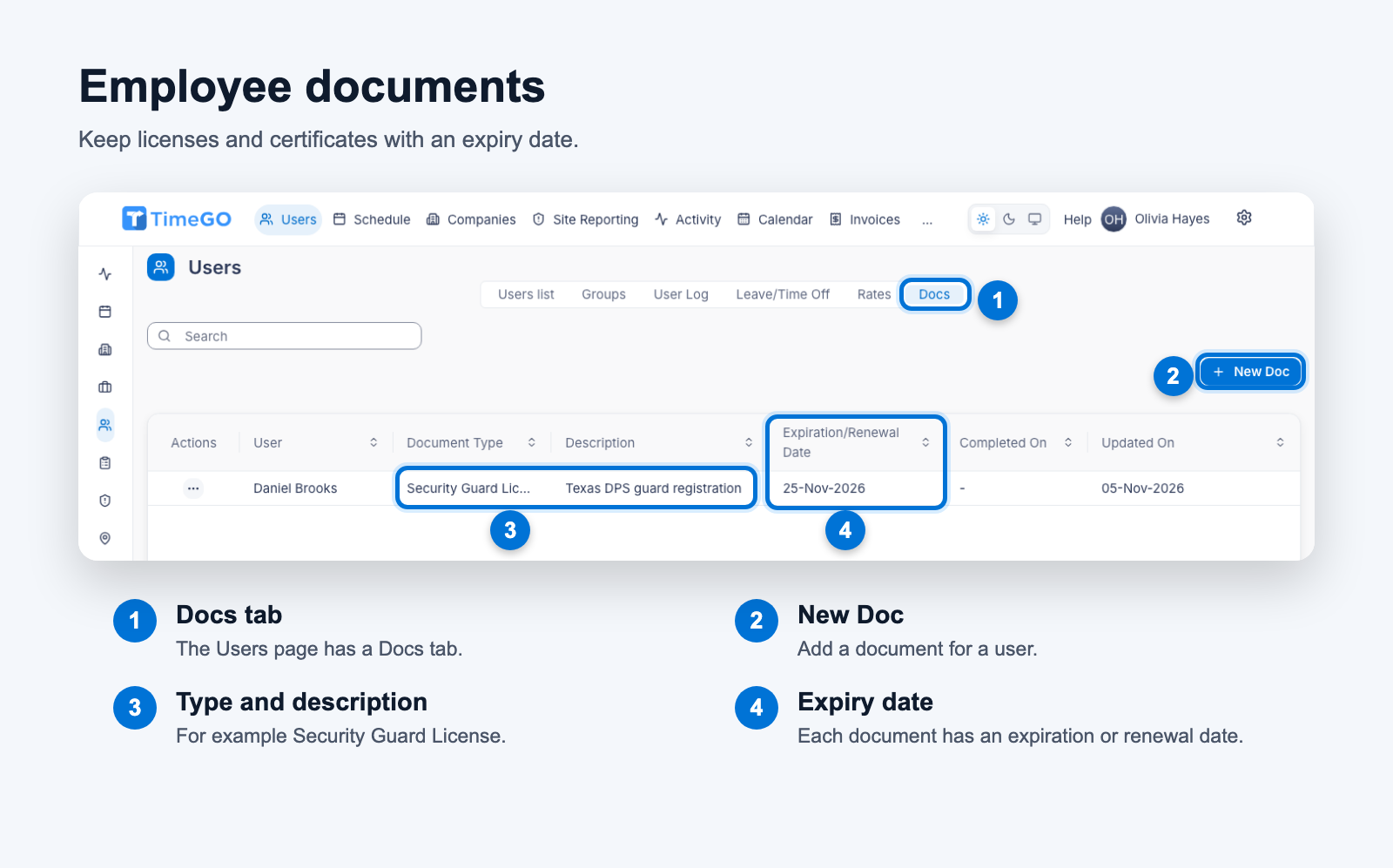
Add the employee's documents to their record.
Get the expiry reminders
Add an expiry date and tick Send reminder every. The reminders go to the employee.
See it in TimeGO
Common situations
A license is close to expiring
The employee is reminded before it ends. Managers get no reminder, so check the Docs tab when you need to.
A certificate has to be on file
Keep the certificate in the employee's record, with their other documents.
A new hire's paperwork
Add the new hire's documents to their record, and the employee can add their own in the phone app.
Frequently asked questions
What does TimeGO remind me about?
It reminds the employee about a license or certificate before it expires. Managers get no reminder.
Can I store employee documents?
Yes. Employee records and documents are kept in TimeGO.
Is this for security guard companies?
Yes, it suits a guard license. The steps are in the help article on employee documents.
Step-by-step guides
More features
Custom forms
Build your own forms in TimeGO, collect unlimited submissions with photos, documents and signatures. Managers review every result in the dashboard.
Client access
Give a client a login with a read-only schedule of their locations, and choose whether they also see form results, checkpoint scans and GPS tracking.