 English
 Español
 Tiếng Việt
 Deutsch
 Français
 Português
 Polski
 Nederlands
 Italiano
 Svenska
 Norsk
 Dansk
 Suomi
 Čeština
 हिन्दी
 العربية
Download the TimeGO app
Employees use the TimeGO app on iOS or Android. Managers use the web dashboard.
What you can do in the app
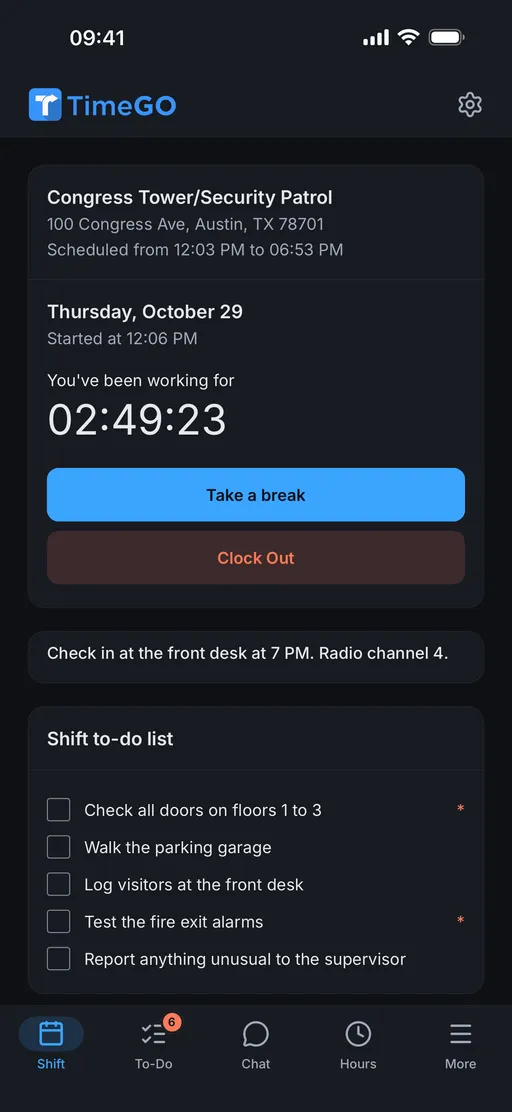
- Clock in, take breaks and clock out, with GPS and a geofence around each site.
- See your shifts and confirm or decline changes.
- Check your hours for the week.
- Work through shift to-do lists and see what is left.
- Scan checkpoints with QR codes, NFC tags or virtual GPS points.
- Request time off.
- Message your manager in the job chat, with photos and files.
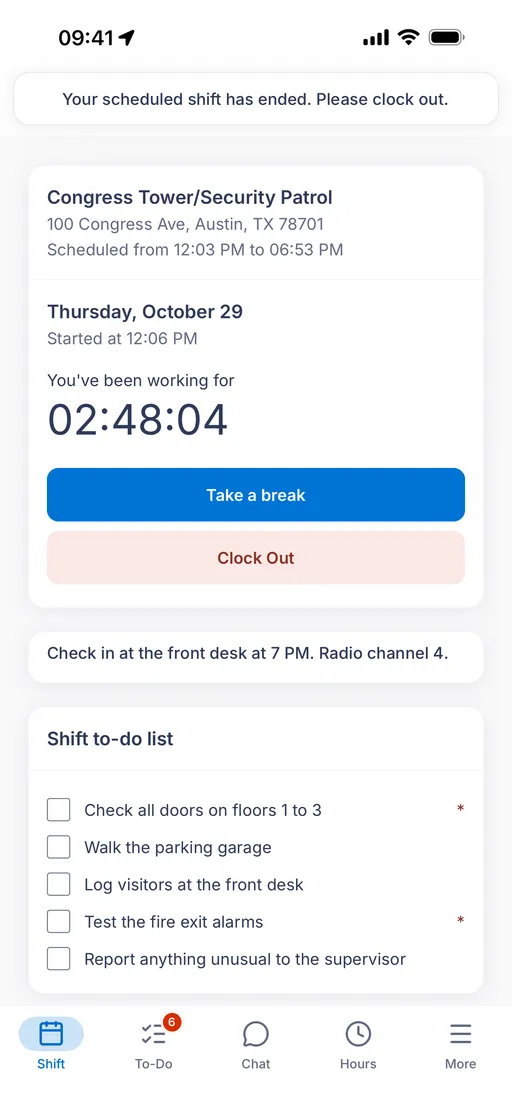
Get started in three steps
- Install the TimeGO app from the App Store (iPhone) or Google Play (Android).
- Open it and tap Sign In. Fill in Company, Username and Password, the details your company set up for you, then tap Continue.
- Open the Shift tab and tap Select this Job on your shift, then tap Clock-In when you are at the site.
If you forget your password, tap Forgot Your Password? on the Sign In screen. If you do not have your details yet, ask your manager.
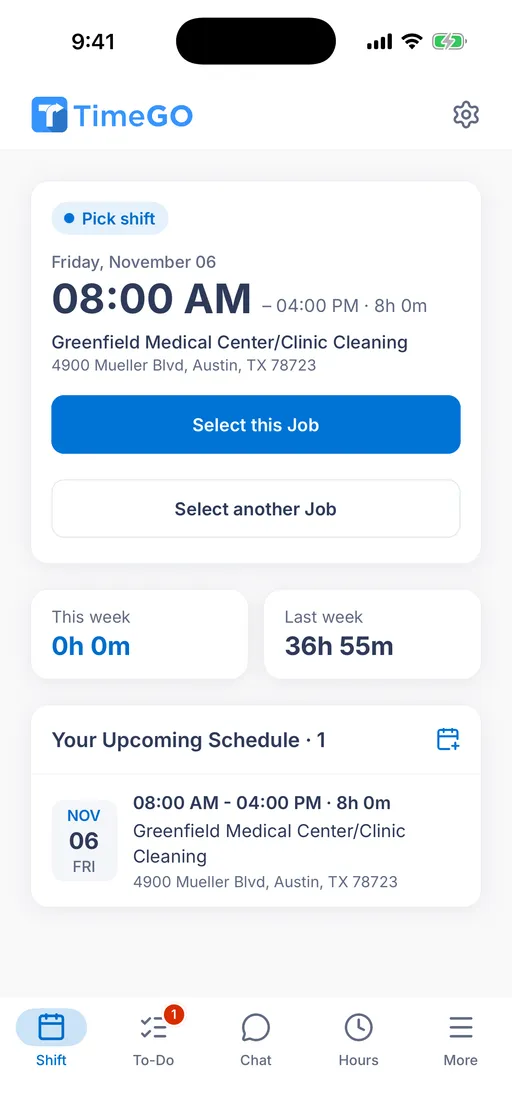
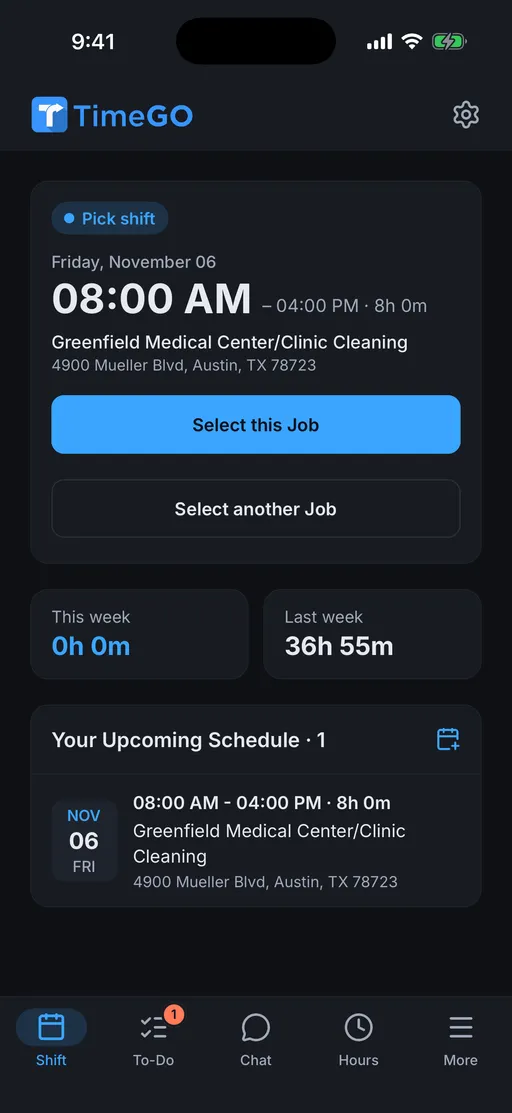
See the app at work
Frequently asked questions
Which phones does the TimeGO app run on?
The TimeGO app is available for iOS and Android.
Which languages does the app use?
English, Spanish and Vietnamese, with a light and a dark theme.
Does the app work without signal?
Yes. Clock-ins are kept on the phone and sync when it is back online.