 English
 Español
 Tiếng Việt
 Deutsch
 Français
 Português
 Polski
 Nederlands
 Italiano
 Svenska
 Norsk
 Dansk
 Suomi
 Čeština
 हिन्दी
 العربية
Custom forms with photos and signatures
Build your own forms, collect unlimited submissions and review the results in the TimeGO dashboard.
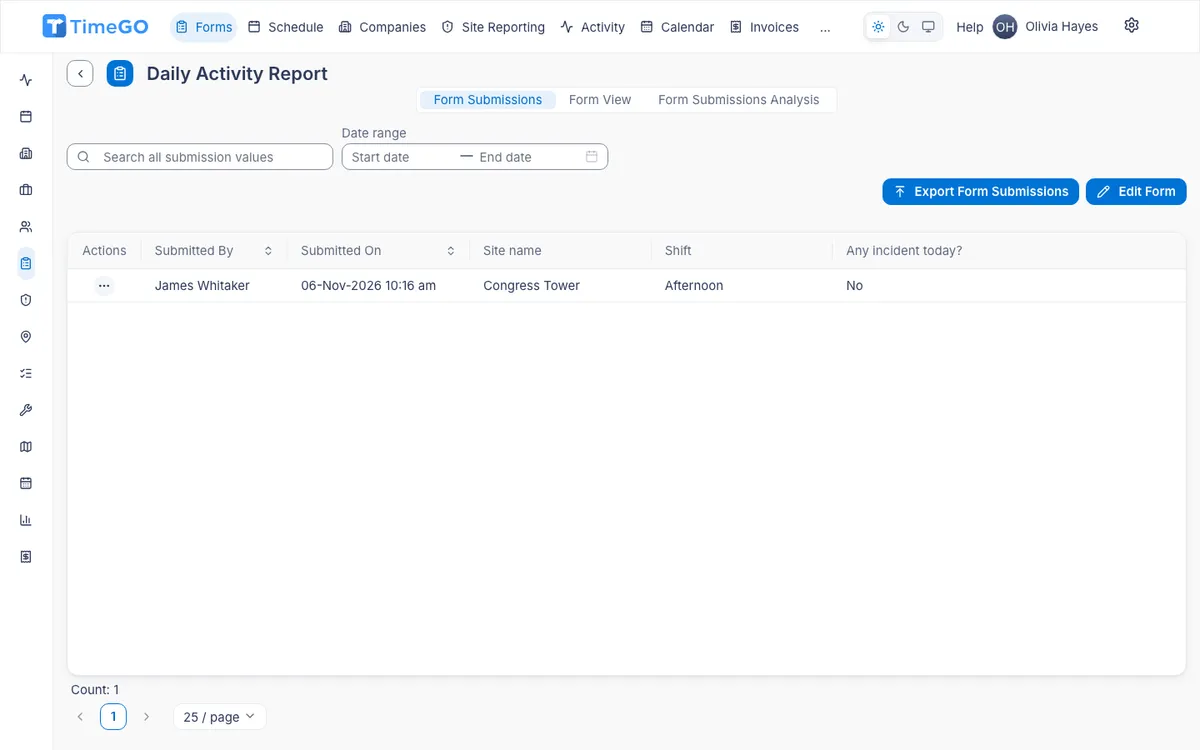
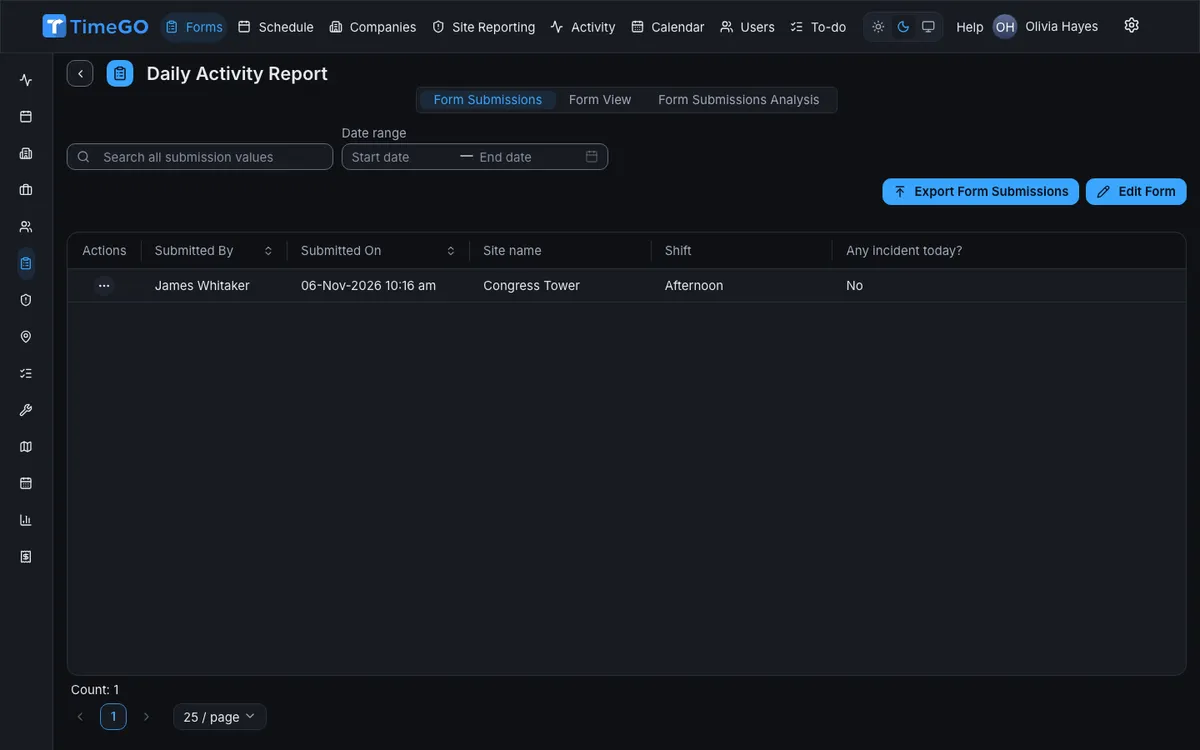

What it does
Build your own forms with the TimeGO form builder. Crew members fill them in and attach photos, documents and signatures. Submissions are unlimited, and managers review the results.
How it works
Build the form
Use the form builder to add the fields your team needs.
Crew submits
Crew members fill in the form and attach photos, documents or a signature. Submissions are unlimited.
Review the results
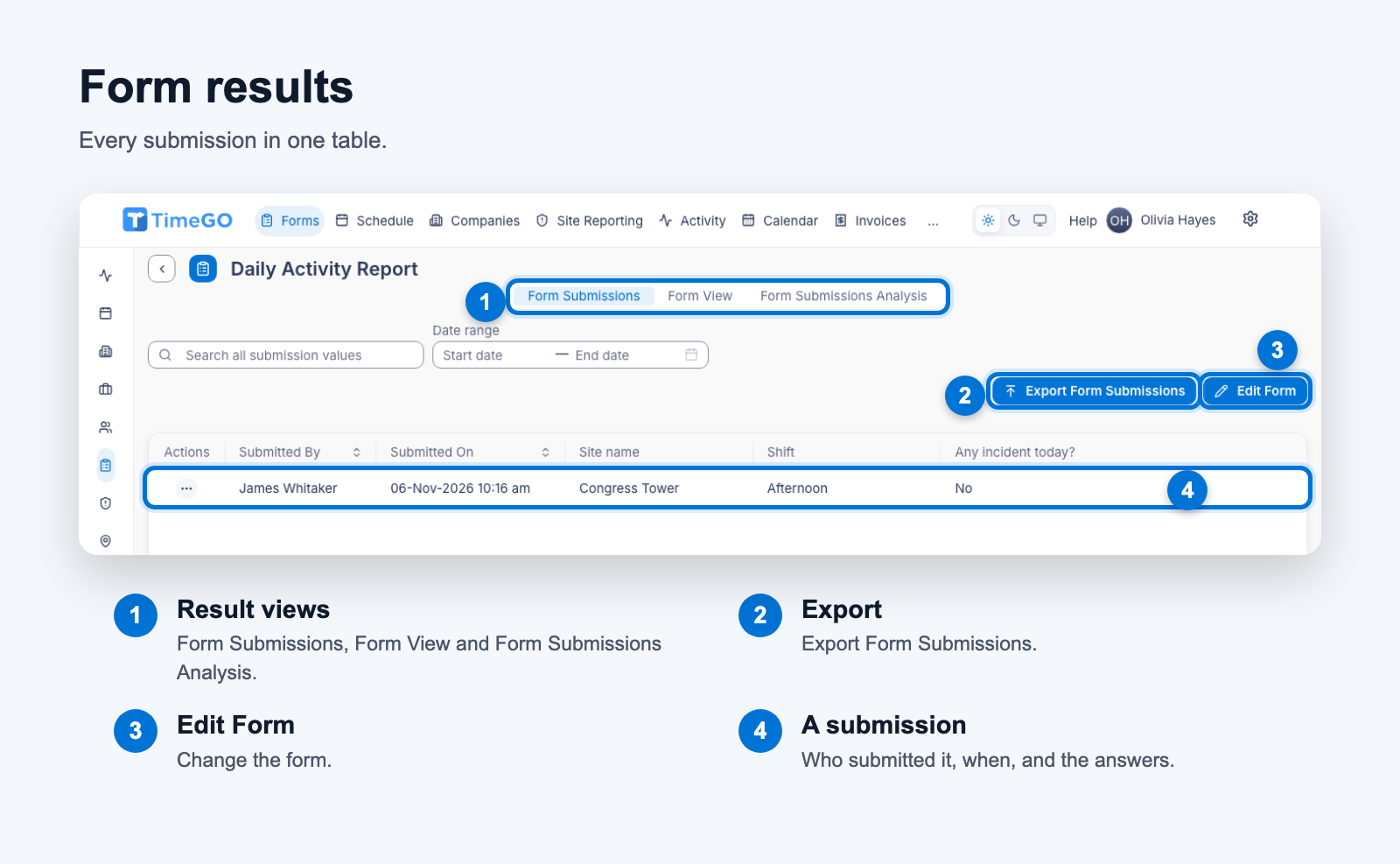
Managers review the results of every submission.
See it in TimeGO
Common situations
Proof with a photo
Forms take photo and document uploads and signatures.
A client asks for the form
You can give a client optional access to form results.
The same form, again and again
Submissions are unlimited, so a form can be filled in as many times as needed.
Who it helps
Frequently asked questions
What can a form include?
Fields you build in the form builder, photo and document uploads, and signatures.
Is there a limit on submissions?
No. Submissions are unlimited.
Can my client see the results?
Optionally. You can give a client access to form results.
Step-by-step guides
More features
Client access
Give a client a login with a read-only schedule of their locations, and choose whether they also see form results, checkpoint scans and GPS tracking.
Employee records
Keep employee records and documents in TimeGO, with license and certificate expiry reminders sent to the employee.
Invoices
Invoices built from tracked hours, emailed as a PDF.