 English
 Español
 Tiếng Việt
 Deutsch
 Français
 Português
 Polski
 Nederlands
 Italiano
 Svenska
 Norsk
 Dansk
 Suomi
 Čeština
 हिन्दी
 العربية
Guard tours with QR, NFC and GPS checkpoints
Officers scan checkpoints on patrol and every scan is time-stamped. Managers review the scans in the dashboard.
What it does
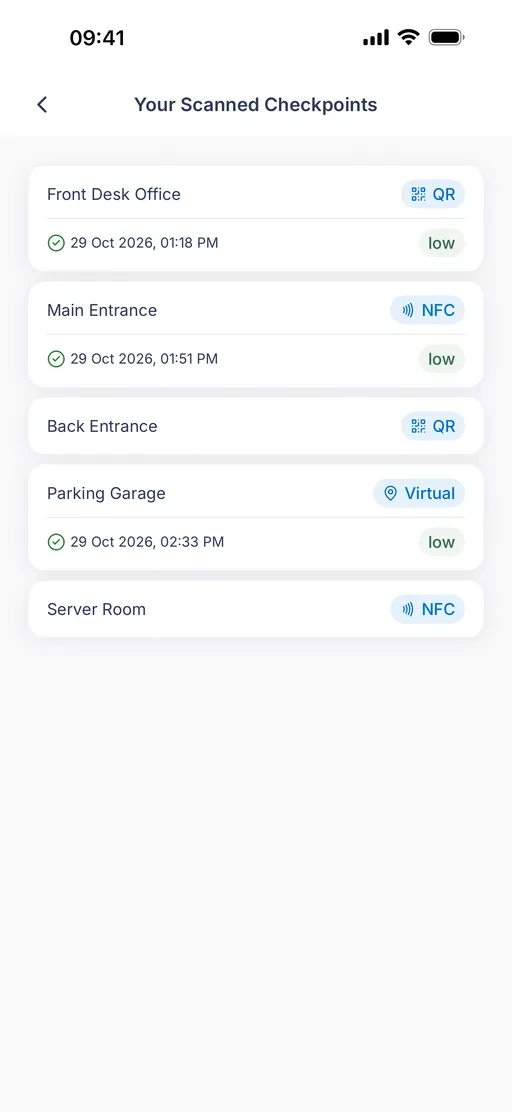
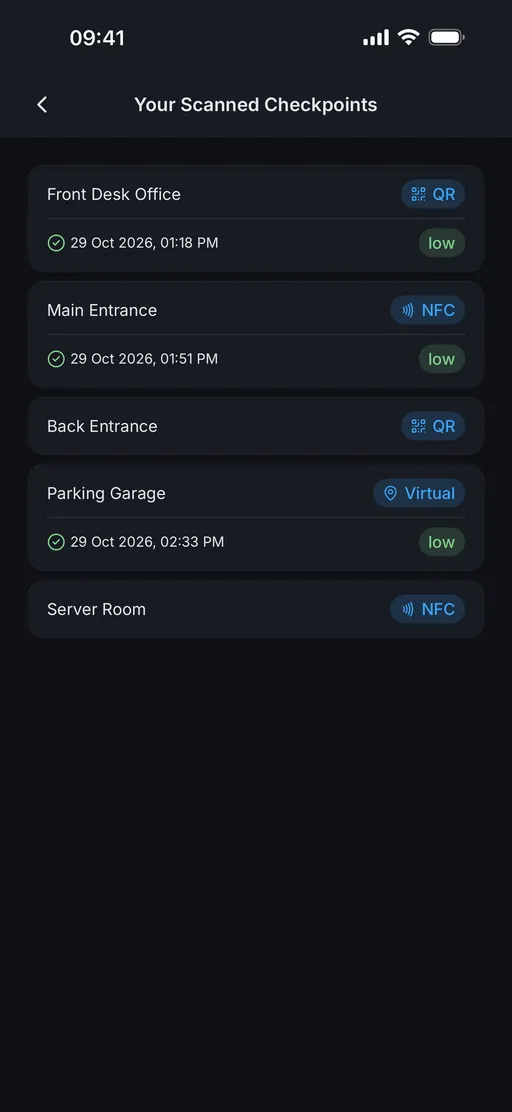
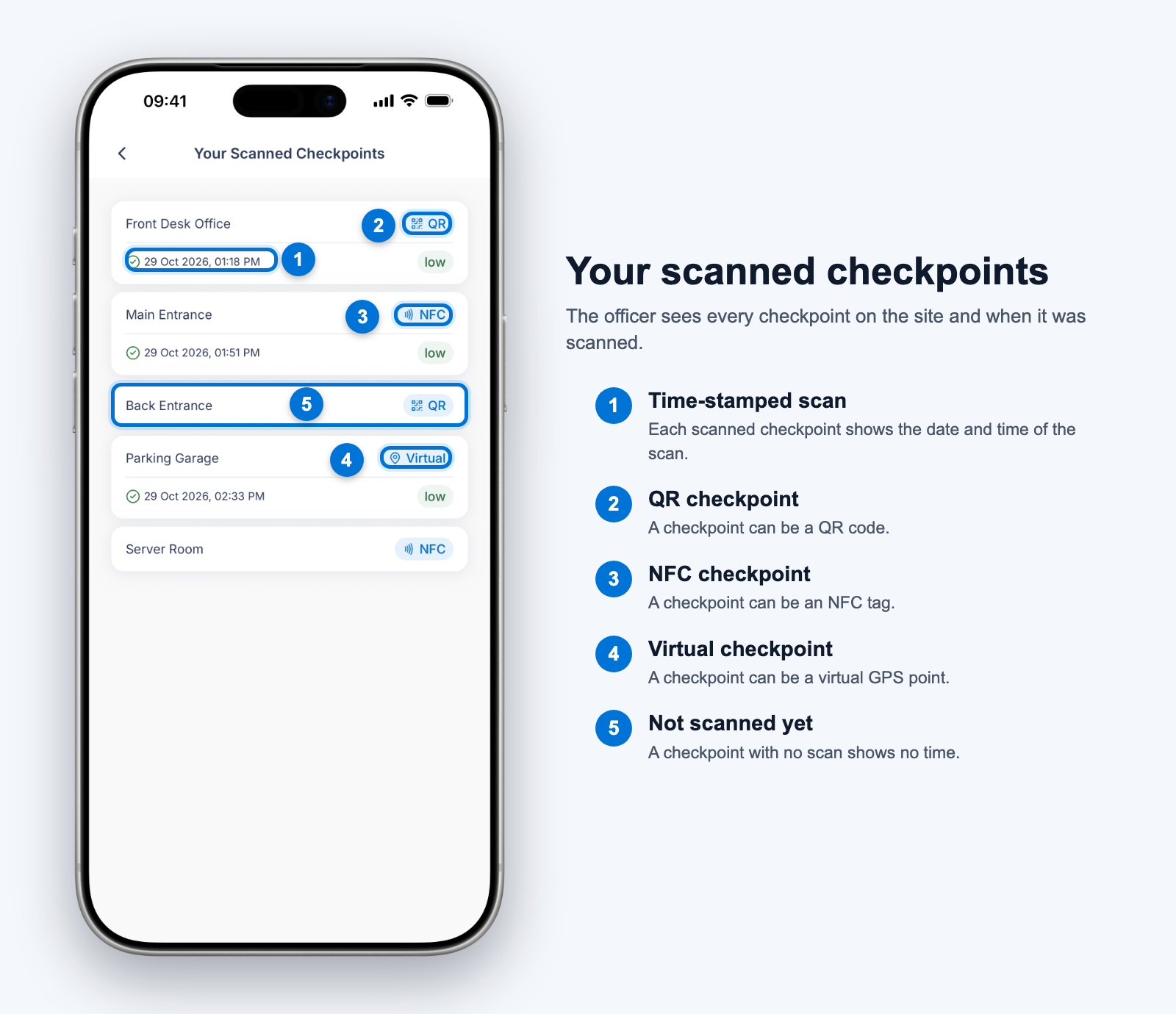
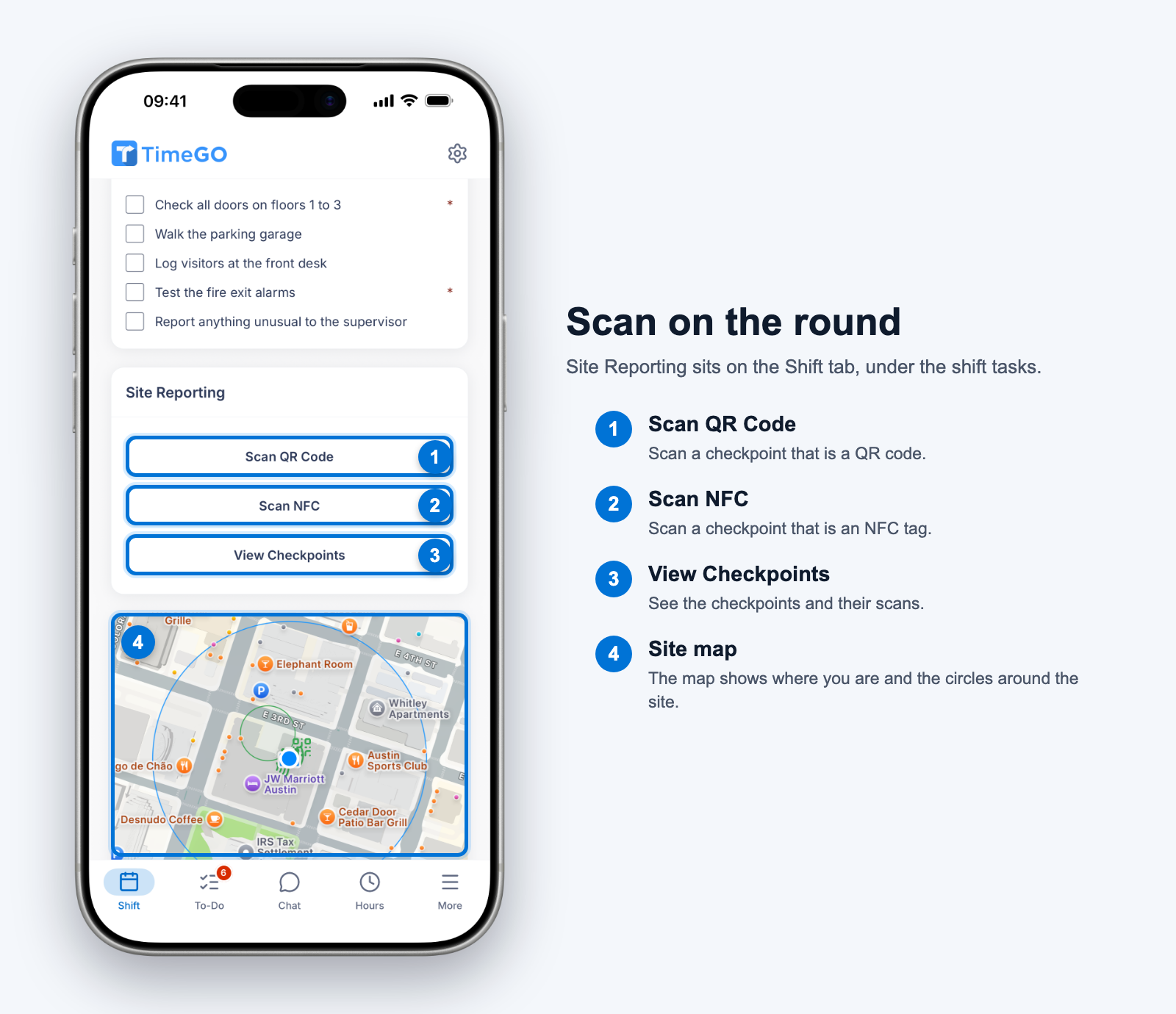
Patrol checkpoints show that a guard tour happened. Officers scan QR codes, NFC tags or virtual GPS checkpoints with the TimeGO app, and every scan is time-stamped.
How it works
Add the checkpoints
For each site, add a checkpoint. It is a QR code, an NFC tag or a virtual GPS point.
Scan on the round
On the round, officers scan each checkpoint in the TimeGO app. Every scan is time-stamped.
Review the scans
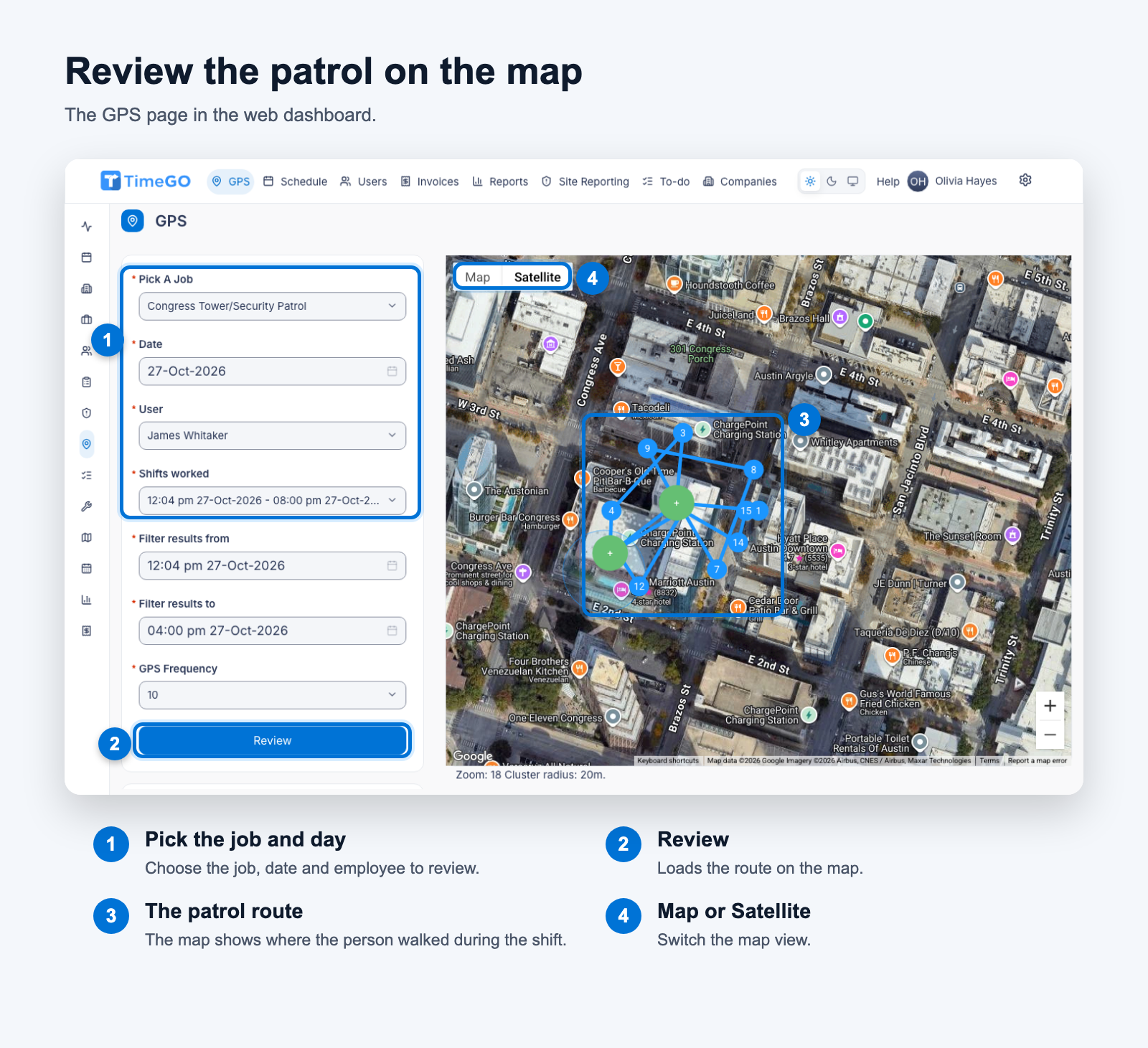
The dashboard shows which checkpoints were scanned and when, next to the employee's GPS route.
See it in TimeGO
Ways to check in
QR code
A QR code at each checkpoint, scanned in the TimeGO app.
NFC tag
An NFC tag at each checkpoint, scanned in the TimeGO app.
Virtual checkpoint
A GPS point with a radius, scanned in the TimeGO app.
Offline mode
Clock in and out, GPS and checkpoints work without signal and sync later.
Common situations
Did the officer reach every checkpoint?
Every scan is time-stamped. The dashboard shows which checkpoints were scanned and when.
You want the route and the scans together
The dashboard shows the scans next to the officer's GPS route.
A client asks for proof of the tour
You can give a client optional access to checkpoint scans.
Who it helps
Frequently asked questions
What can I use as a checkpoint?
A QR code, an NFC tag or a virtual GPS checkpoint. Every scan is time-stamped.
Does scanning work without signal?
Yes. In offline mode checkpoints keep working without signal and sync later.
Can my client see the scans?
Optionally. You can give a client access to checkpoint scans.