 English
 Español
 Tiếng Việt
 Deutsch
 Français
 Português
 Polski
 Nederlands
 Italiano
 Svenska
 Norsk
 Dansk
 Suomi
 Čeština
 हिन्दी
 العربية
2 min read
How to reset your password
Click Forgot password? on the sign-in page, enter your email, then set a new password from the link in the email.
Steps
- 1
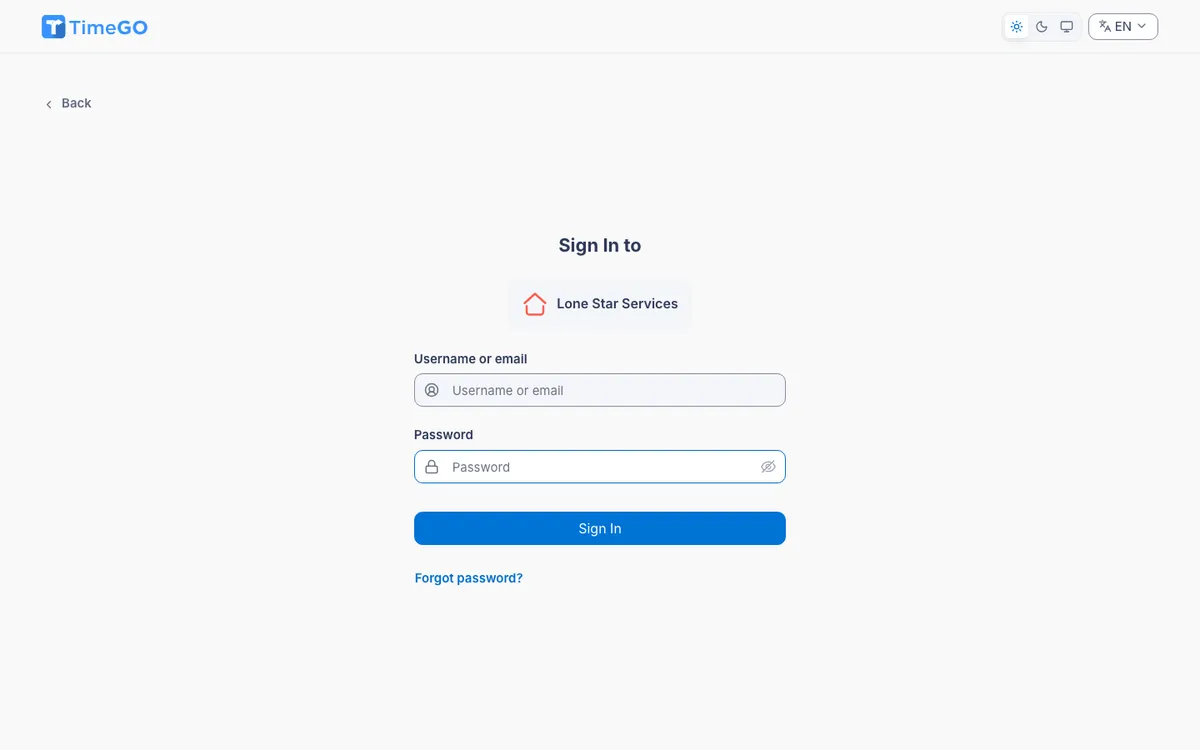
Open the TimeGO sign-in page, type your Web Address, click Continue, then click Forgot password?.
- 2
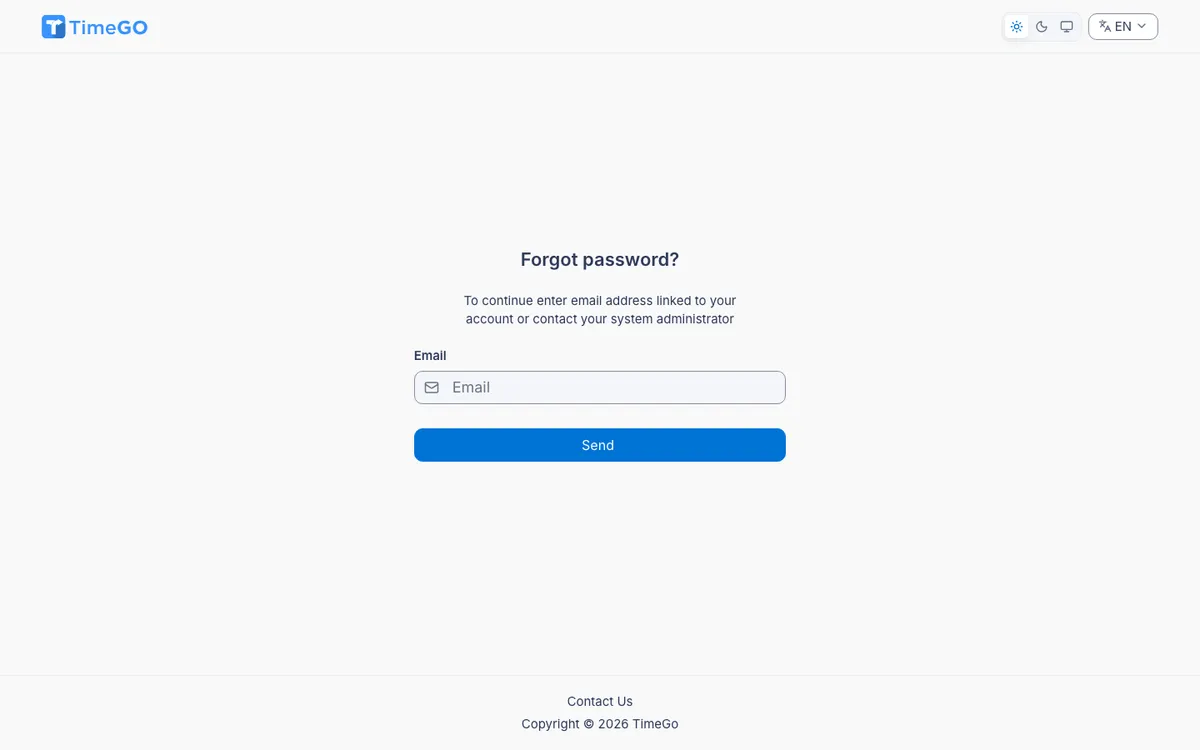
Type the Email saved on your profile and click Send.
- 3
Open the email with the subject TimeGO Restore Password (the subject is in English; the email text may be in another language) and click the link in it.
- 4
On the Set your new password page, type the new Password and click Save. Use at least 8 characters with a capital letter, a digit and a symbol.
- 5
Sign in with your username or email and the new password.

If it does not work
No email arrives after you click Send
TimeGO sends the email only if the address is saved on a profile in your company. Check the spelling, look in spam, then click Resend Email. The button waits about a minute before you can use it again.
The link takes you back to the Forgot password? page
The link is valid for 24 hours and works once. Request a new link with Send.
Good to know
- On the phone, tap Forgot Your Password?, type Company and Email, and tap Send. Open the email link on a phone with the app, type Password and Confirm Password, then tap Update.
- An Admin can set a new password for a user: open Users, click the user, click Edit profile, type the new password in Reset Password (or click Generate Password) and click Save. To email it, set Invitation Channels to Send Invite by Email and click Send Invite and Save.
- A manager with Full Access to Users can do this for users with the User role.
About the feature: More about Employee records