 English
 Español
 Tiếng Việt
 Deutsch
 Français
 Português
 Polski
 Nederlands
 Italiano
 Svenska
 Norsk
 Dansk
 Suomi
 Čeština
 हिन्दी
 العربية
2 min read
How to see your plan and billing
Click the gear icon, then Subscription, to see My Account, change the plan, edit who gets billing statements and review payments.
Steps
- 1
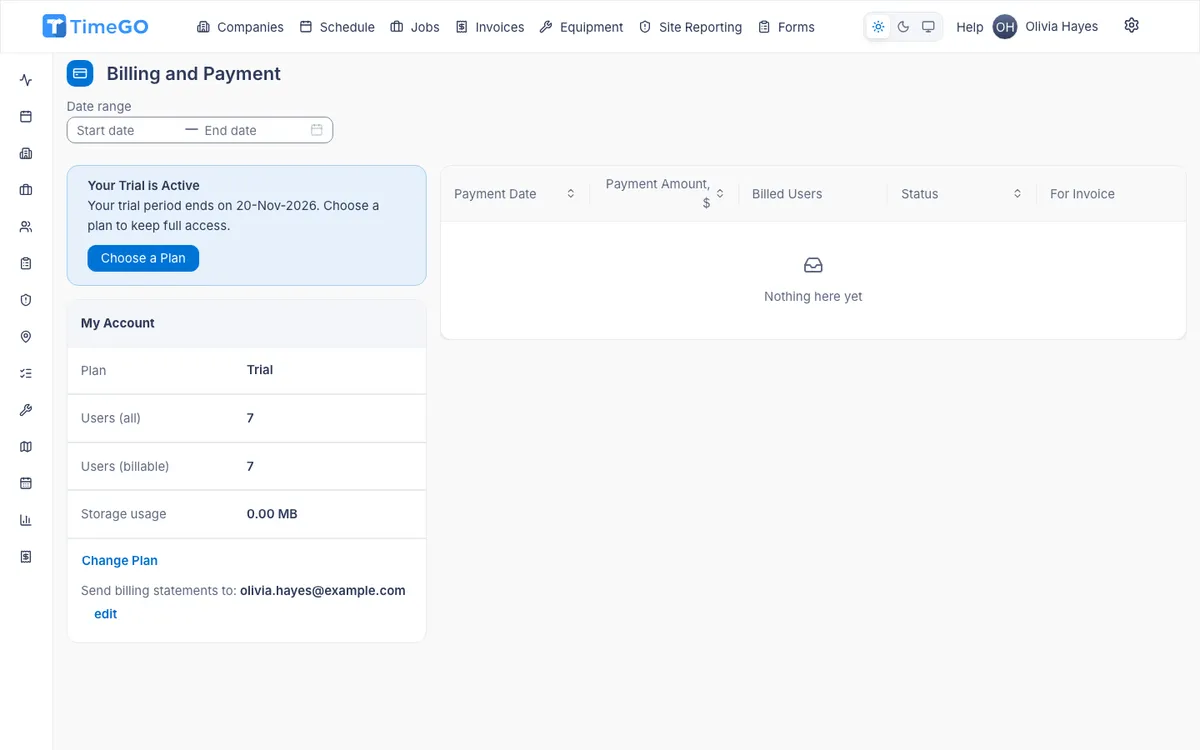
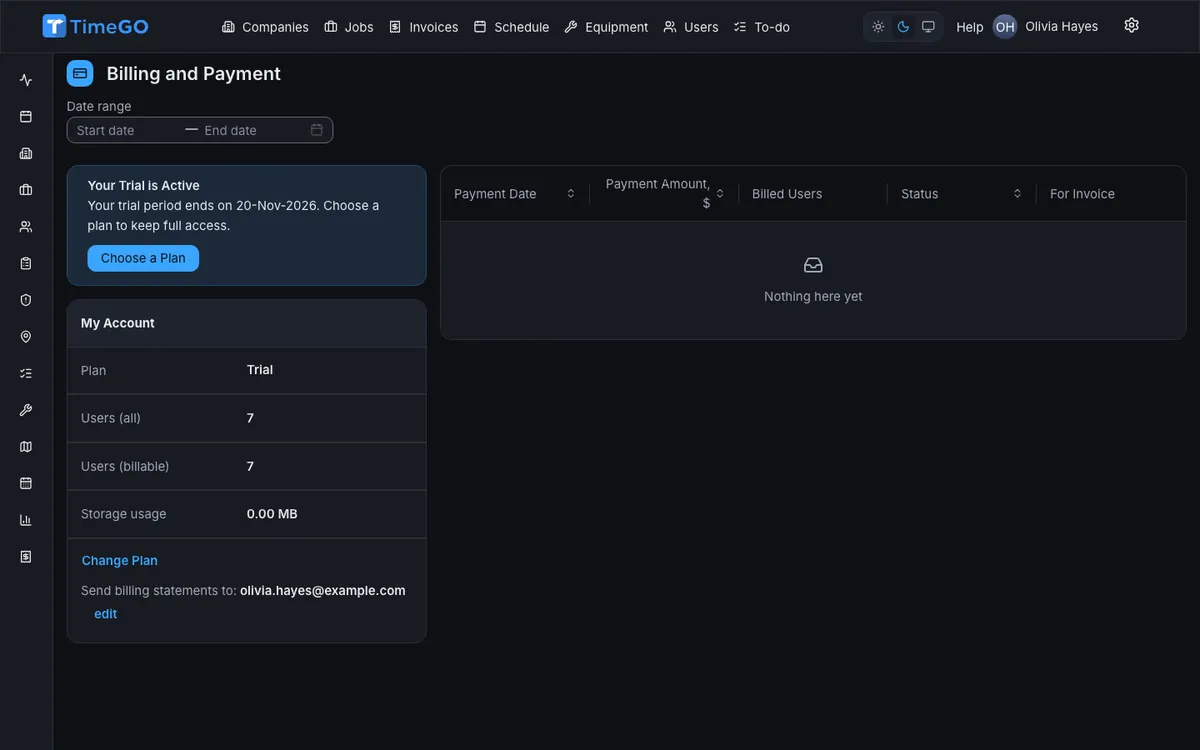
Click the gear icon at the top right of the dashboard, then click Subscription. The page is called Billing and Payment.
- 2
Read the My Account box: Plan, Users (all), Users (billable) and Storage usage.
- 3
To change your plan, click Change Plan (or Choose a Plan in the trial notice), pick a plan and confirm.
- 4
To choose who gets billing statements, click edit next to Send billing statements to:, enter one or more email addresses and click Save.
- 5
Use Date range to find a payment, then click Billing Statement in the For Invoice column to download its PDF.
If it does not work
Enter at least one email address
The list of billing statement addresses cannot be empty. Enter at least one address before you click Save.
One of the email addresses is not valid
Check each address for typos. Separate several addresses with commas.
No more than 10 addresses
Remove addresses until 10 or fewer are left, then click Save.
Good to know
- TimeGO emails a billing statement PDF after each successful payment to the addresses under Send billing statements to:. With no list saved, it goes to the Super Admin’s own email.
- With no paid plan yet, an upgrade takes you to checkout to set up payment. A downgrade does not apply at once: Pending Downgrade shows the date it takes effect, and Cancel Downgrade keeps your current plan.
- To hand Billing and Payment to another Admin, choose them next to Super Admin: and click Make Super Admin. You lose access to the page.