 English
 Español
 Tiếng Việt
 Deutsch
 Français
 Português
 Polski
 Nederlands
 Italiano
 Svenska
 Norsk
 Dansk
 Suomi
 Čeština
 हिन्दी
 العربية
Phone app
1 min read
How to log in to the phone app
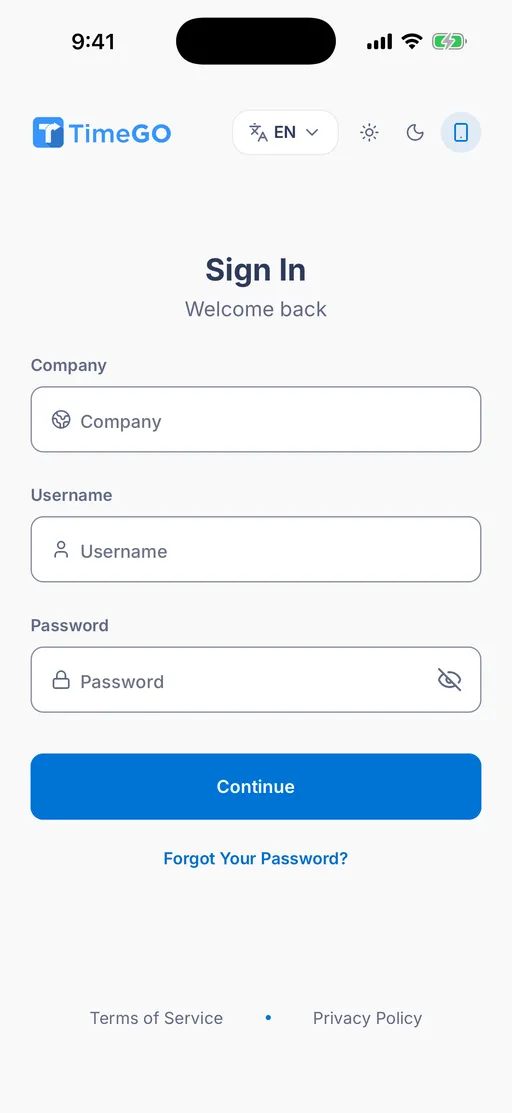
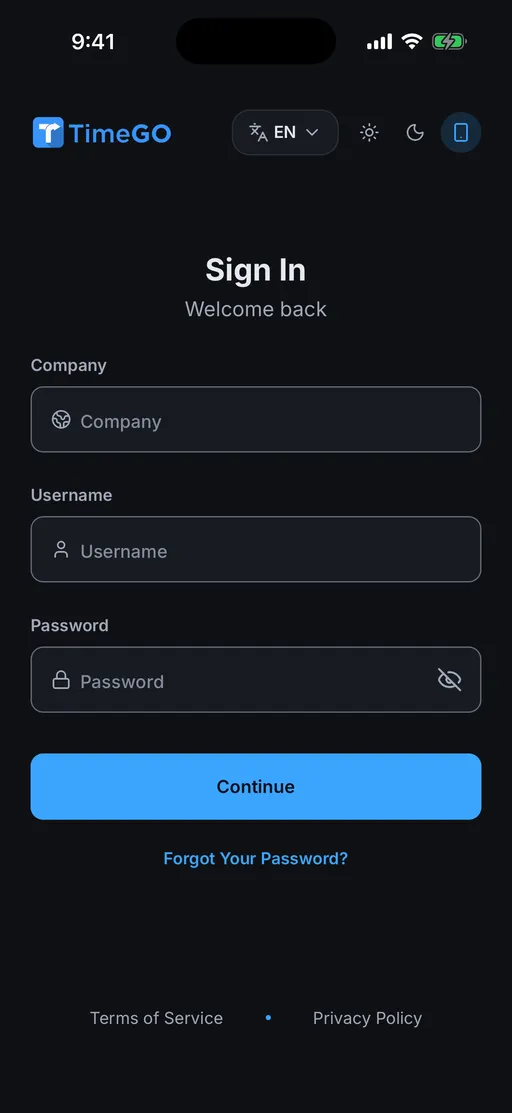
Type your company, username and password on the Sign In screen, then tap Continue.
Steps
- 1
On the Sign In screen, type your company's web address in Company.
- 2
Type your Username and your Password.
- 3
Tap Continue.


If it does not work
The app says: Enter account name
Type your company's web address in Company, then tap Continue again.
The app says: Check login or email, and Check password
Check your Company, Username and Password. If you forgot your password, tap Forgot Your Password?.
Good to know
- Managers can use the phone app too. Admins and managers can also sign in to the web dashboard.
About the feature: More about Mobile app