 English
 Español
 Tiếng Việt
 Deutsch
 Français
 Português
 Polski
 Nederlands
 Italiano
 Svenska
 Norsk
 Dansk
 Suomi
 Čeština
 हिन्दी
 العربية
Dashboard
1 min read
How to see missed clock-in alerts and late starts
Missed clock-ins are on the Activity page. Late starts are in the Tardy Report, under Reports.
Steps
- 1
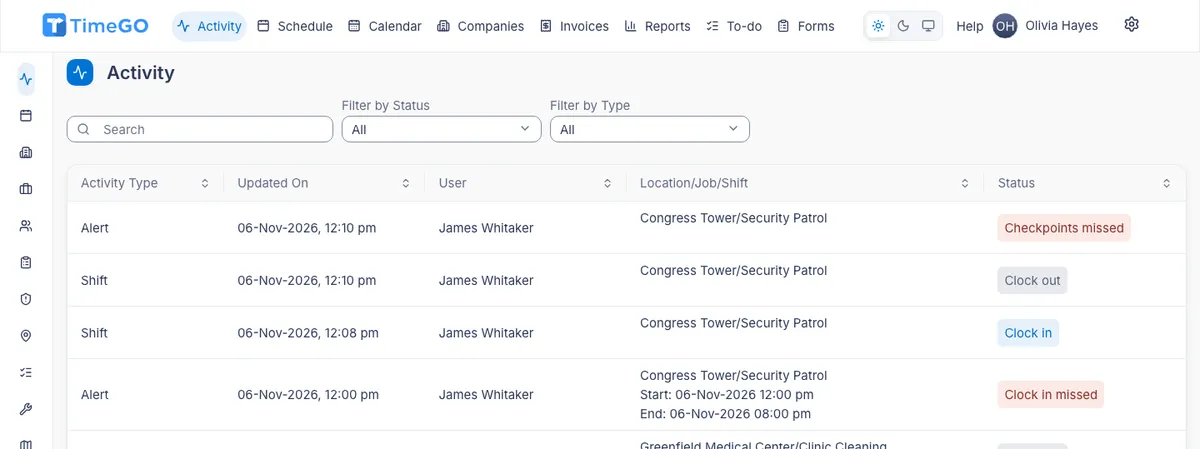
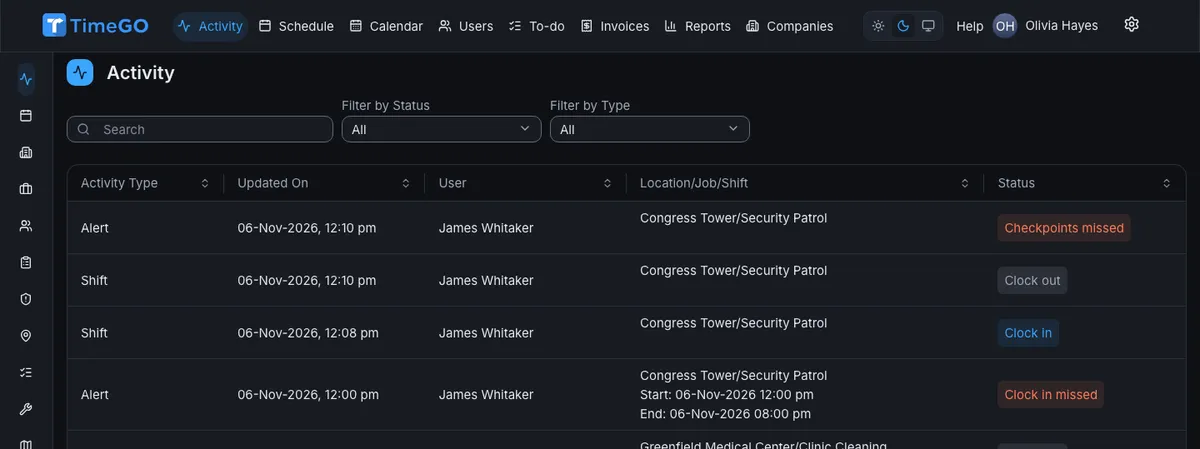
Click Activity in the main menu.
- 2
Pick Alert in Filter by Type to see all alerts, or Alert Clock-in missed in Filter by Status to see only missed clock-ins. The User and Location/Job/Shift columns show who missed which shift.
- 3
For late starts, click Reports, then Tardy Report.
- 4
In Only include shifts where number of minutes late was more than, type the number of minutes.
Good to know
- A late start is not an alert. It is listed in the Tardy Report.
- In the phone app, managers also see Alerts as a bell next to the settings gear at the top of the screen.
About the feature: More about GPS time clock, More about Timesheets and payroll