 English
 Español
 Tiếng Việt
 Deutsch
 Français
 Português
 Polski
 Nederlands
 Italiano
 Svenska
 Norsk
 Dansk
 Suomi
 Čeština
 हिन्दी
 العربية
You know your cleaners showed up when the night leaves four marks behind: a shift the cleaner confirmed, a GPS clock-in inside the site’s geofence, a scan on each floor, and a task list that got ticked. With those four, you can check every account from your desk in the morning without ringing anyone.
Tuesday, 7:50 AM
Say an email comes in from the office manager at one of your accounts. The trash in the second-floor break room was full this morning, and she wants to know if anyone came.
Here is what that conversation sounds like without a record. You text the crew lead. The crew lead says Maria was there, she always does that building. Maria is asleep, because she worked until 2. You call the client back with “we believe so”. The client hears “we don’t know”, and she is right.
Now the same email, with the record open in front of you.
Maria’s shift was 9 PM to 1 AM, and she confirmed it in the app on Sunday. She clocked in at 8:56 PM, inside the geofence around the building. She scanned the first-floor checkpoint at 9:20, the second floor at 10:05 and the third at 11:10. Her shift to-do list shows seven of eight tasks ticked. The one left open is “break rooms, all floors”.
That is a different call. You can tell the client exactly what happened, and you know what to talk to Maria about. Sometimes the record shows the crew did everything and the client’s own staff filled the bin at 7. Either way, you are working from facts.
The four marks, and how each one gets made
A shift the cleaner confirmed
Put every account on one schedule. When you send the week out with Notify, cleaners see it in the TimeGO app and confirm or decline. Silence is visible too: a shift nobody confirmed is a shift you should call about before the night, not after.
A clock-in at the site
Each account gets a geofence, and the cleaner clocks in with GPS inside it (how GPS clock-in works).
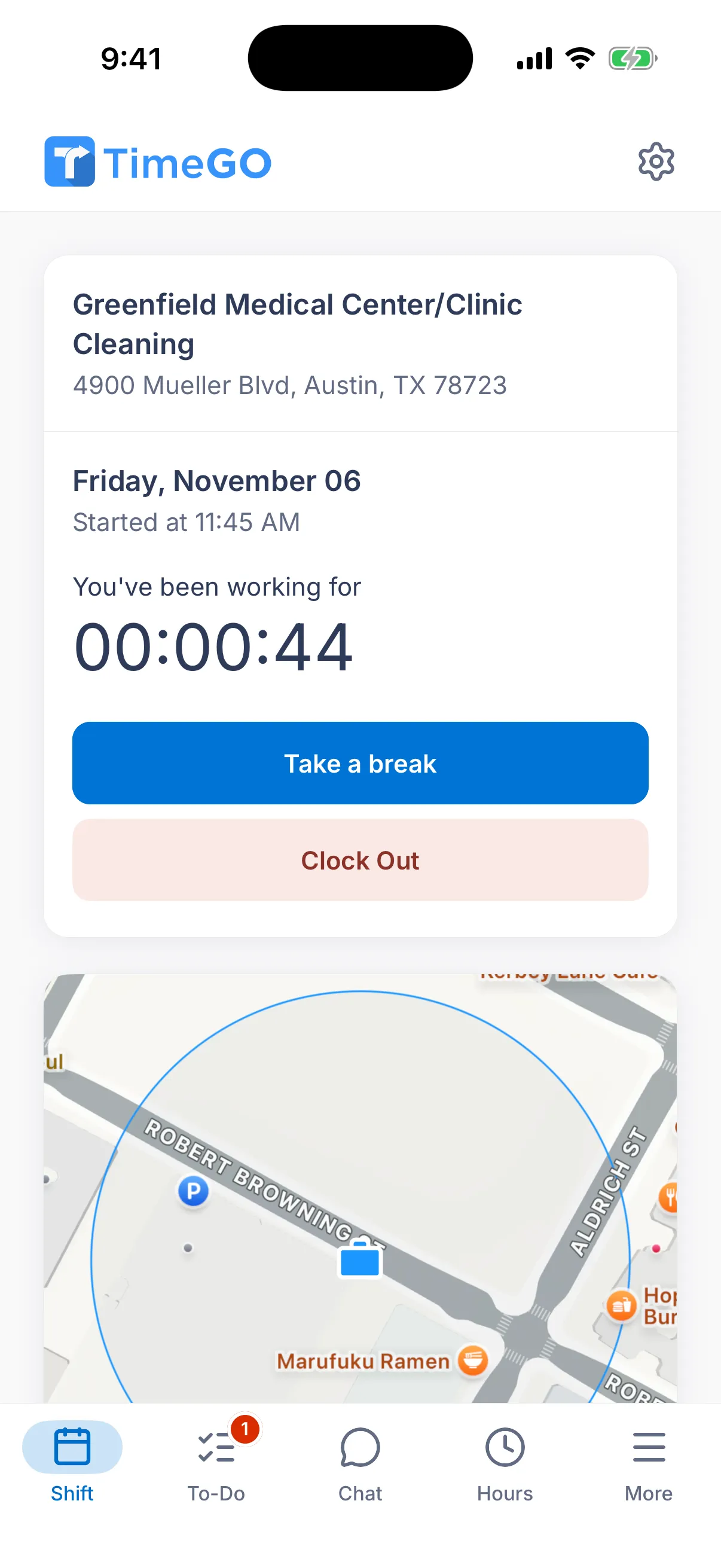
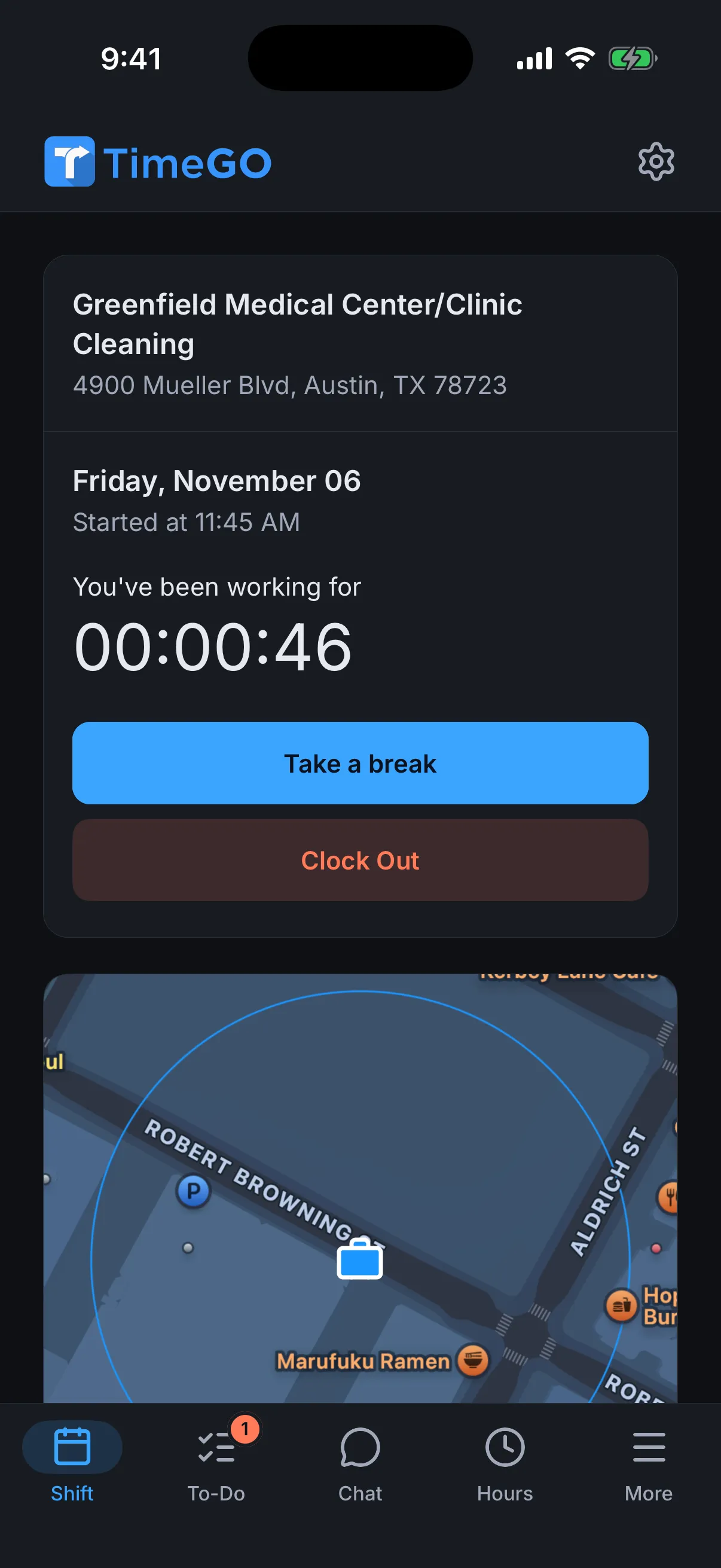 What the cleaner sees once clocked in: the timer, the break button and the site.
If a cleaner has not clocked in, you get a missed clock-in alert (how alerts work). That is the alert to act on at 9:05 PM, while there is still time to send someone else.
A scan on each floor
A clock-in tells you the cleaner reached the building, not the third floor. Put a QR code or an NFC tag on each floor or in each restroom block. The cleaner scans it with the app as they go, and every scan keeps its time. It is the same checkpoint scan guard companies use on rounds,.
Five scans with five times tell you the order of the work and its pace. A building that usually takes four hours and took ninety minutes last night is worth a look, whatever the task list says.
A task list that got ticked
You already have a checklist: restrooms, floors, trash, break rooms, supplies. Write it once as a shift to-do list and mark the tasks that must be done as required. The app counts how many required tasks are left, and if one is still open when the cleaner clocks out, the list is marked submitted and an alert is written for you. The to-do lists page has the rest.
The morning routine
- Check the missed clock-in alerts first. Those are the accounts that may have had nobody.
- For the accounts that matter most, open last night’s to-do lists and look for open required tasks.
- Open the scans for any building with a complaint, and read the times floor by floor.
- Note what needs a second visit and send someone today, before the client sends a second email.
Most mornings it ends with nothing to do, which is the point: you only open the accounts the record tells you to.
What it cannot tell you
None of this says a floor is clean. For the result, you need eyes: either a supervisor walking the account, or an inspection form with photos the crew lead fills in before leaving. We wrote that part up in how to inspect cleaning work without being on site.
Use the record to decide where your supervisors spend their nights, not to replace them.