 English
 Español
 Tiếng Việt
 Deutsch
 Français
 Português
 Polski
 Nederlands
 Italiano
 Svenska
 Norsk
 Dansk
 Suomi
 Čeština
 हिन्दी
 العربية
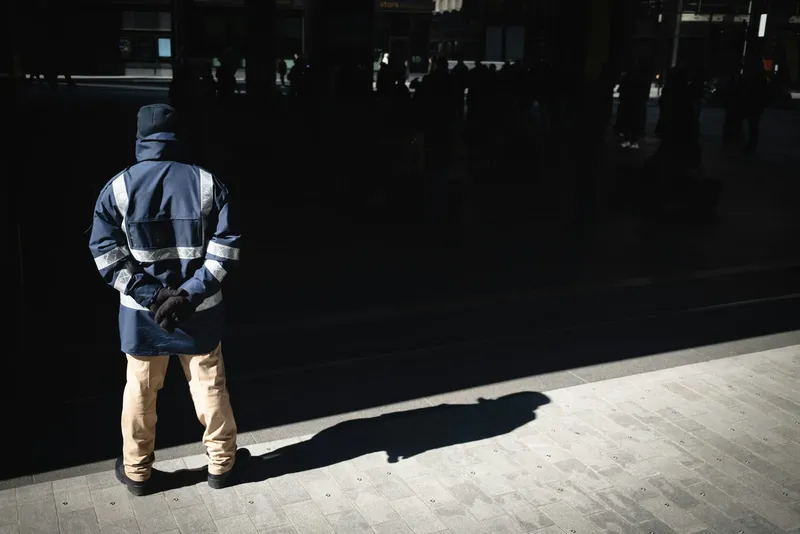
Use QR codes for stops inside a building, NFC tags for doors and gates you want the officer to touch, and virtual GPS checkpoints for open ground where nothing can be mounted. One round can use all three. The choice is made per stop, and most rounds end up mixed.
The three types side by side
All three are checkpoints scanned in the TimeGO app, and every scan keeps its time. What differs is what you put at the stop and what the scan can prove.
| QR code | NFC tag | GPS point | |
|---|---|---|---|
| You mount | A printed code | A small tag | Nothing |
| The officer | Scans it with the camera | Holds the phone to it | Walks into the radius |
| Best at | Doors and floors inside | Doors and gates | Lots and yards |
| Weak spot | Fades and peels outside | The phone must read NFC | Cannot tell floors apart |
| Upkeep | Reprint when it peels | Check it is still there | None |
Stop by stop
Walk the round with a notepad and ask the same four things at every stop.
- Can you mount anything here? On glass, a wet wall or a client’s finished surface, often not. Use a virtual point and stop worrying about it.
- Is it outside and exposed? A paper code fades and peels in sun and rain. If there is something solid to fix it to, an NFC tag holds up better. If there is nothing, a virtual point.
- Is the stop on a particular floor? Then it needs something physical. A point and a radius on a map cannot tell the third floor of a garage from the first, so a virtual point on level three is satisfied by an officer standing on level one.
- Do you need the officer right at the spot? NFC makes them come within a hand’s width. A QR code can be read from a few feet away. A virtual point accepts anywhere inside the radius you set, and a wide radius is a weak proof.
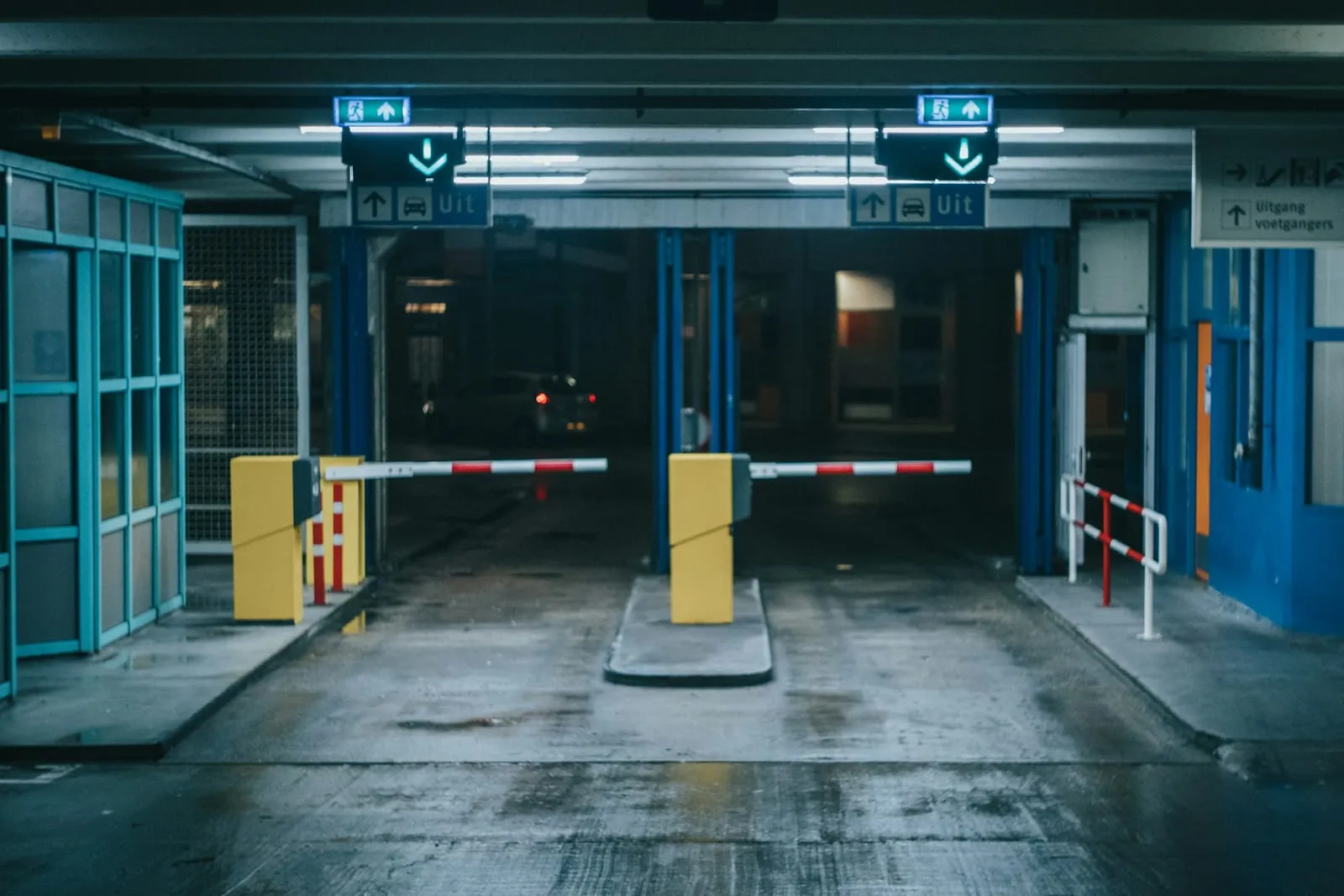 A garage is the classic mixed stop: a virtual point for the open deck, a tag on the stairwell door of each level.
What a scan records
Every scan keeps its time. With a QR or NFC scan the officer also picks a severity (low, medium or high) and adds a photo when the checkpoint asks for one.
A virtual point works the other way round. There is nothing to tap: the app saves a scan when the officer enters the radius, and another after they leave it, so you also see roughly how long they stayed.
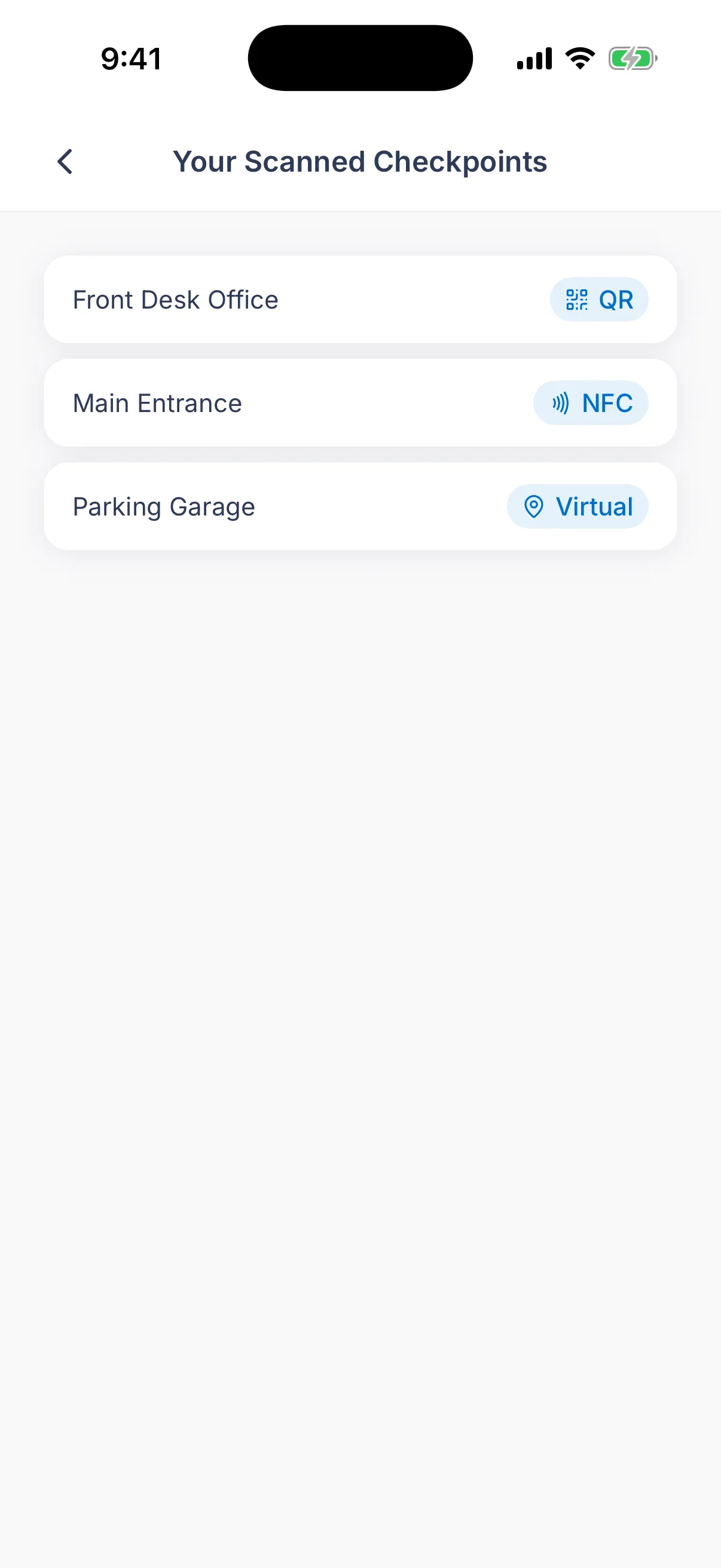
 The officer’s own list of the round: each checkpoint with its type and the time it was read.
All three work without signal. Scans made in a basement or a dead stairwell sync later. In the web dashboard the scans sit on the GPS map next to the officer’s GPS route, so you see the walk between two stops as well as the stops.
Habits that help with any type
- Put codes and tags on the inside of doors. A code on the outside of the front door can be scanned from the sidewalk on the way in.
- Test one NFC tag with the phones your officers actually carry before you order a box.
- Name each checkpoint the way the post orders name the stop (“Stairwell B, level 2”, not “CP7”). No two checkpoints can share a name anyway.
- Walk the site yourself once a month. Stickers peel, tags get pulled off, and a client renovates the lobby without telling anyone.
The setup screens are covered in how to set up a site tour with checkpoints. Checkpoints are on the Pro plan.
What none of them can prove
A QR code can be photographed and scanned from the picture, although a scan made away from the checkpoint’s spot is saved and flagged “not in radius”. A tag can be pried off and carried around the round in a pocket. What a scan will not tell you covers what to pair scans with.
Checkpoints are one part of running a guard company in TimeGO. Scheduling, clock-in at the post, reports and client invoices are on the page for security guard companies.
Common questions
Can one site use all three types?
Yes. Each checkpoint is one type, and a site can use any mix.
Do virtual checkpoints need the officer to tap anything?
No. The scan is saved when the officer enters the radius, and again after they leave it.