 English
 Español
 Tiếng Việt
 Deutsch
 Français
 Português
 Polski
 Nederlands
 Italiano
 Svenska
 Norsk
 Dansk
 Suomi
 Čeština
 हिन्दी
 العربية

Write each building’s routine once as a to-do list in TimeGO and set it to repeat. The technician ticks tasks off on the phone, types a reading where the task asks for one, and adds a note or a photo where it matters. Every day is kept, so when something fails you can open the list for the week before and see what was checked and what was not.
Where routines go missing
Most maintenance routines live in two places: a clipboard in the boiler room and the head of the technician who has done the building for six years. The clipboard goes missing. The technician goes on vacation, and the person covering does the walk the way it is written, which leaves out the three things nobody wrote down.
You usually find out a check was skipped when something breaks. Then the question is not who skipped it but whether it was ever on the list.
A starting set of lists
These are examples to adapt, not a standard. Every building is different.
| List | Repeats | Tasks you might put on it |
|---|---|---|
| Morning walk | Daily | Garage lights, lobby doors, restroom supplies, anything leaking |
| Plant room | Daily | Boiler pressure reading, chiller status, log anything unusual |
| Roof | Every 2 weeks, Monday | HVAC units running, drains clear, hatch locked |
| Life safety | Monthly, the 1st | Exit signs lit, extinguisher tags current, emergency lights tested |
| Filters | Every 12 weeks, Friday | Change filters, unit by unit, with the date in the note |
A weekly list can run every 1 to 12 weeks on the day you pick, which covers most fortnightly and quarterly work without a separate system.
How a list behaves
Each day starts fresh and the finished day goes into history; the to-do lists page has the full rules.
Send a list to people or to whole groups. With more than one person, you choose how it is ticked: one shared list that whoever is on duty works through, or a copy for each person. A shared list suits the morning walk. A copy each suits a check every technician has to do on their own floor.
On the web, copy a list to reuse it for the next building, then change the tasks that differ. That is the fastest way to roll the same standard across a portfolio.
Readings, notes and photos
Each task can carry a due date and the people it belongs to. Turn on a text box and the technician types a value: “boiler 14 psi”, “meter 48211”.
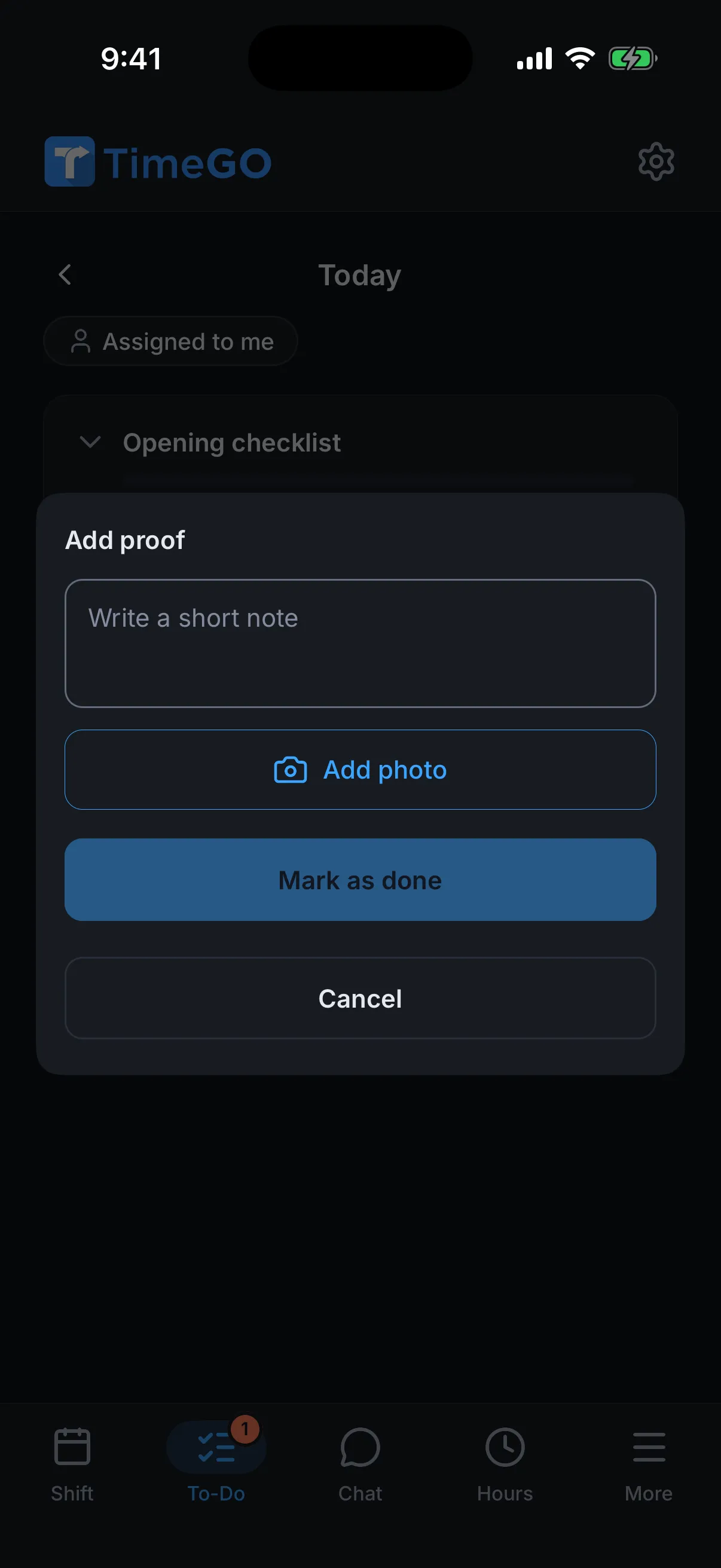
When ticking a task, the technician can tap the camera icon and add a note, a photo, or both.
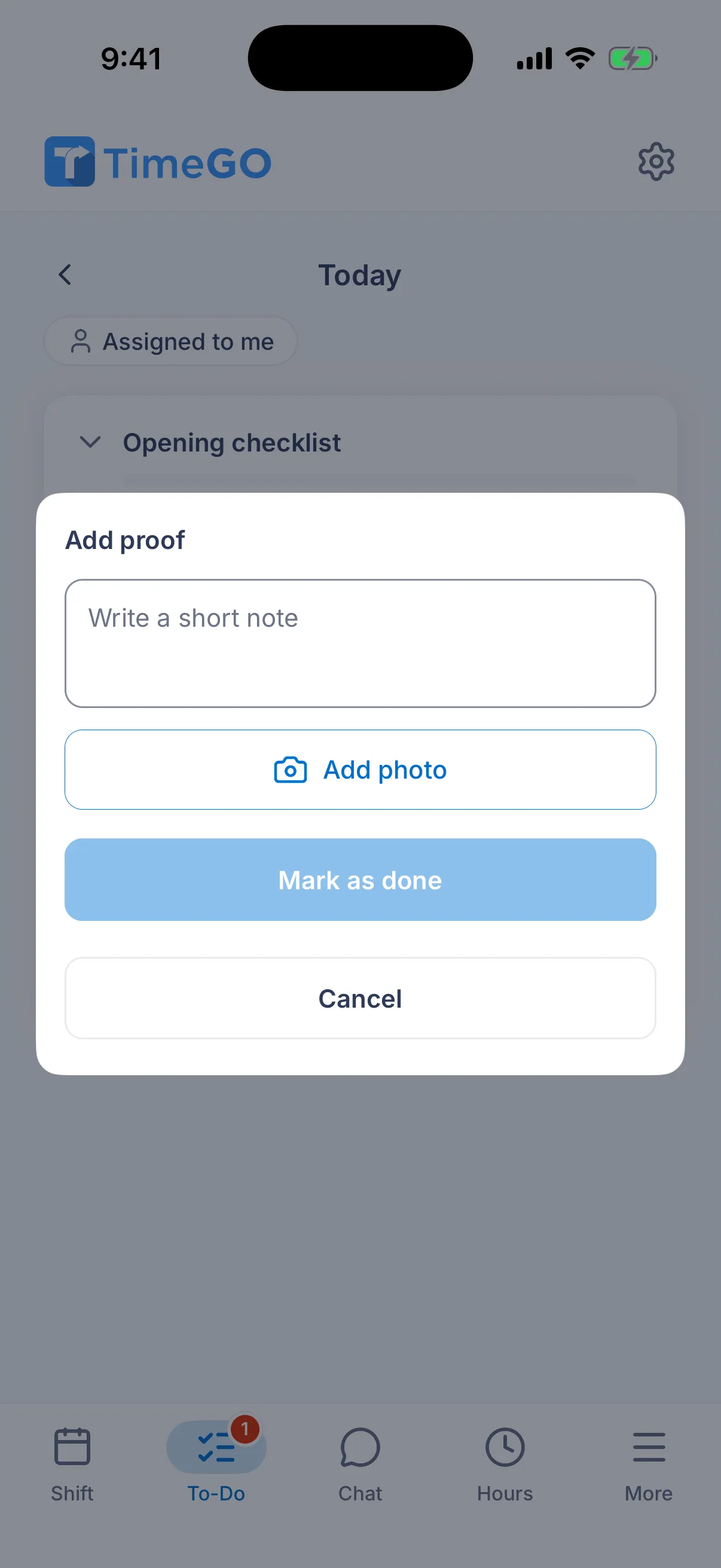
 A photo of the gauge is worth more than a tick next to “boiler OK”.
When the list changes on site
Pick a Mobile Editor for each list, usually the lead technician, so changes on site do not wait for the dashboard. Edit a to-do list on the phone shows how.
When a past day is wrong
A technician ticks the wrong task, or forgets to tick one he did. On the web, a manager can correct a past tick. The correction needs a reason, and the reason is recorded with it, so the history stays honest about what was changed and why.
A weekly ten minutes
Once a week, open the history for each building and look for the tasks that get skipped more than the rest. Ask why. It may be a task that does not fit the time, or one nobody needs any more, and then the list is what needs fixing.
For full inspections that need many fields and a signature, a custom form fits better than a list; forms and the equipment list and log are on the Pro plan. The facility maintenance page shows how lists sit next to schedules and clock-in.
What a list will not do
Use the history to decide which buildings need that walk this month.