 English
 Español
 Tiếng Việt
 Deutsch
 Français
 Português
 Polski
 Nederlands
 Italiano
 Svenska
 Norsk
 Dansk
 Suomi
 Čeština
 हिन्दी
 العربية

To stop buddy punching, make every clock-in happen at the job site, on the worker’s own phone, against a schedule the crew already confirmed. Then look at the shifts that do not fit. You will not catch every case on the first day, but you take away the easy version, and the easy version is where the habit starts.
What it looks like on a real crew
It is rarely a scheme. It is a text at 6:52 AM: “running late, punch me in?” On a paper sheet or a shared time clock by the trailer door, the friend writes 7:00 or taps the badge, and the timesheet shows a full day for someone who spent the first forty minutes on the highway.
Do it twice a week across a crew and it becomes the way things are done. Nobody thinks of it as theft, and that is exactly why a lecture does not fix it. The fix is to make the favor impossible to do from where the friend is standing.
Tie the punch to the place
In TimeGO, employees clock in, take breaks and clock out in the app on their own phones. Each site has a geofence, and the app uses GPS when they clock in. Outside the job radius the clock-in is refused, with a message that says so. A punch from the couch, or from the gas station two exits back, does not go through.
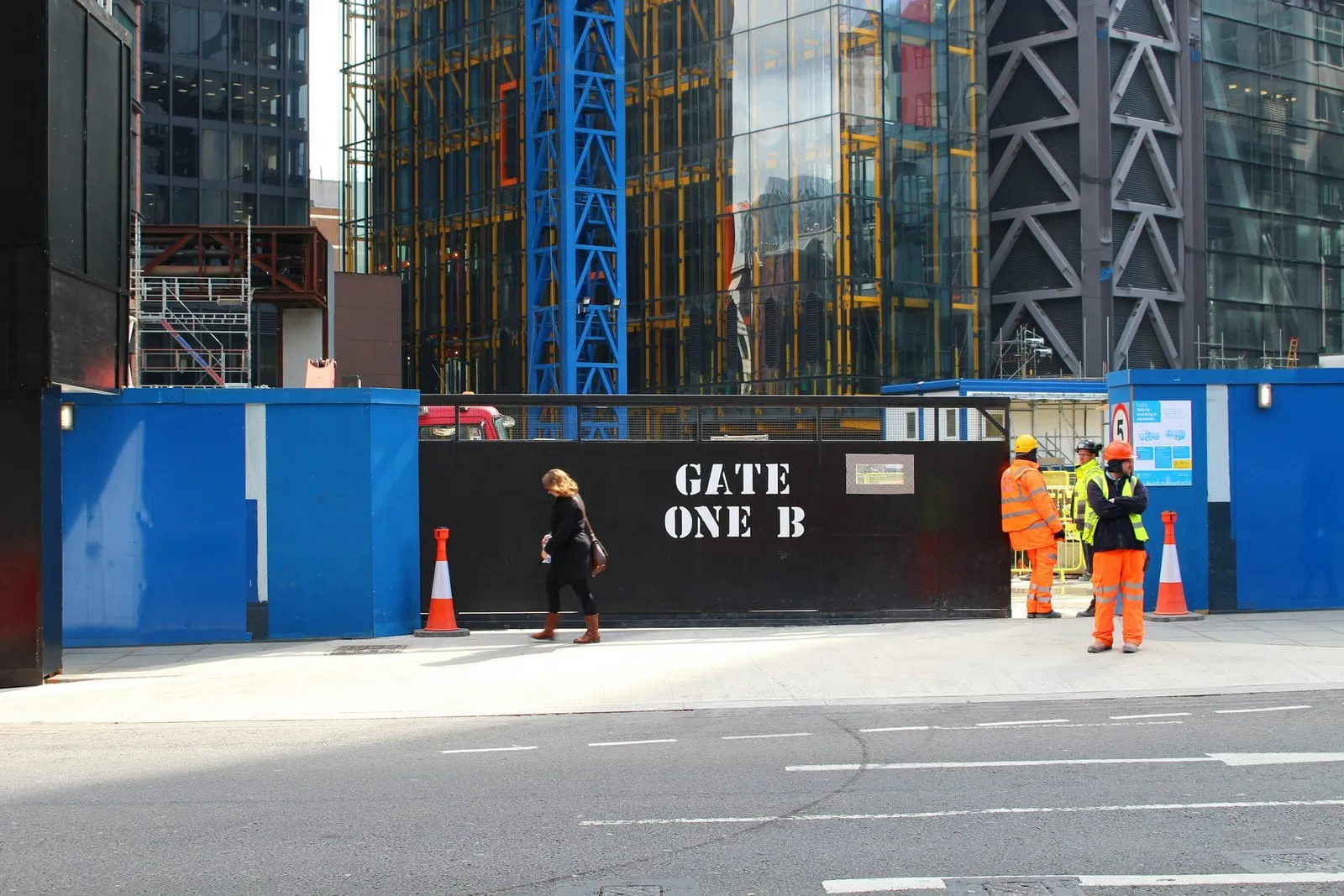 The geofence is drawn around the site, so the clock-in happens at the gate, not on the way there.
Set a geofence on every location you send people to, including the ones you only work at for a week. The site you skipped is the one where the habit moves.
No signal at the site is not an excuse to “fix it later” either: offline mode keeps the clock-in on the phone with the time it was actually made.
Know who was supposed to be there
A punch means more when there is a plan to compare it with. Put the week on the schedule, send it with Notify, and each worker confirms or declines in the app. In the dashboard, shifts and actual hours sit on one screen with color-coded status.
Now the morning reads differently. Three people confirmed the 7 AM shift at the warehouse job. Two clocked in at the site at 6:55. If the third has not clocked in, a missed clock-in alert reaches you while it is still 7:01 and you can still call.
Check the route when a shift looks wrong
With GPS tracking turned on for a job, the app records a route while the worker is clocked in. You review it on a map in the web dashboard, during the shift or after. If someone clocked in at the site at 7:02 and the route shows the phone leaving at 7:20 and spending the morning across town, the map shows it. A gap in the middle of a shift is a break; tracking pauses for breaks.
You do not need to read every route. Open the GPS route for the shift that looks odd: the one that is always exactly eight hours, the one that started at the gate and ended in a parking lot two miles away.
Payday
Every shift lands in the timesheet with its real punches. When a worker disputes a deduction, you open the shift and see the time, the place and the route, instead of trading memories. How to read a timesheet shows where to look.
Say it out loud first
Tell the crew how the system works before you switch it on. Which sites have a geofence, that the route is recorded during paid hours on jobs where tracking is on, and what you will do with it. People who know the rules mostly follow them. People who find out from a disciplinary meeting tell everyone else on the crew a worse version.
What it cannot do
The app checks where the phone is. It cannot see who is holding it. A worker can hand his phone to a friend who stands at the gate and clocks him in, and the record will look clean.
What makes that hard to keep up is everything after the clock-in: a route that has to look like a day’s work, tasks ticked on the shift to-do list, a form with photos, a supervisor who knows faces. If you suspect it on one crew, that is a supervision problem, and the record tells you which crew and which mornings to show up unannounced.