 English
 Español
 Tiếng Việt
 Deutsch
 Français
 Português
 Polski
 Nederlands
 Italiano
 Svenska
 Norsk
 Dansk
 Suomi
 Čeština
 हिन्दी
 العربية

To stop paper timesheets, have every worker clock in and out on their own phone at the job site, and build the timesheet from those times. The foreman stops collecting slips on Friday, the office stops retyping them on Monday, and an argument about Thursday becomes a look at Thursday’s clock-in.
Payroll Friday, the paper version
A paper timesheet makes three trips before anyone gets paid. The worker fills it in, usually at the end of the week, from memory, on the tailgate. The foreman collects it, or a photo of it arrives by text at 6 PM. Someone in the office types it into payroll on Monday.
Every hand can change a number, and most of the changes are not dishonest. A start time becomes “7” because everybody writes 7. The last hour of a long pour gets left off because the worker was too tired to write it. A Monday-to-Thursday sheet turns up on Friday with Friday already filled in. And when a worker says he was short-changed, you have his handwriting against your foreman’s memory.
Clock in at the site instead
In TimeGO each worker clocks in, takes breaks and clocks out in the app. Each job site has a geofence, and the app uses GPS at clock-in. The time is recorded when the button is pressed, so there is nothing to remember on Friday.
Job sites are often where the signal is worst: a new subdivision past the last cell tower, the second basement level of a parking structure. Offline mode keeps the punch on the phone and sends it later with the time it happened.
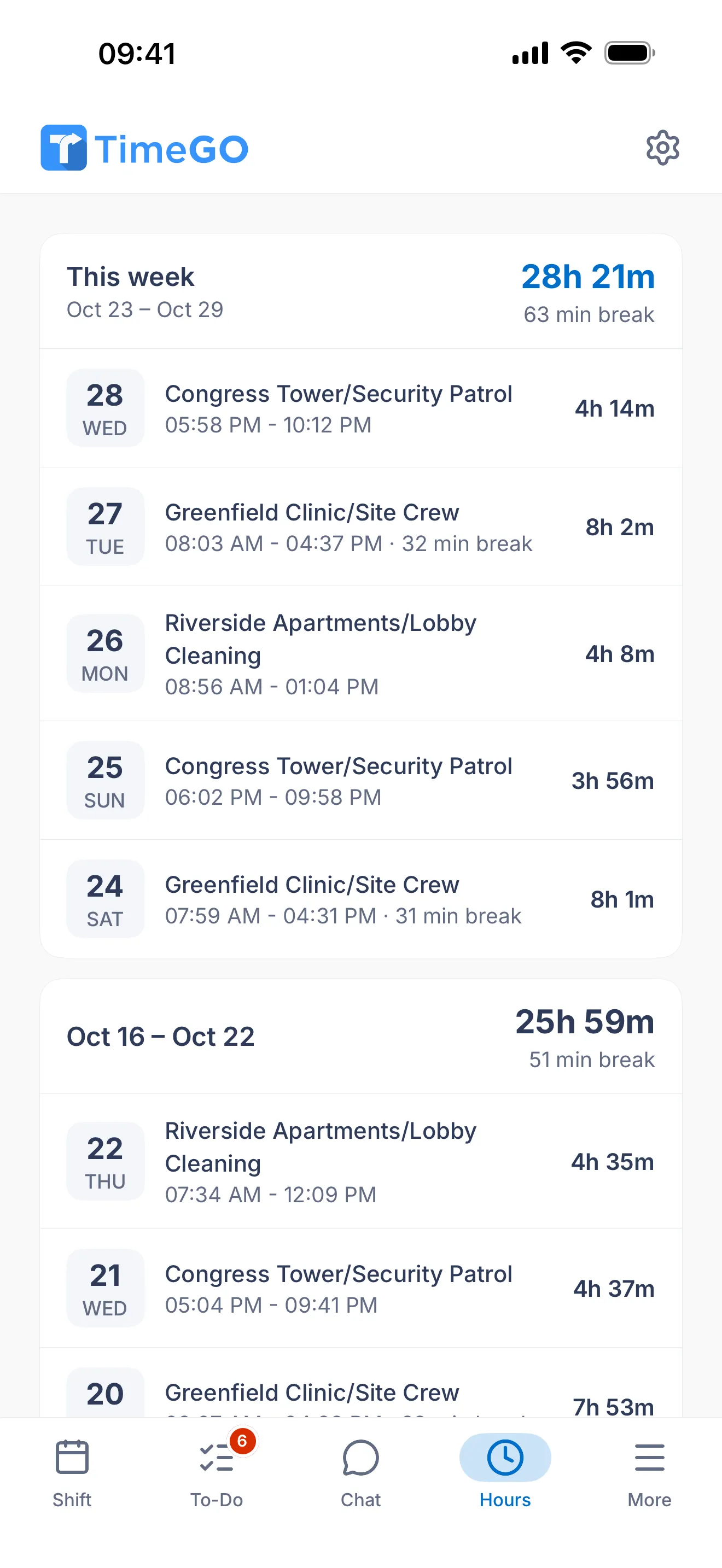
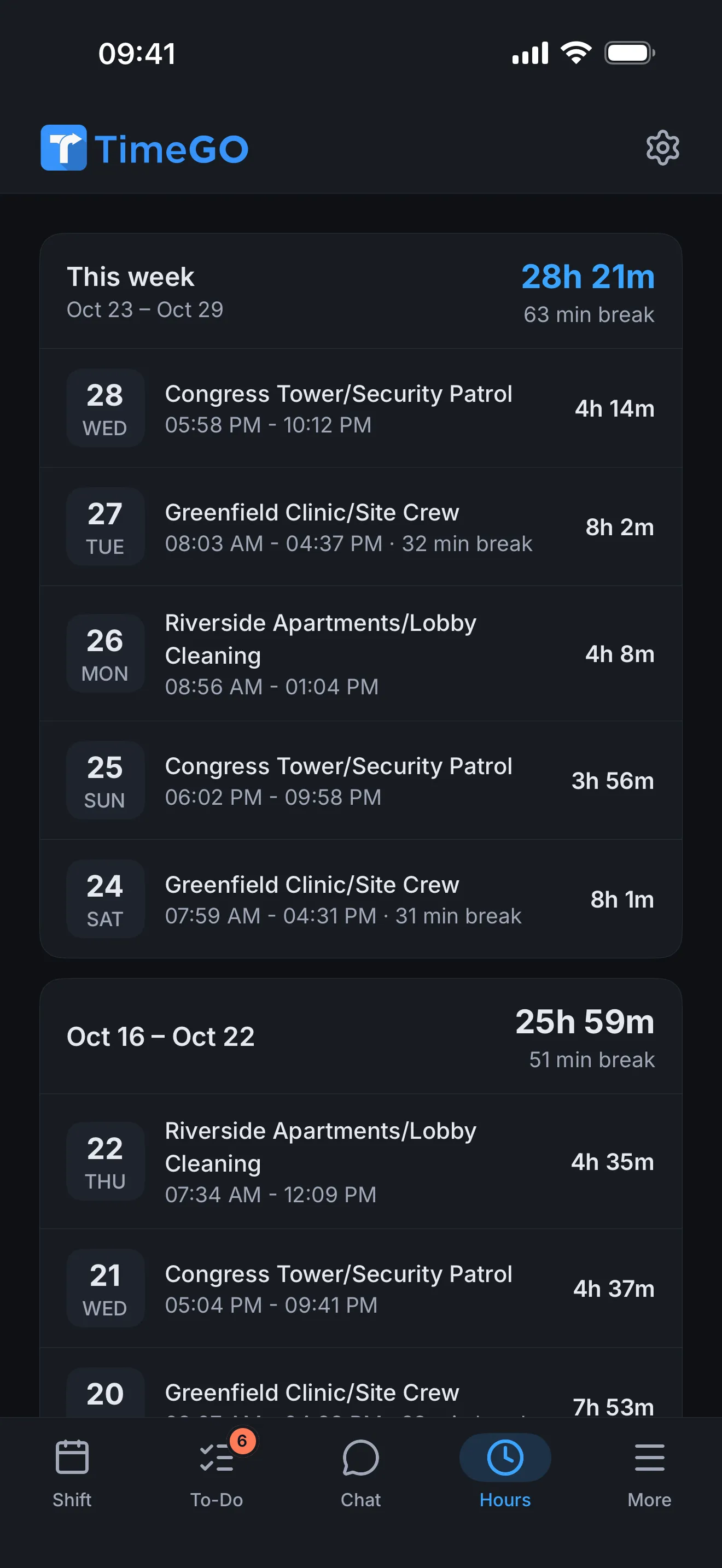 Each worker sees their own week on the Hours tab, so the person being paid can check the total before payday, not after.
In the web dashboard a map shows your job sites and who is working, and a missed clock-in alert tells you when someone has not clocked in.
The end of the day
Paper drifts most at quitting time. Switch on auto clock-out for a shift and the app shows each worker when they will be clocked out. Someone finishing a pour can extend or report the real finish, and you decide whether it stands. A worker who stayed late gets paid for it, and a finish time that looks like a guess gets a second look before it reaches payroll.
The daily report goes on the phone too
The other half of the paper on a site is the daily report: who was there, what got done, what is blocking tomorrow. With the form builder you make your own daily report as a custom form. Foremen fill it in on the phone with photos and a signature, Custom forms are on the Pro plan.
A shift to-do list holds the day’s tasks (“frame interior walls, units 4 and 5”), with the ones that cannot slip marked as required. Photos and drawings that belong to a job go in job chat.
From clock-ins to payroll
When a worker clocks out, the shift lands in the timesheet with its job. Before payday the office:
- Opens the payroll period and reads the long days, the short days and the weekend shifts.
- Clears any auto clock-out reviews still waiting.
- Exports the period from the Timesheet Report.
- Exports the timesheet and opens its Summary by Job sheet when the estimator wants hours per job.
Each shift keeps its real clock-in and clock-out, so “what time did I actually start on the 14th” always has an answer.
Rolling it out without a revolt
Start with one job site and one foreman who is willing. Tell the crew why: they will stop filling in sheets, and they will see their own hours on the phone. Keep the paper running for one full pay period. At the end, compare the paper total and the export for every worker. Where they differ, find out why before you drop the paper, and show the crew what you found.
What it does not do
QuickBooks Desktop has no live connection. It works from the exported .iif file, which carries hours only. If your payroll runs in QuickBooks Desktop, the export is a step someone still does each period. And the app checks where the phone is, not whose hand it is in; a worker who hands his phone to a friend at the gate is a people problem, and we wrote about it in how to stop buddy punching.