 English
 Español
 Tiếng Việt
 Deutsch
 Français
 Português
 Polski
 Nederlands
 Italiano
 Svenska
 Norsk
 Dansk
 Suomi
 Čeština
 हिन्दी
 العربية
Dashboard
1 min read
How to see who is working right now on the map
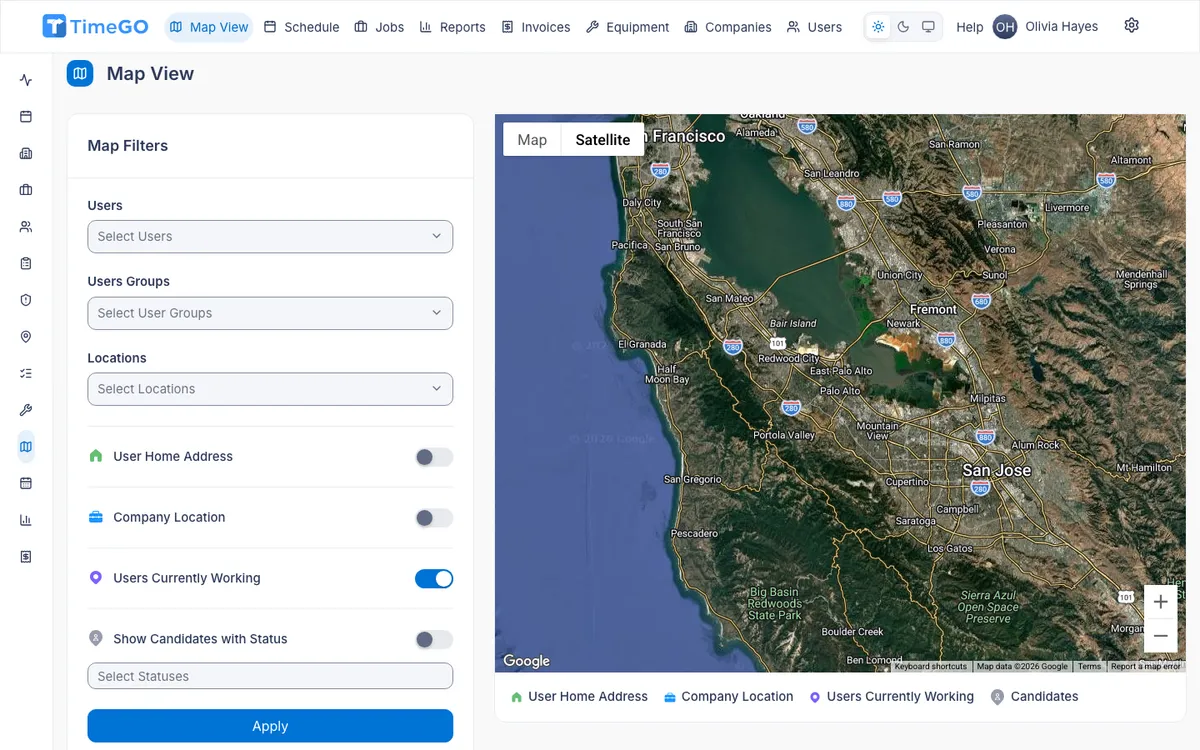
Map View shows the users who are clocked in now, each at their last GPS point.
Steps
- 1
Open the Menu on the left and click Map View.
- 2
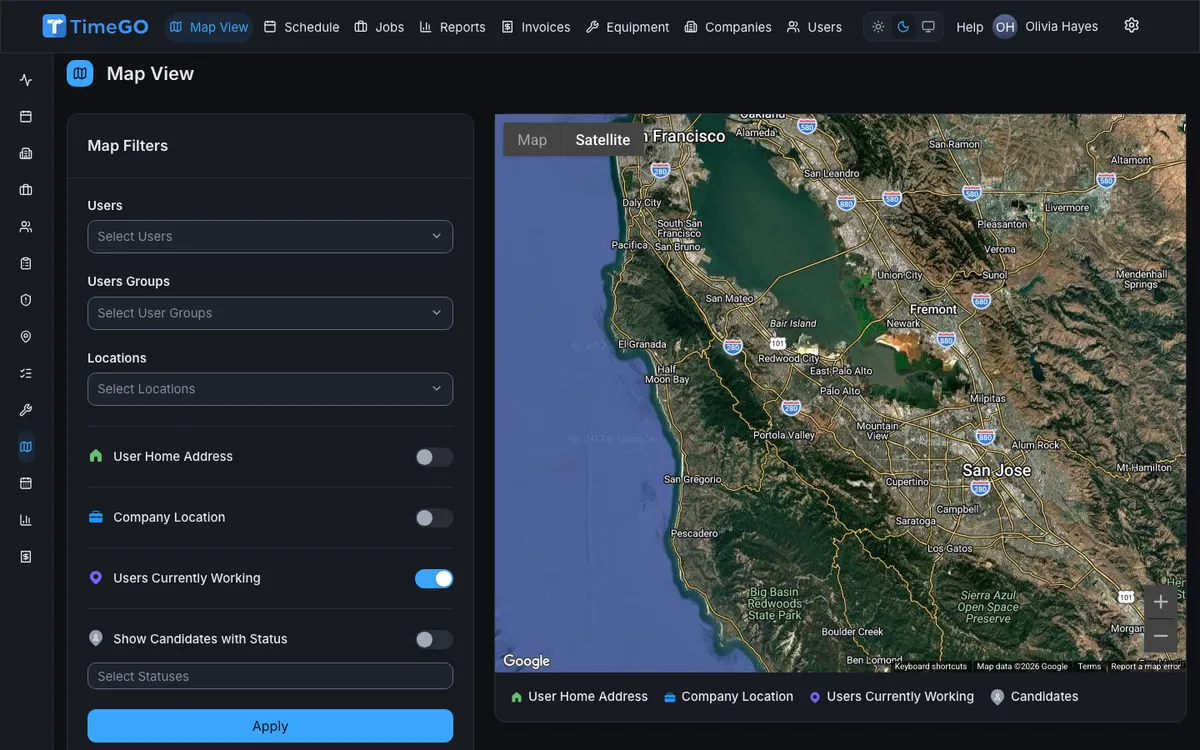
Leave Users Currently Working on to show the people who are clocked in.
- 3
To show only some people, pick them under Users, Users Groups or Locations, then click Apply.
- 4
Click a marker to see the person's name and job.

Good to know
- A clocked-in user with no GPS point yet is not on the map.
- The map loads when you open the page and when you click Apply. It does not update by itself.
- Switch on User Home Address or Company Location to show them too. Click GPS on a person in the Users card to open their route.
About the feature: More about GPS time clock