 English
 Español
 Tiếng Việt
 Deutsch
 Français
 Português
 Polski
 Nederlands
 Italiano
 Svenska
 Norsk
 Dansk
 Suomi
 Čeština
 हिन्दी
 العربية
Phone app
1 min read
How to take a break during a shift
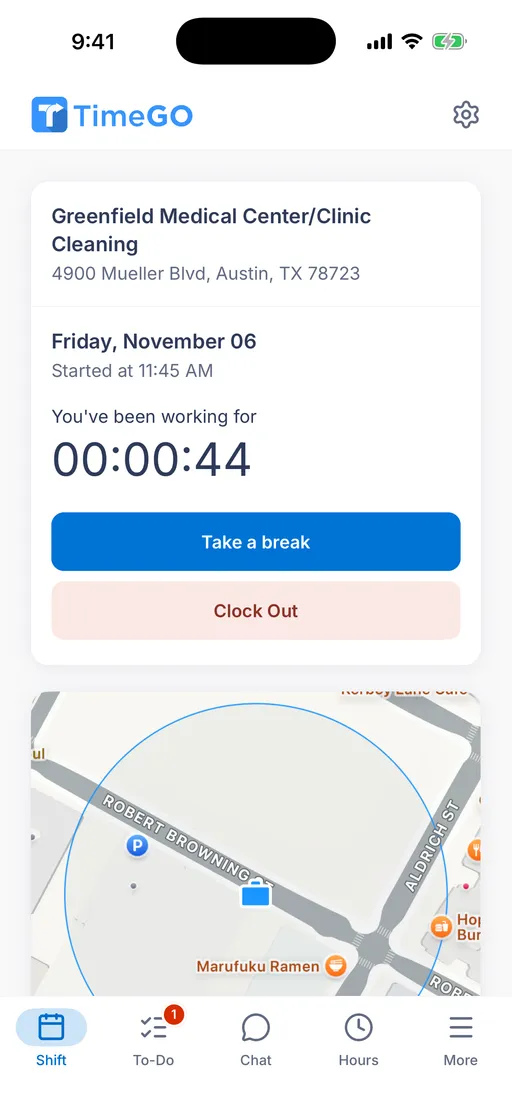
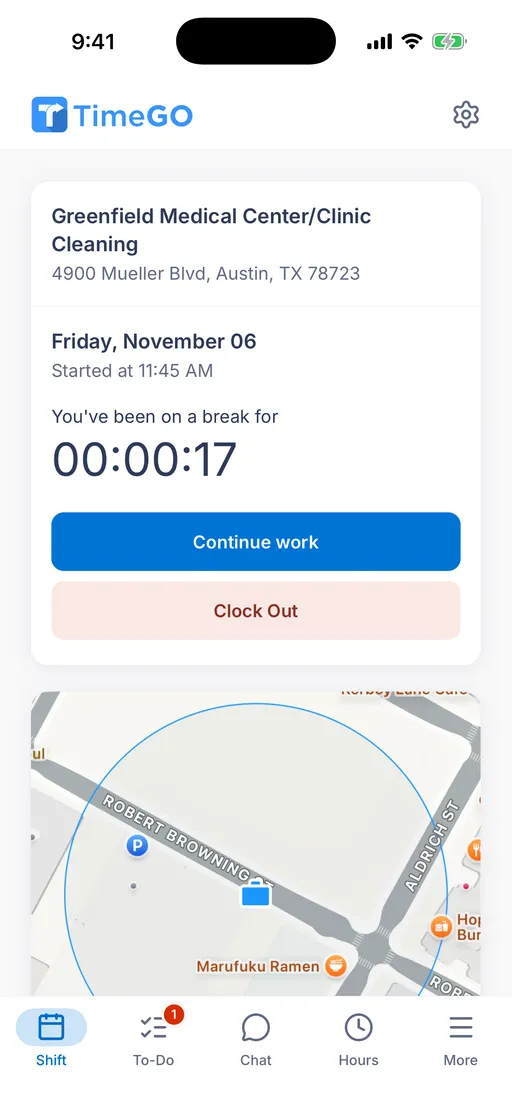
Tap Take a break on the Shift tab to start a break, and tap Continue work to go back to work.
Steps
- 1
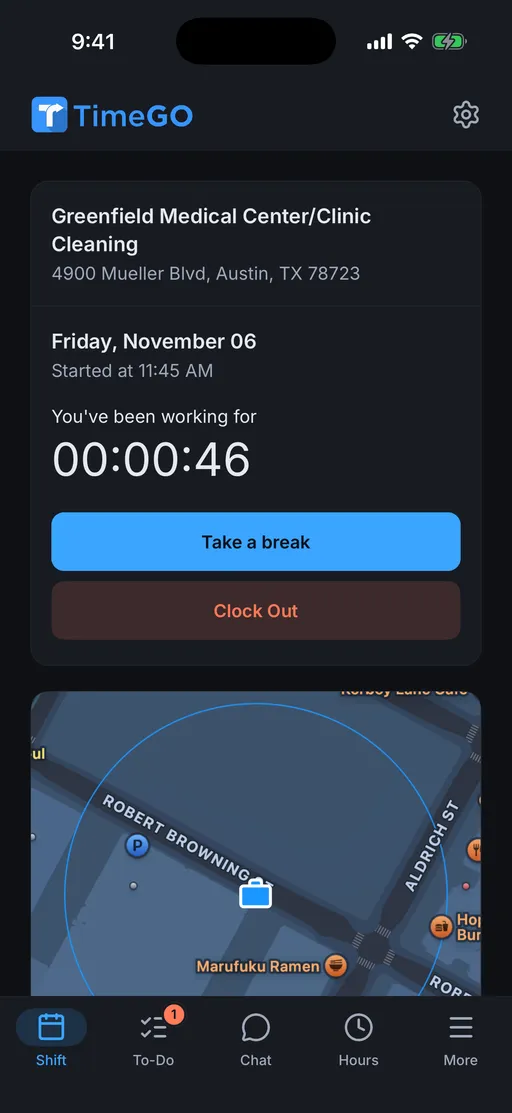
While you are clocked in, open the Shift tab and tap Take a break.
- 2
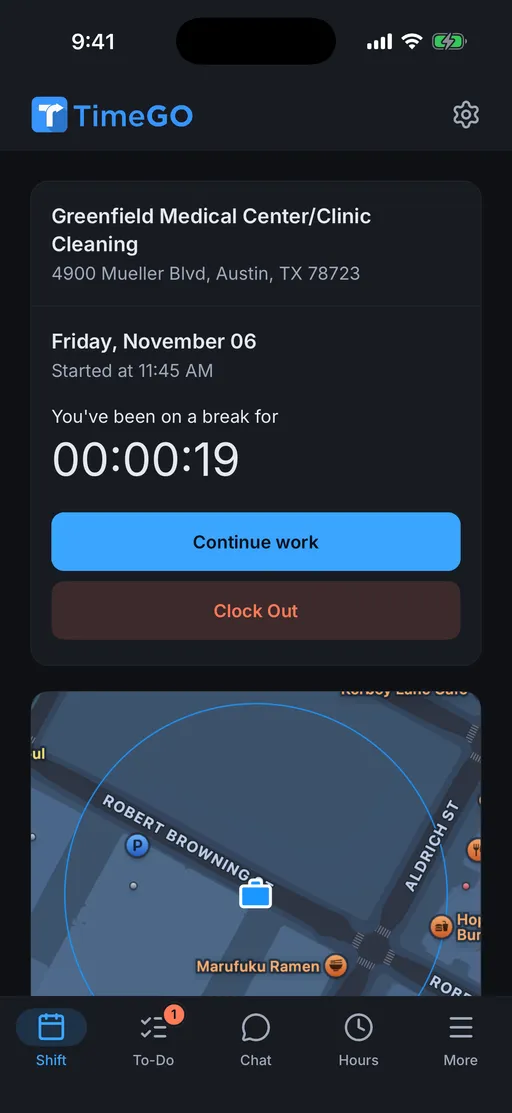
The timer now reads "You've been on a break for". To go back to work, tap Continue work.
Good to know
- Clock Out ends the shift. Use Take a break for a break during your shift.
- Your manager can plan the break ahead of time. The Scheduled Break Time (mins) field on the shift sets the planned length.
- Location tracking pauses while you are on a break. If your company uses auto clock-out when off site, a break restarts its count.
About the feature: More about GPS time clock, More about Mobile app