 English
 Español
 Tiếng Việt
 Deutsch
 Français
 Português
 Polski
 Nederlands
 Italiano
 Svenska
 Norsk
 Dansk
 Suomi
 Čeština
 हिन्दी
 العربية

Turn on auto clock-out in the shift. TimeGO then clocks the employee out a few minutes after the scheduled end, so a cleaner who walks to the car at 1 AM without tapping Clock Out is not still “working” at 9 the next morning. If the job really did run late, the employee extends in the app or reports the real finish time, and you decide whether it stands.
What a forgotten clock-out costs
It is never one big mistake. It is a 22-hour shift on Thursday’s timesheet, a text to the cleaner on Friday asking when she actually left, and a guess, because she does not remember either. Multiply by a crew of twenty working nights at different buildings and someone in the office spends Friday mornings reconstructing other people’s Wednesdays.
TimeGO has a safety net even with nothing switched on: it clocks the employee out 12 hours after the scheduled end. That stops a shift from running forever, but 12 hours past a 1 AM finish is still a very long shift to fix.
Turn it on in the shift
Auto clock-out is a setting of each shift, not of the whole company, and it is off by default. You pick how many minutes after the shift end it fires. The steps are in how to turn on auto clock-out for a shift.
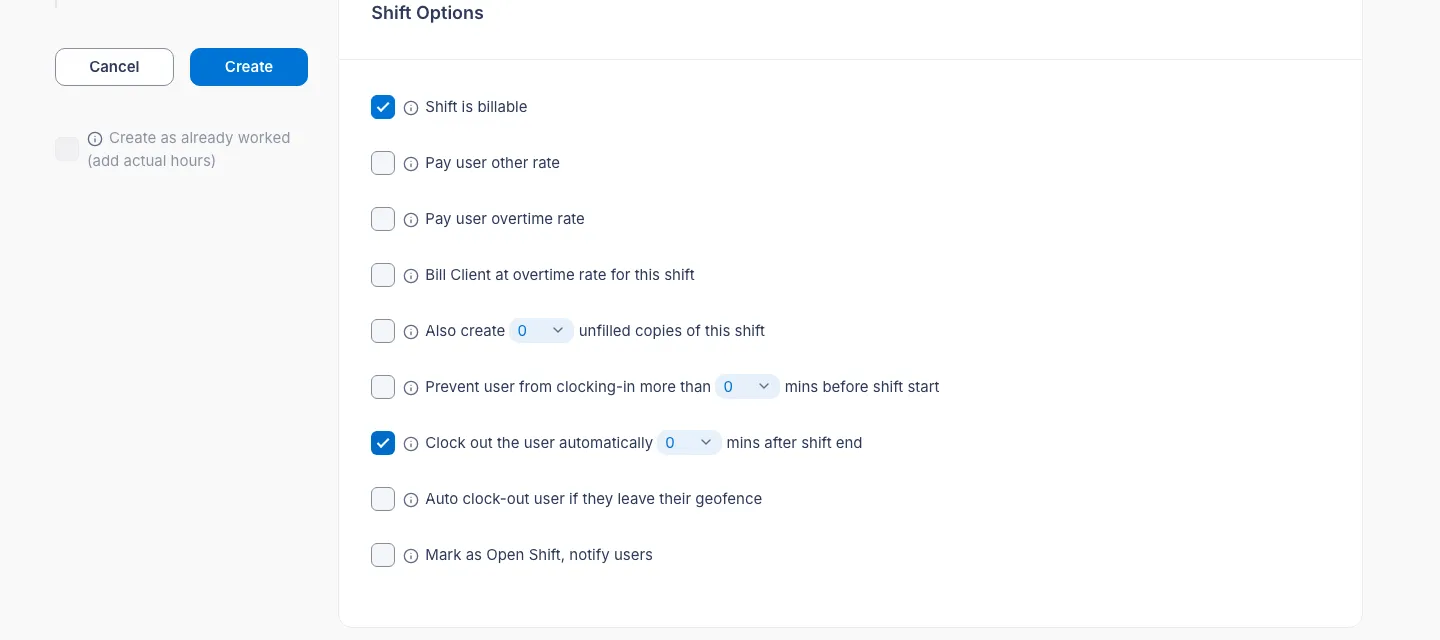
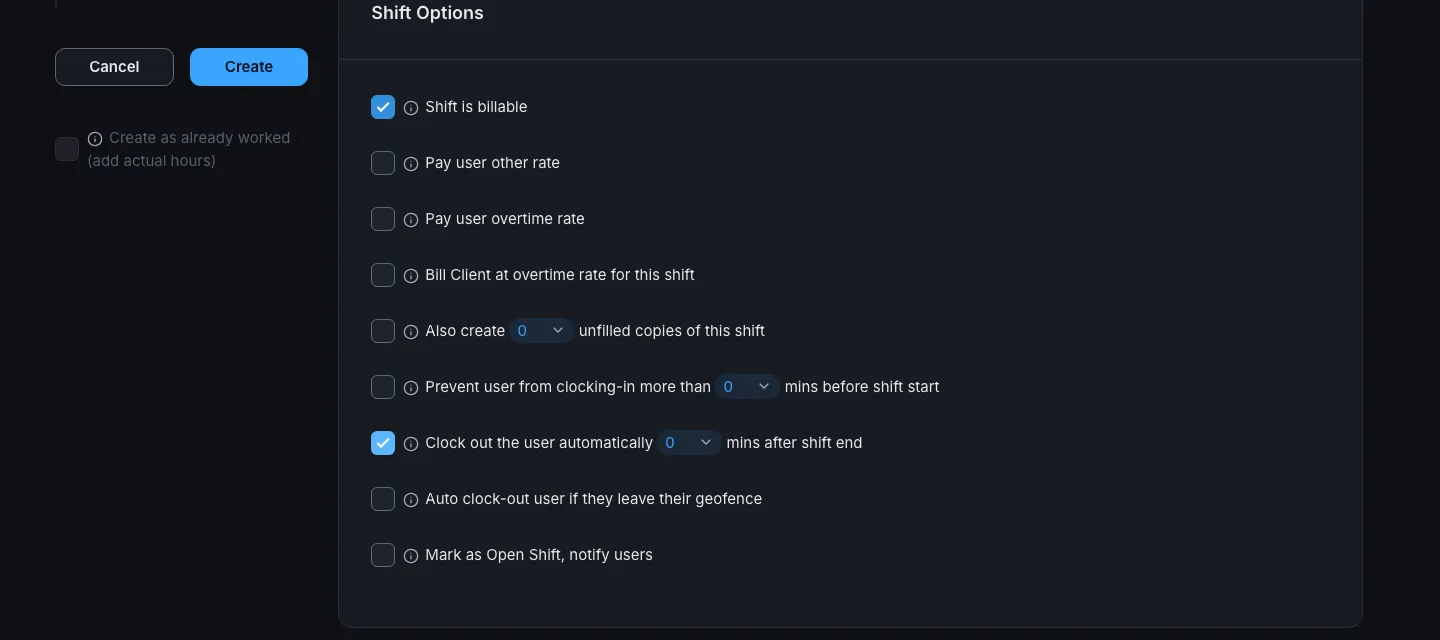 The option lives with each shift, so a fixed nightly clean can have it and an open-ended emergency call can do without.
The faster catch: leaving the site
The same help article covers Auto clock-out user if they leave their geofence. The car pulls out of the lot, the shift ends, after a wait a business admin sets. The job needs GPS on for this to work.
For a crew that goes from one building to the next, this matters more than the timer. The cleaner who finishes early at building A and drives to building B is not left clocked in at A while working at B.
When the work runs late
A clock-out on a timer will sometimes come too early. The client asks for the conference room after a late meeting, or a floor machine breaks. The employee can extend the clock-out before it fires, or report the real finish afterwards, and you decide whether it stands. The auto clock-out page has the rules, and two help articles have the screens: extend or confirm for the employee and approve, adjust or decline for you.
A reported finish shows as Review pending on the schedule, with the time TimeGO clocked the employee out next to the time they report and their note, so you compare the two before deciding. Clear the pending reviews before you export payroll; the timesheet export warns you when some are still open, because the hours may change.
What it does not solve
Auto clock-out ends a shift. It does not tell you whether the late finish was real. That is what the review is for, and why patterns matter more than any single night: the cleaner who reports working until 3 every Tuesday is a conversation worth having, about the building or about the cleaner.
It also does nothing for the person who never clocked in. For that, rely on the missed clock-in alert and build schedules that cleaners confirm. The commercial cleaning page shows both.