 English
 Español
 Tiếng Việt
 Deutsch
 Français
 Português
 Polski
 Nederlands
 Italiano
 Svenska
 Norsk
 Dansk
 Suomi
 Čeština
 हिन्दी
 العربية

Round to 6 minutes if your payroll works in tenths of an hour. Round to 15 if it has always worked in quarter hours and nobody wants to change that. Leave rounding off if your crews already argue about minutes, because exact time is the one answer nobody can dispute. In TimeGO all three are a single company setting, and the real punches are kept whichever you pick.
The three choices
The company setting Round worked time to (the help article shows where) offers:
| Choice | A total looks like | In practice |
|---|---|---|
| Off (exact time) | 7 h 47 min | What the phone recorded, to the minute |
| 6 minutes (tenths of an hour) | 7.8 h | Close to real time, easy decimals |
| 15 minutes (quarter hour) | 7.75 h | The old punch-card habit |
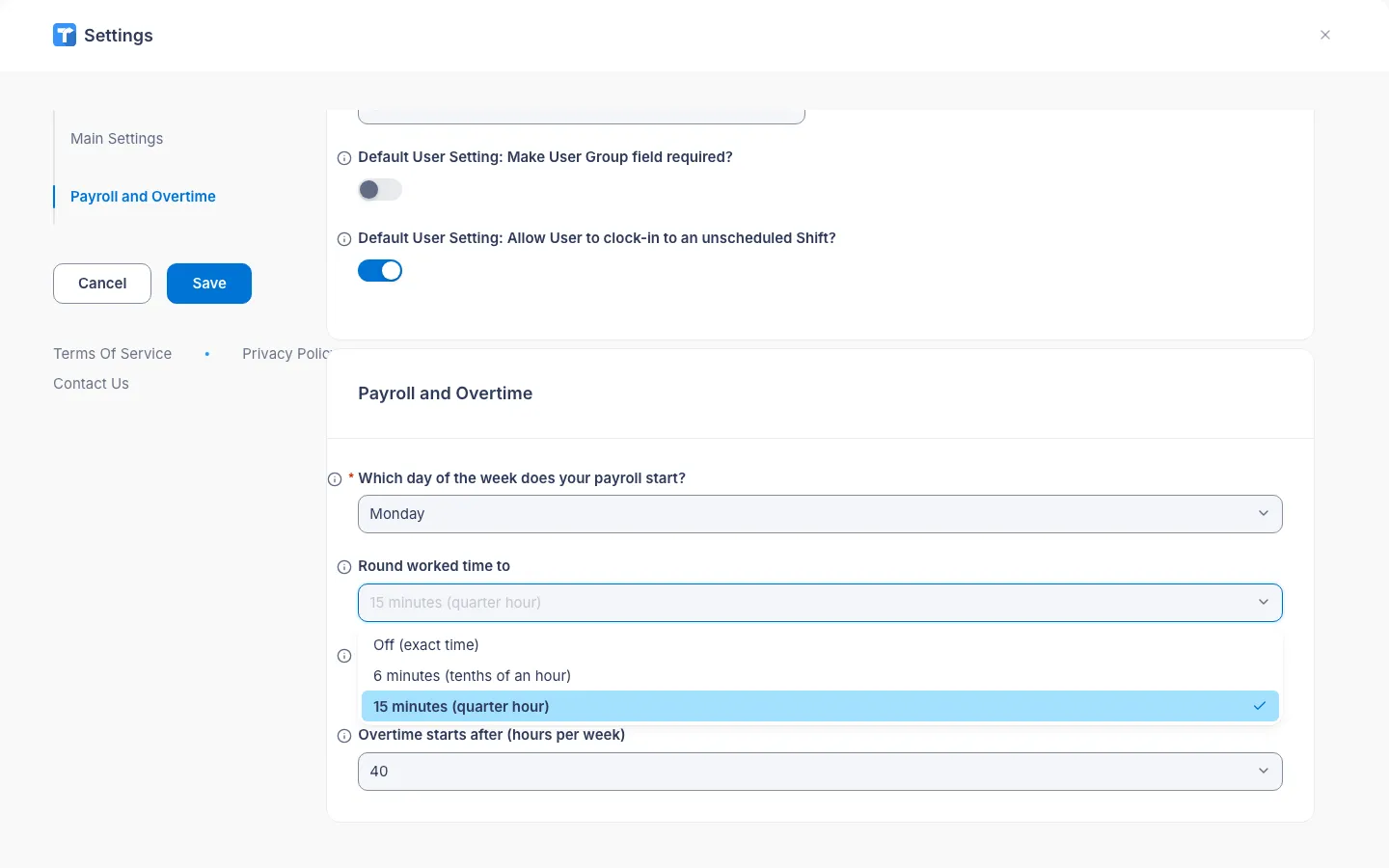
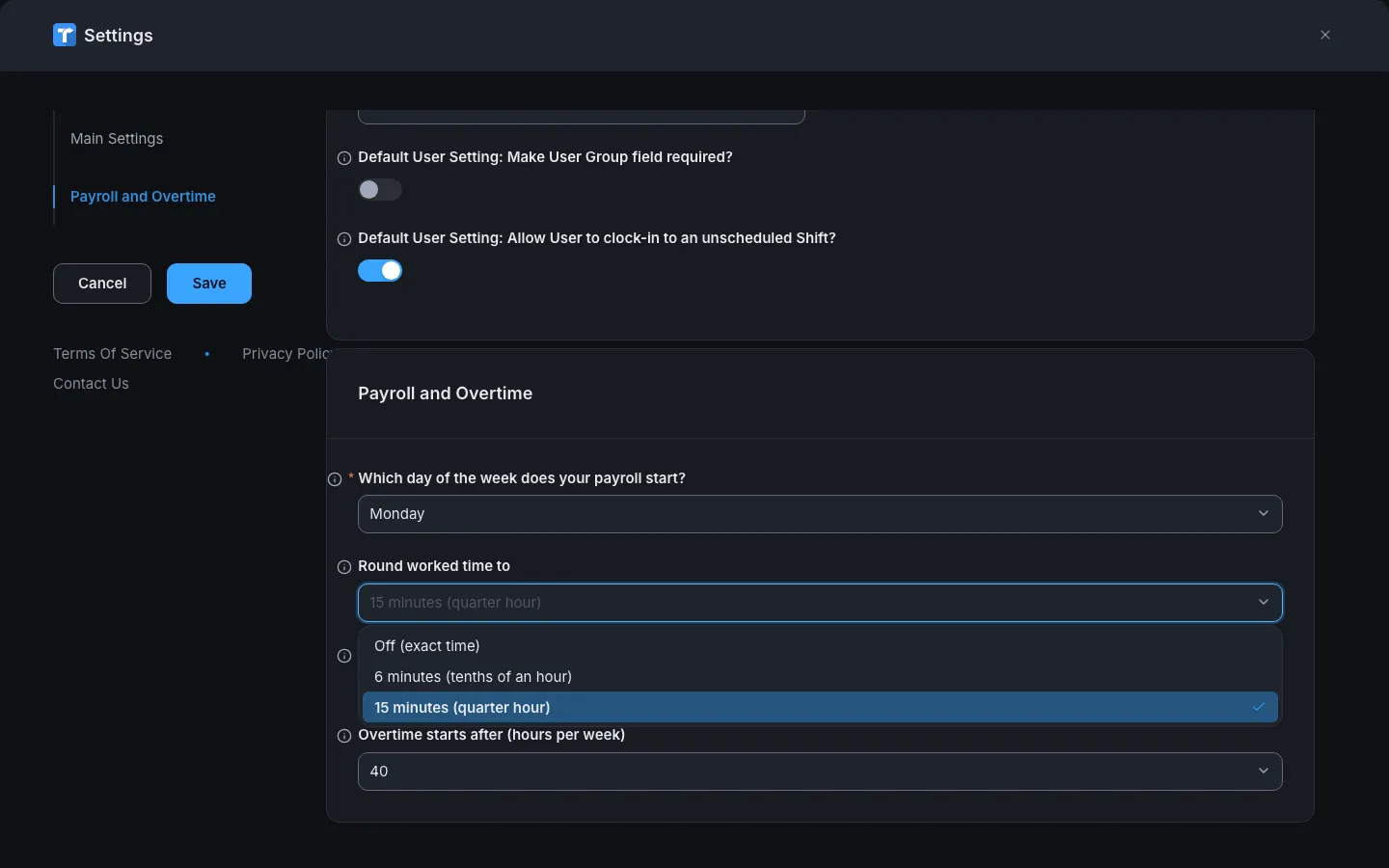 Only a business admin sees this page by default. One choice covers every employee and every site.
Why we lean toward 6 minutes, or off
The bigger the step, the further a punch can move from the real time. A 15-minute step can shift a clock-in by several minutes in either direction; a 6-minute step moves it less. If you are not sure, the smaller step is the safer first try, and off is safer still.
Quarter hours made sense when a paper card went into a mechanical clock and someone added the week up with a pencil. With every punch recorded to the minute on a phone, the main reason left to round is that your payroll provider or your accountant wants decimals. Six minutes gives them that.
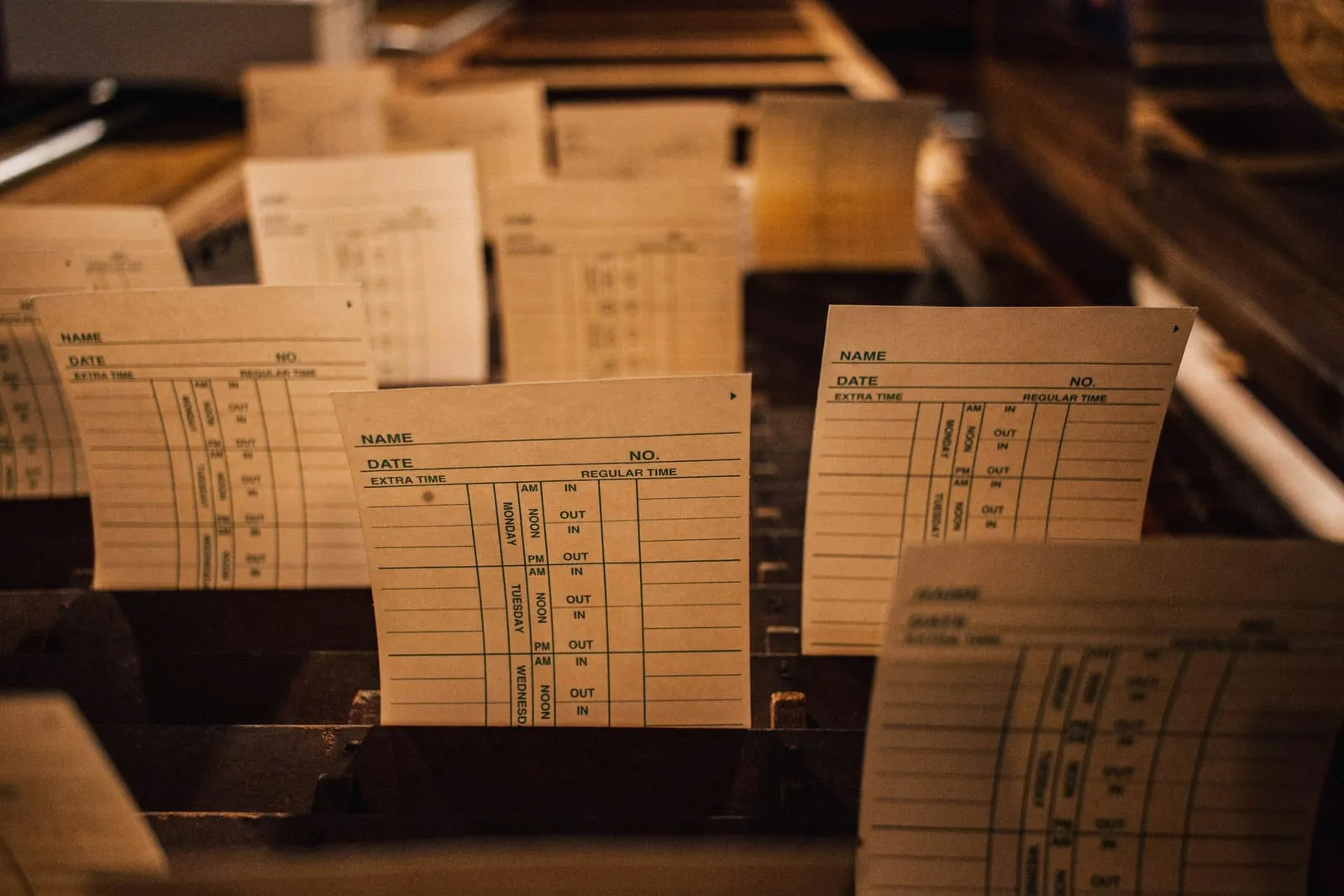 Quarter-hour rounding comes from cards like these, added up by hand at the end of the week.
Whatever you pick, tell the crew which one in the same message as the pay schedule, so the first paycheck under the new rule is not the first they hear of it.
What TimeGO rounds, and what it leaves alone
This part is narrower than most people expect, so it is worth reading twice.
- Rounded: the first clock-in and the last clock-out of a shift.
- Left exact: breaks, any punches in between, and times a manager typed in by hand.
A 17-minute break stays 17 minutes, and a manager who fixes a forgotten clock-out by typing 4:42 PM gets 4:42 PM. When an employee asks what time they actually clocked in on the 14th, you open the shift. The time rounding page shows where totals and punches each appear.
Two side effects to know about
The setting reaches further than the timesheet:
- It applies to past periods as well, in payroll, reports and invoices. Change it in the middle of the month and closed periods show new totals. Change it on the first day of a pay period, and tell your accountant the day you did.
- It shapes the minutes you can pick for auto clock-out, which can only be 0 or the rounding step.
Rules first, setting second
Whether and how you may round employee time is not only a software choice. The rules differ by state. This post is not legal advice and gives no figures for any state. Ask your accountant or payroll provider what is allowed where your crews work before you turn rounding on, and check it again if you start working in a new state.
Common questions
Do I lose the real punch times if I round?
No. The shift keeps what the phone recorded.
Can I change the setting mid-month?
Yes, but it applies to past periods too. Change it on the first day of a pay period and tell your accountant.