 English
 Español
 Tiếng Việt
 Deutsch
 Français
 Português
 Polski
 Nederlands
 Italiano
 Svenska
 Norsk
 Dansk
 Suomi
 Čeština
 हिन्दी
 العربية

To track overtime for hourly field employees, settle three things before you count a single hour: the day your payroll week starts, the number of weekly hours after which overtime begins, and clock-in times you can trust. The first two are settings. The third is where field crews usually fall down, because nobody is standing at a time clock when the pour runs until 9 PM.
Why crews get it wrong
In an office, overtime is boring. On a job site it is a weekly argument. The crew works ten hours Monday, eight Tuesday, gets rained off Wednesday at noon, and makes it up Saturday at a different site. The hours arrive on Friday as a text: “9, 8, 10, 8, 9”. Whether that is 44 hours or 43 and a half depends on who you ask, and the overtime is the part everyone remembers to argue about.
You cannot fix that with a policy memo. You fix it with a week that starts on the same day every time, and hours that were recorded when they happened.
The settings, in one place
A business admin sets this under Payroll and Overtime in the account settings. The page asks which day of the week your payroll week starts, how to round worked time, whether you track overtime, and after how many hours per week overtime starts.
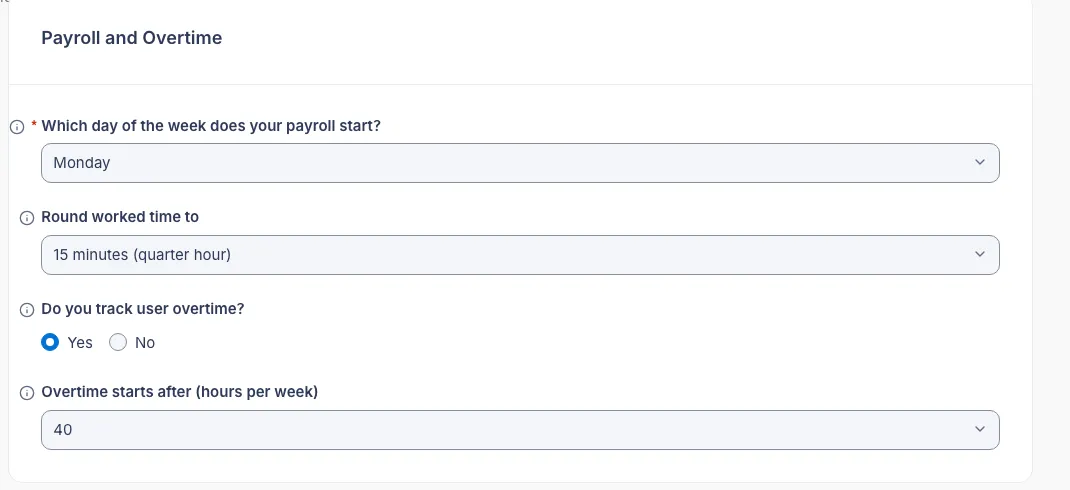
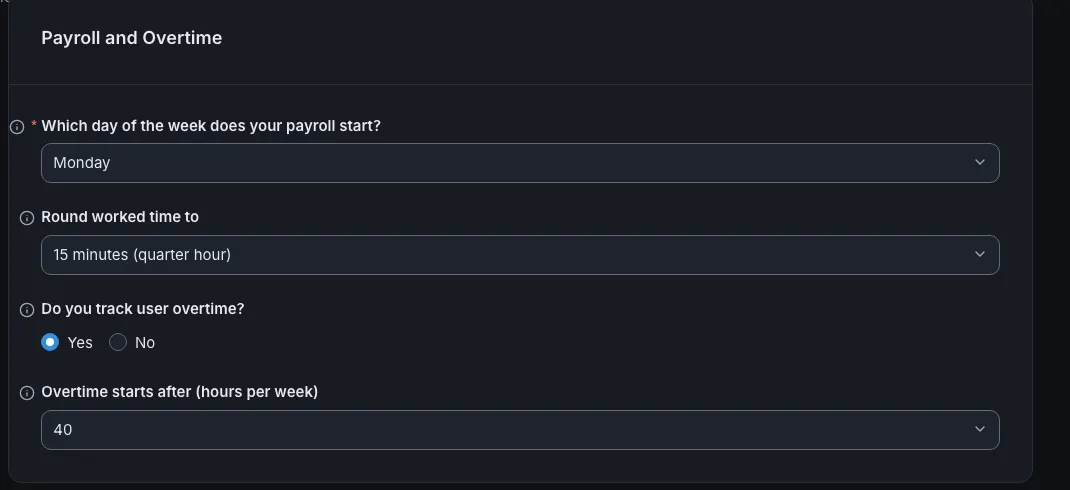 Four questions on one page. Managers do not see it by default, so ask your admin if it is missing.
One setting covers the whole company. Decide it once with whoever runs payroll, write it down, and make sure a new office manager in a year does not “tidy it up”. If the week start moves, the same shifts land in different weeks and nobody’s totals match last month’s.
Hours from the site, not from memory
In TimeGO an employee clocks in and out on their phone at the job site. GPS clock-in checks the phone against the geofence around the site, breaks are started and ended in the app, and each finished shift lands in the timesheet with its job. By Friday the week is already built from what happened Monday to Thursday.
It keeps working where overtime tends to happen, on a rural road job or a basement level, because offline mode keeps the clock-in until the signal returns.
The worker sees their own week on the app’s Hours tab, a row per shift and a total at the top. When the person being paid can see the same hours you do, the Friday argument mostly turns into a Wednesday question, which is cheaper.
Long days often end with a forgotten clock-out. With auto clock-out switched on for a shift, a late finish is extended or reported by the worker and approved by a manager, so the shift ends with a time a person actually looked at.
Read the week before you send it
Open the timesheets for the period and read them before anything is exported. The shifts that decide overtime are the ones to open: the long days, the Saturday, a second site on the same day. Check that:
- every shift has a clock-out;
- the long shifts are real, with the clock-in place and the breaks where you expect them;
- nobody is missing a day they worked;
- no auto clock-out reviews are still waiting, since the hours can still change.
Whether rounded or exact time should drive overtime is a question for your accountant, worth confirming against one test week. We compared the rounding choices in should you round to 6 or 15 minutes.
Then export
TimeGO groups the hours into payroll periods. From the Timesheet Report you export a period for payroll. The payroll page shows the options. Send your accountant or payroll provider exactly the period you checked, so their total and yours start from the same hours, and let them apply the rates.
What TimeGO does not decide
TimeGO gives you the hours, the week and the line where overtime starts. It does not tell you what you owe. Which hours count as overtime, how the rate is calculated, whether a break is paid, and whether daily overtime applies all differ by state and sometimes by job. Nothing here is legal advice. Check the rules for your state with an accountant or payroll provider, and let them confirm your settings match.