 English
 Español
 Tiếng Việt
 Deutsch
 Français
 Português
 Polski
 Nederlands
 Italiano
 Svenska
 Norsk
 Dansk
 Suomi
 Čeština
 हिन्दी
 العربية

A clinic can run staff hours and time off from one place. Staff clock in and out on their own phones, every shift goes into a timesheet, and a request for a day off goes from the app to the office manager, who answers it on the web. The sign-in sheet at the front desk and the sticky notes on the manager’s monitor can both go.
The sign-in sheet at six people and at sixteen
A clipboard at the front desk works when there are six of you and everyone leaves at the same time. At sixteen, split across two locations and staggered shifts, the sheet is wrong by Thursday. Someone wrote their arrival but not their departure. Someone wrote 8:00 because they always write 8:00. The office manager spends Friday afternoon adding up columns, then chases three people for the gaps.
Time off is worse, because it never touched paper. A medical assistant asked about the 22nd in the hallway. Did the manager say yes, or “probably”? Nobody wrote it down, and the schedule for that week went out without it.
Clock in on the phone
Each staff member installs the TimeGO app. They clock in and out from the Shift tab. Lunch is Take a break and Continue work, so the break is on the record instead of in someone’s memory.
If the job has GPS on, the app checks the phone’s location at clock-in against a geofence around the clinic, and a clock-in from outside the building is refused. If you run a main clinic and a satellite office, make each one its own job with its own geofence, and hours split by location on their own. The help article on clocking in shows the screens your staff will see.
The timesheet, without the Friday afternoon
Every shift lands in the timesheet when the person clocks out. Pick the payroll period in the web dashboard and export it for whoever runs payroll.
When someone asks why their total is not the minute they tapped, you open the shift and show them the real clock-in and clock-out.
Time off, in writing
An employee requests time off in the app with dates, paid leave hours and a comment. The form shows their balance at the top, so they can see what they have before they ask.
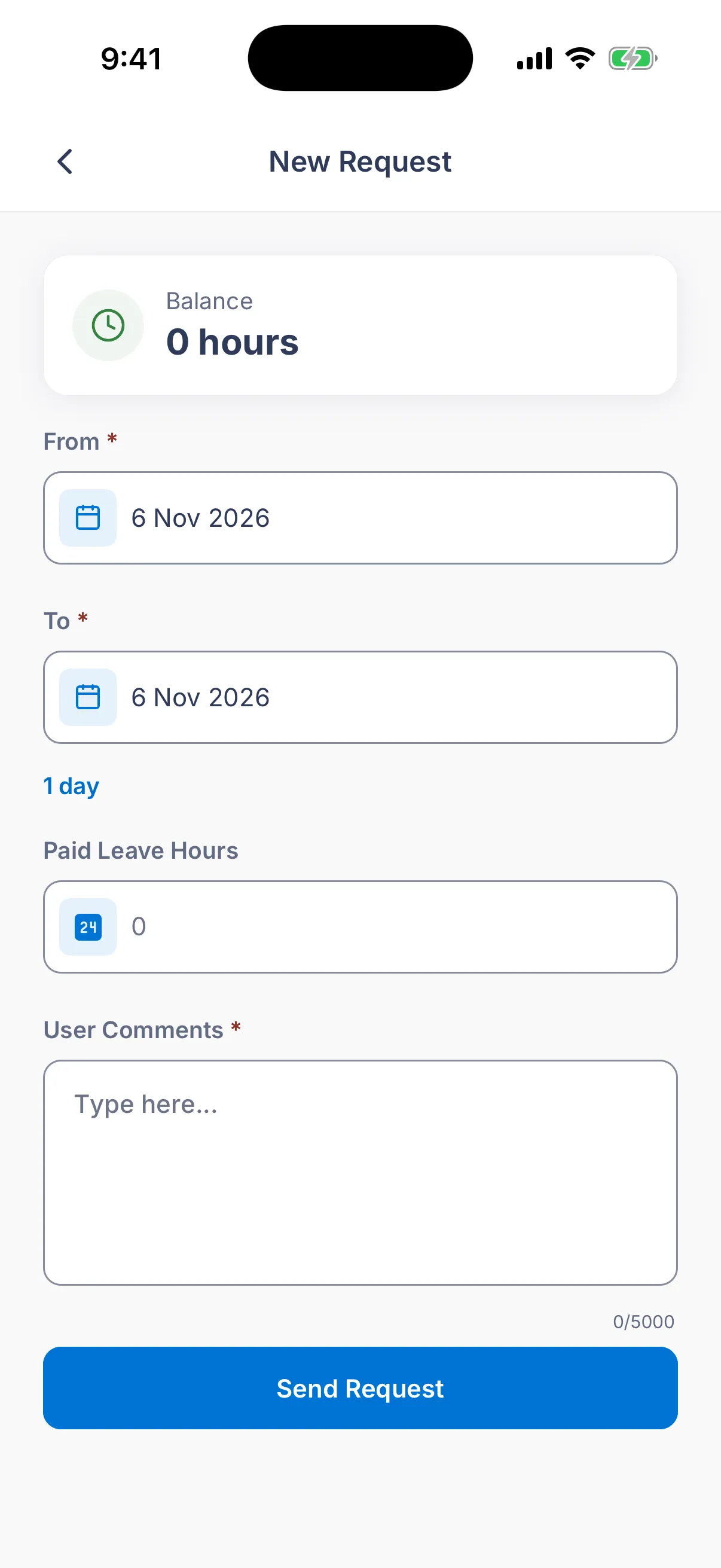
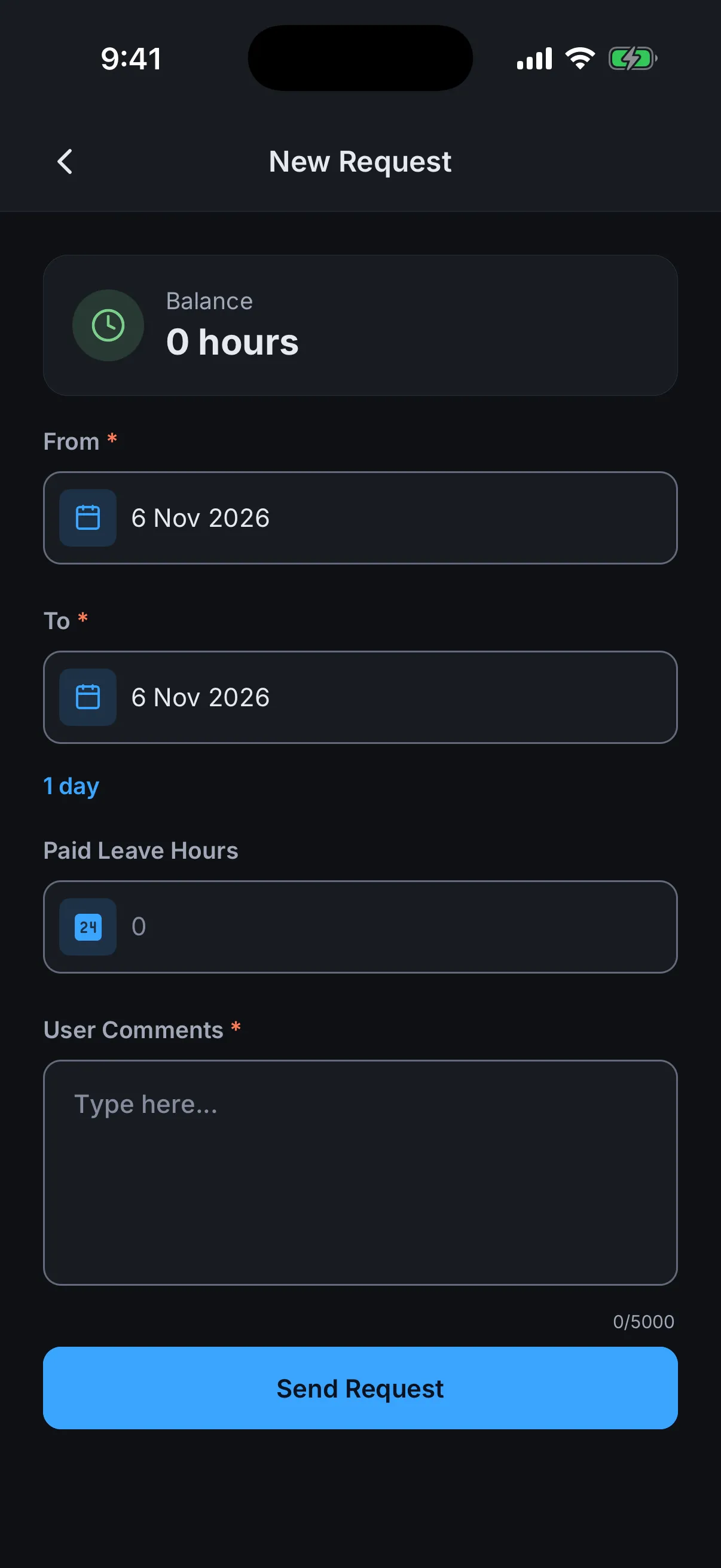 The request carries dates, hours and a comment. “Can I have the 22nd?” in the hallway carried none of those.
The request goes to the manager. Their managers get a push, and the company’s notification recipients and the employee’s supervisor, if one is set, get an email. On the web, the manager approves or declines it, with a comment if needed. The employee gets a push with the answer.
Approving does two useful things on its own. It takes the paid hours off the person’s balance, and it flags any shift on the schedule that overlaps the time off, so the gap is visible while there is still time to cover it. How to approve time off is the manager’s half in full.
Every request keeps its status, Submitted, Approved, Declined or Canceled, so “I asked for that in March” can be checked instead of argued.
Build the week around it
A calendar shows approved time off and events together. When you build next week’s schedule, you see who is out before you assign the Tuesday early shift, not after. Send the schedule with Notify, and staff confirm or decline their shifts in the app.
Permissions can be set by location, position or group, so a site lead sees their own team and the owner sees both clinics.
What it does not do
TimeGO is not a clinical or patient system. It tracks staff time and time off, and nothing about the care given, so keep patient details out of it. It also does not decide your leave policy: how much paid time off people earn and when is yours to set, and the balance is only as right as the numbers you enter.
Starting
Pick one pay period. Add your staff and a job for each location, ask everyone to clock in from their phone for those two weeks, and tell them that from the first of next month time-off requests go through the app. At the end of the period, export the timesheet and compare it with what the sign-in sheet would have said.