 English
 Español
 Tiếng Việt
 Deutsch
 Français
 Português
 Polski
 Nederlands
 Italiano
 Svenska
 Norsk
 Dansk
 Suomi
 Čeština
 हिन्दी
 العربية
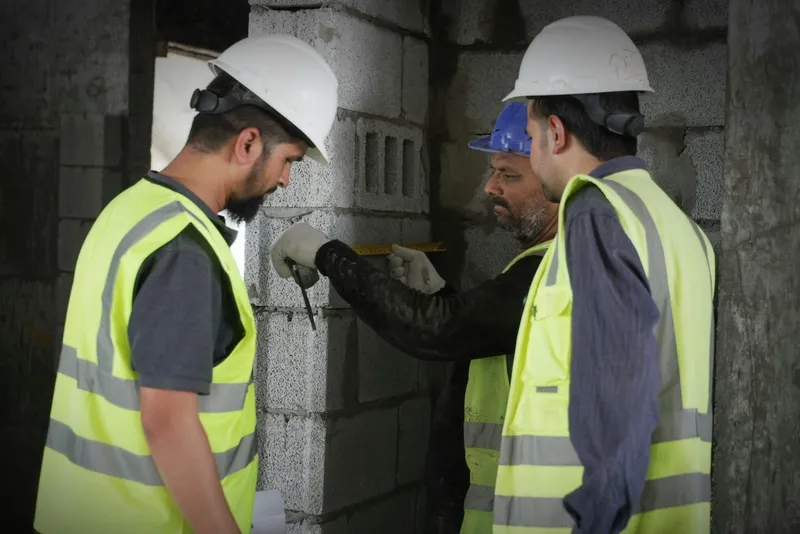
To replace a paper form, rebuild it in TimeGO’s form builder with the same fields, assign it to the people who fill it in, and let them do it on their phones, photos and signature included. The answers land in one place in the web dashboard instead of in a truck’s door pocket. Do one form at a time, starting with the one that causes you the most trouble.
What paper costs you, line by line
A paper inspection sheet has a life of its own. It is filled in at the end of the week from memory. It gets rained on. The handwriting on line 9 could be a 4 or a 9. Someone drives the pages to the office, someone else types them in, and the photo the client really wanted is on the inspector’s phone, not stapled to anything.
The usual half-fix is a photo of the paper form sent by text. It travels faster, and it is still paper: unreadable, unsearchable, and gone when the phone is replaced.
Paper, a form or a to-do list
| Paper sheet | Custom form | To-do list | |
|---|---|---|---|
| Best for | Nothing you need again | An inspection, a daily report, an incident, a sign-off | Steps done every day or week |
| What the worker does | Writes, later | Fills fields, adds photos, signs | Ticks tasks, adds a note or photo |
| Proof | Handwriting | Photos, files, a signature | A tick with a time, optional photo |
| Where it ends up | A box | Results in the dashboard | Each day kept in history |
Many teams use both. The closing steps live in a to-do list; the end-of-shift report is a form. A to-do task can take a note or a photo too, so a short list is sometimes all a job needs.
Build the form once
In the web dashboard, the form builder takes text fields, dates, dropdowns, checkboxes and toggles. A form can ask for a photo, a file or a signature. You can build as many forms as you need, and submissions are unlimited, so one daily report can run at every site every day.
Start from the paper you already have. If the inspection sheet has twelve lines, make twelve fields, in the same order. People fill in a familiar form faster, and you will change it later anyway, once you see what the answers look like. The templates are a place to steal questions from if you are starting from nothing.
A form can be set so each person submits it only once, which suits a safety acknowledgment or a policy sign-off. You also decide who sees the submissions in the app: nobody, only the person who submitted, or everyone assigned to the job.
What the worker does
The employee opens the More tab and taps Forms. They see only the forms assigned to them.
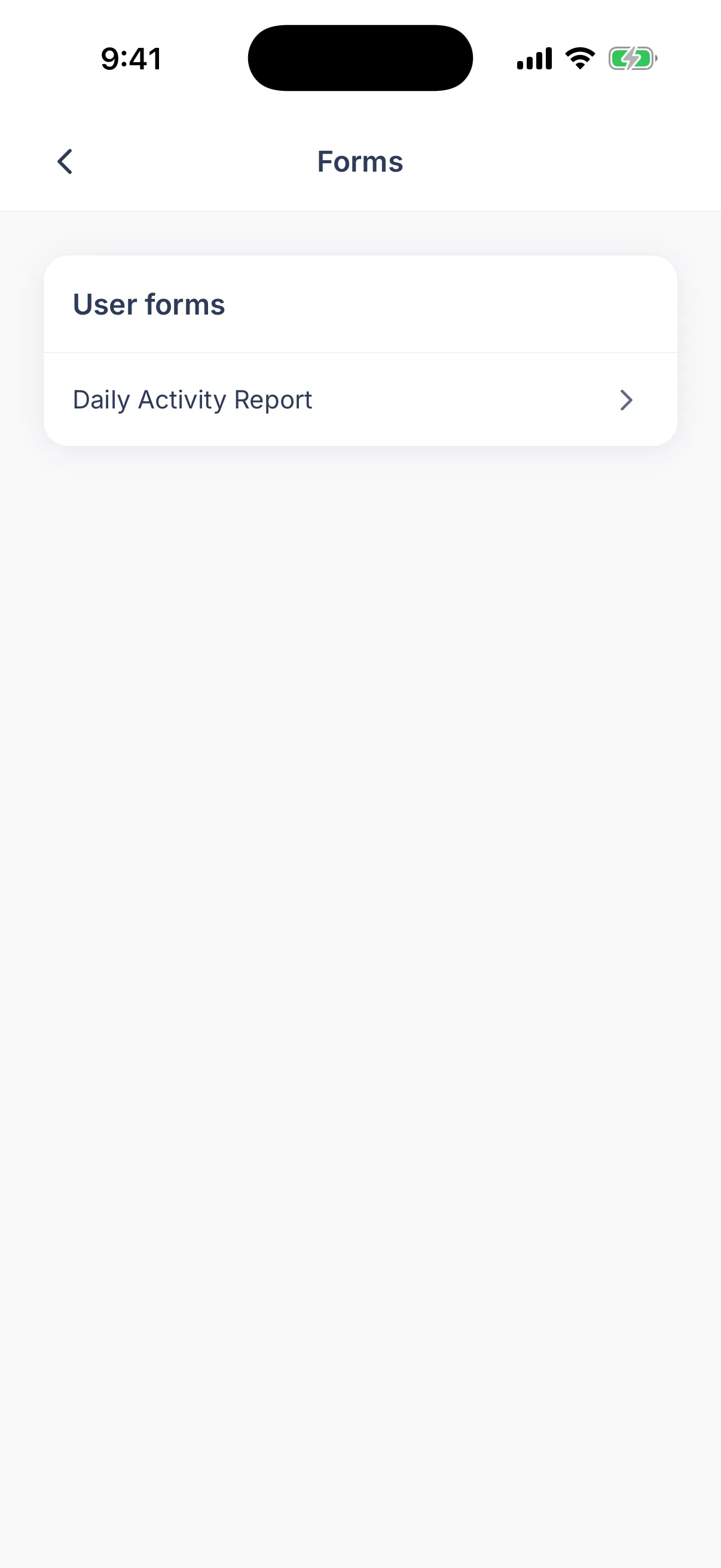
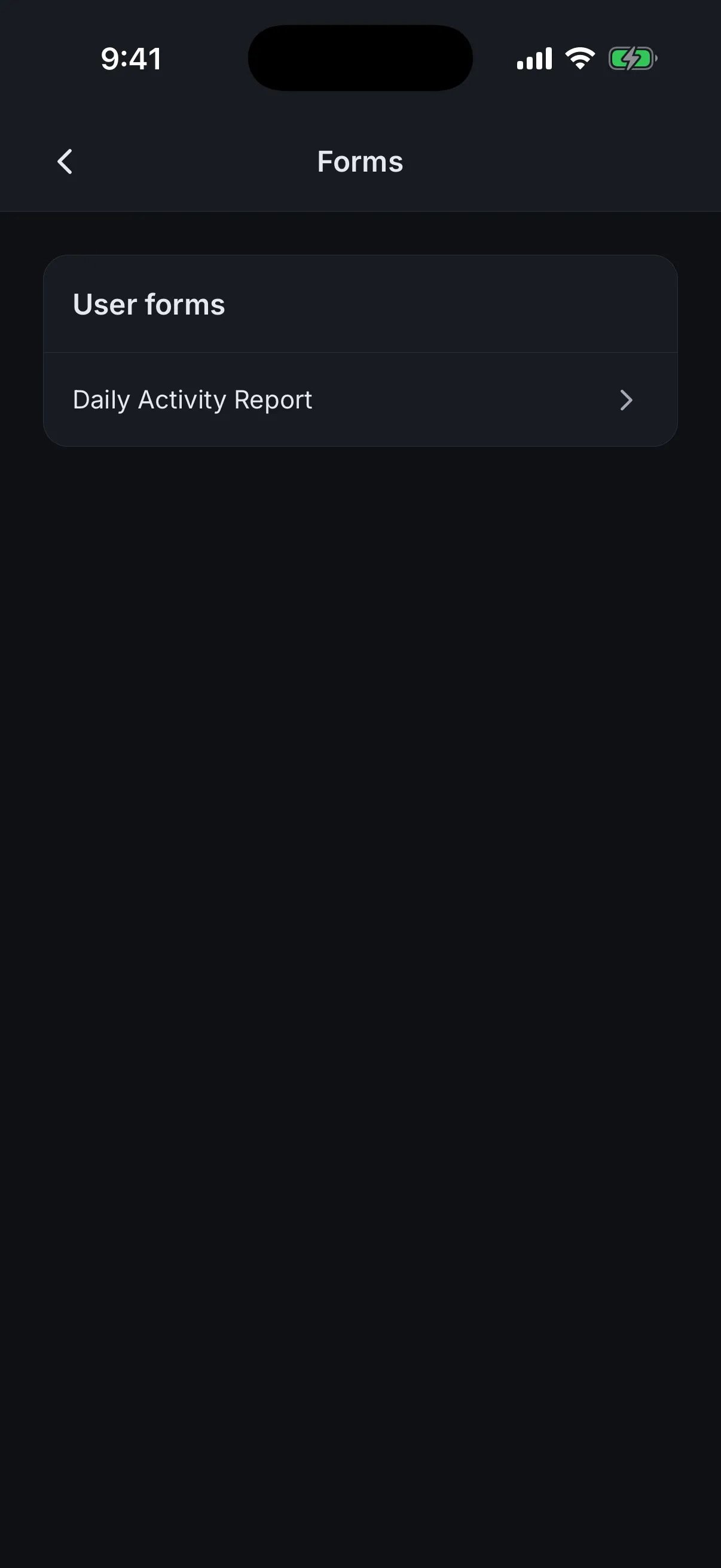 Only the forms assigned to this person show up, so a guard never scrolls past the landscaping checklist.
They pick one, fill each field, take the photo the form asks for, sign with a finger and tap Submit. How to fill in a custom form shows each screen.
Where the answers go
Managers read the results in the web dashboard, every submission with who sent it and when, and can export them. You can also set up scheduled reports for a form. If a client wants to read them too, a client login can be given optional access to form results, per client.
When a client questions last Tuesday’s inspection, you open the form: the answers, the photo of the wall, the signature, the time it was submitted. Nobody goes through a box.
Moving off paper
Do one form and one crew first, and run paper beside the app until the two agree. Moving every form in a single weekend is how you end up with crews filling in both, or neither. Stop paper timesheets on construction sites has the full rollout, and the first step here is the same: rebuild the one paper form that causes the most trouble, with the same fields, and show each person where Forms is under More.
What it does not do
A form keeps what the person entered and the pictures they took. Someone still has to read the results, and the first month is when that matters most: the crew learns quickly whether anyone looks.
Custom forms are on the Pro plan. If Forms is missing under More in the app, the company is on Free or Basic.