 English
 Español
 Tiếng Việt
 Deutsch
 Français
 Português
 Polski
 Nederlands
 Italiano
 Svenska
 Norsk
 Dansk
 Suomi
 Čeština
 हिन्दी
 العربية
Phone app
1 min read
How to use a shift to-do list
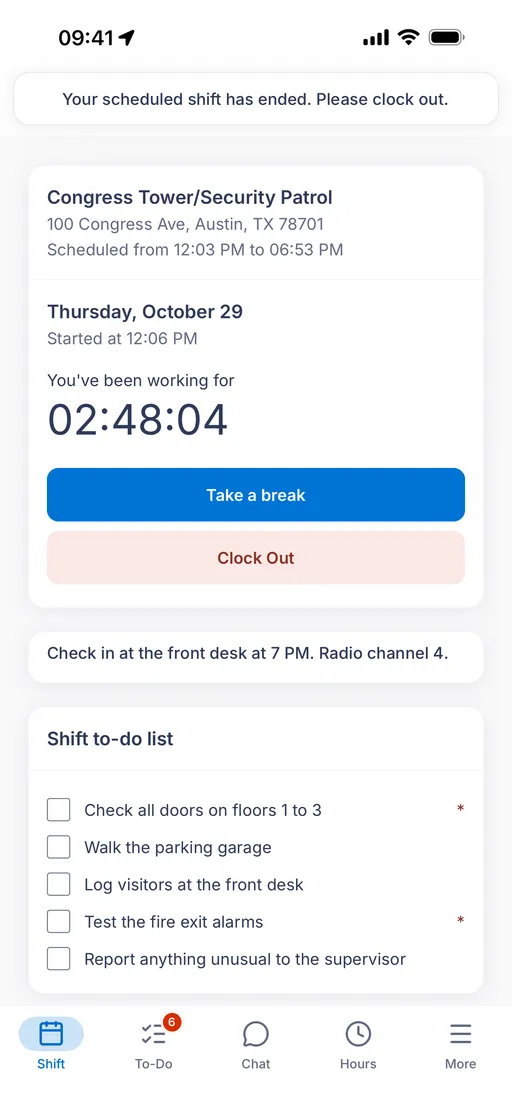
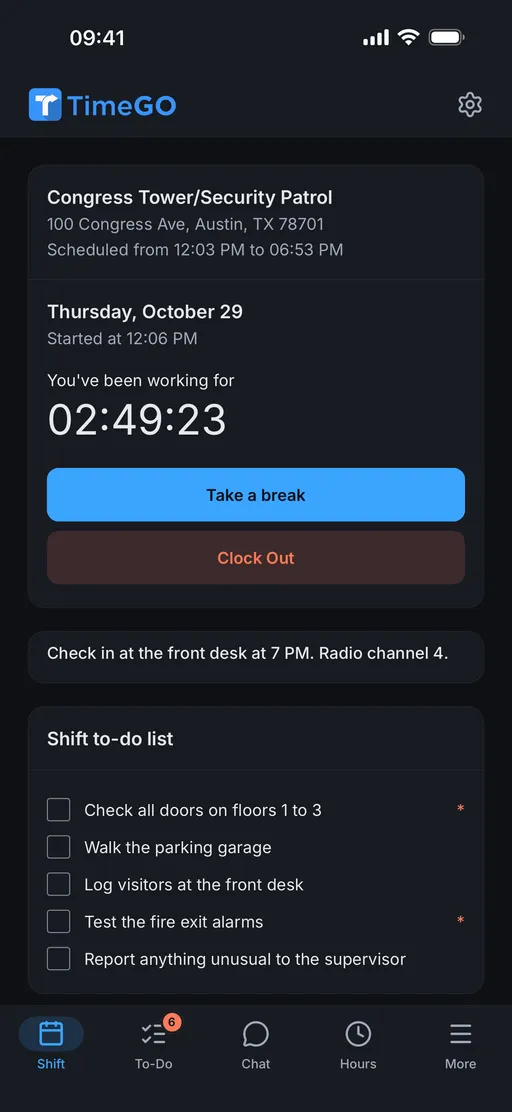
On the Shift tab, check off your shift to-do list under the timer and finish the required tasks before you clock out.
Steps
- 1
Open the Shift tab.
- 2
Under the timer, check off each task when it is done. Required tasks are marked with an asterisk (*).
- 3
Finish the required tasks, then tap Clock Out.
If it does not work
You do not see your shift to-do list.
Your manager decides which lists show in the app. Ask your manager to set the list to show.
Good to know
- The list shows how many required tasks are left.
- If a required task is still open when you clock out, the list is marked as submitted and an alert is written for your manager.
About the feature: More about To-Do lists, More about Mobile app